21. RECORDING DATA IN THE RECORD MODE
Pressing 【REC】on the second page of the Meas Mode Screen and you will go to the
record mode. In this mode, you can store measurement data (distance, angle,
coordinates and codes) in the memory of the instrument.
21.1 Recording distance measurement data
In the record mode, distance measurement data, offset measurement data, etc, can be
store in the current job file. By using the 【ALL】you can store all the data from a
measurement at one time. This may include slope distance, vertical angle, horizontal
angle , point name, code and height of the target.
O
eratin
Ke
sDis
la
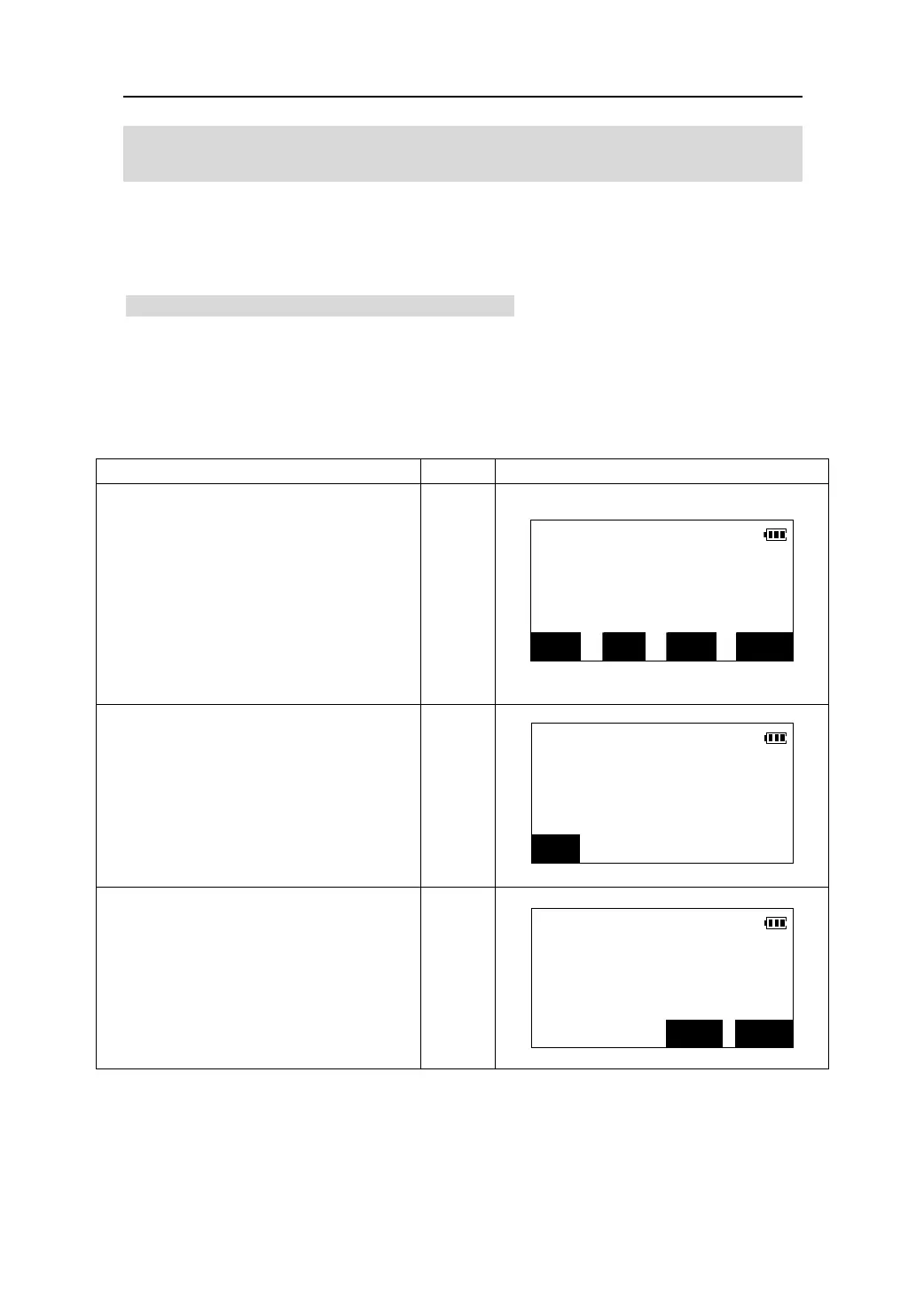
1. In the second page of Meas Mode, press
【REC】to enter the recording mode.
REC/Dist. Data
S
ZA 101°19′37″
【REC】
HAR 350°43′20″
ALL MODE OFS MEAS
2. Sight the target and press 【MEAS】to
REC
begin distance measurement.
S 103.126m
ZA 101°19′37″
【MEAS】
HAR 350°43′20″
STOP
3. Press 【STOP】 to finish measurement.
The measurement results are displayed
on from the second line to the forth line
of screen.
【STOP】
REC/Dist. Data
*S 103.126m
*ZA 101°19′37″
*HAR 350°43′20″
NO REC
81











 To Next Page