18. AREA CALCULATION
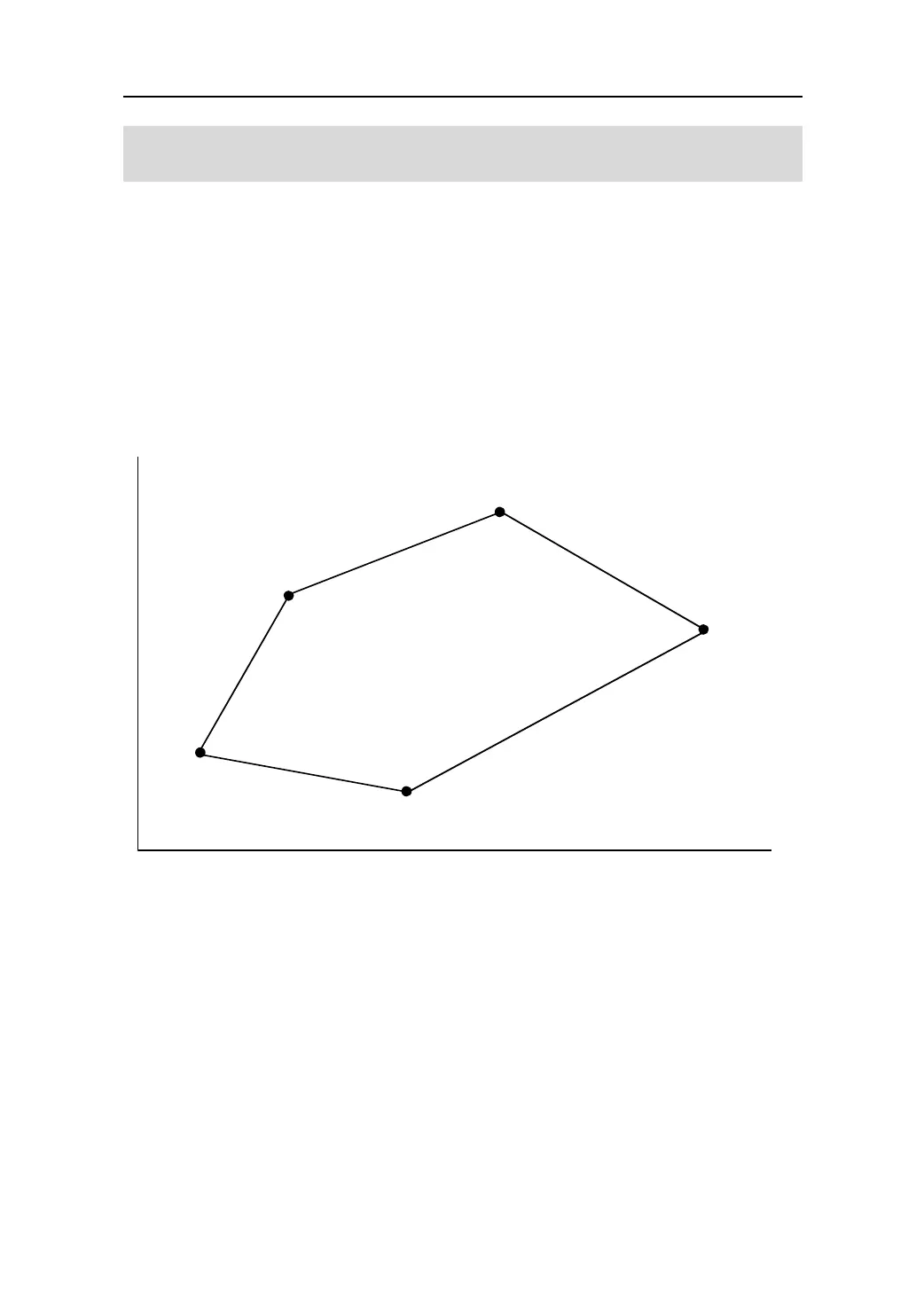
This function allows for the calculation of the area of land using three or more known
points. The coordinates of the points can be specified by measuring the point,
reading-in from memory, and entering directly.
Input Output
Coordinate:P1(N1,E1)
Area :S
P2(N1,E1)
P3(N1,E1)
N
E
PT-01
PT-02
PT-03
PT-05
PT-04
S
Before this measurement, the softkey 【AREA】 must be allocated in the Meas Mode
following the steps in “22.3.1 Defining softkeys”.
Selecting “6. Area calc.” in the menu mode can perform the same function.
z The number of specified coordinates points:3 to 30 points.
z Make sure that the points are done in a CCW or CW sequence. Failure to do so
will result in erroneous results.
61




 To Next Page