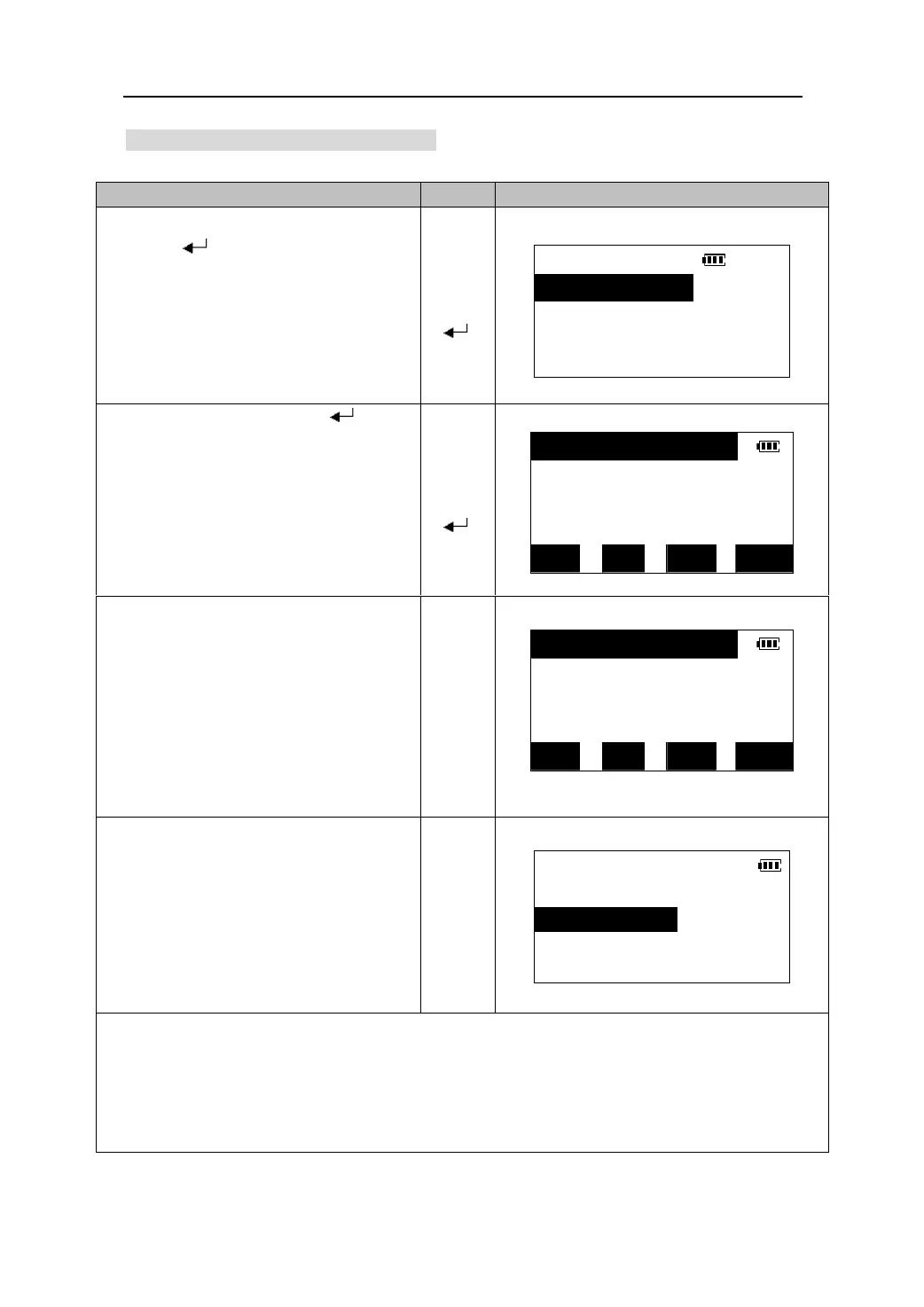
20.6 Reviewing and deleting codes
It is possible to review and delete codes stored in the memory.
O
eratin
Ke
s Dis
la
1. Select “3. Code” in the Memory Mode and
press 【
】 to go to the <CODE> menu
CODE
【】
screen.
1.Key in coord
【】
【
2.List
】
3.Del all
2. Select “2 .List” and press 【 】. The
code list is displayed.
【】
【】
【
】
TREE
A001
A002
POINT1 ↓
SFT TOP LAST DEL
3. Press 【DEL】 to delete the code on the
line which the cursor is located.
【DEL】
A001
A002
POINT1
POINT2 ↓
SFT TOP LAST DEL
4. Press 【ESC】to finish this procedure
and return to <CODE> menu.
CODE
1.Key in code
【ESC】
2.List
3.Del all
z Press 【▲】/【▼】to move the cursor up and down from line to line.
z
Press 【SFT】and then Press 【▲】/【▼】to move the cursor from page to page.
z Press 【TOP】to move the cursor to the list’s beginning, press 【LAST】to move the cursor to the
list’s end.
z Selecting “3.Del all” in <CODE> menu can delete all the codes in the memory.
79











 To Next Page