93
22.3.3 Recalling a softkeys allocation
At any time, you may choose to recall any of the softkey configurations you entered.
2.Select one of the three position as the
softkey array to be registered and press
【 】.
【5】
【6】
【 】
Key function
Register to Def.1
NO
YES
3. Press 【YES】.The softkey array is
registered and the key function menu
screen restored.
【YES】
Key function
1.Def.1
2.Def.2
3.Def.3
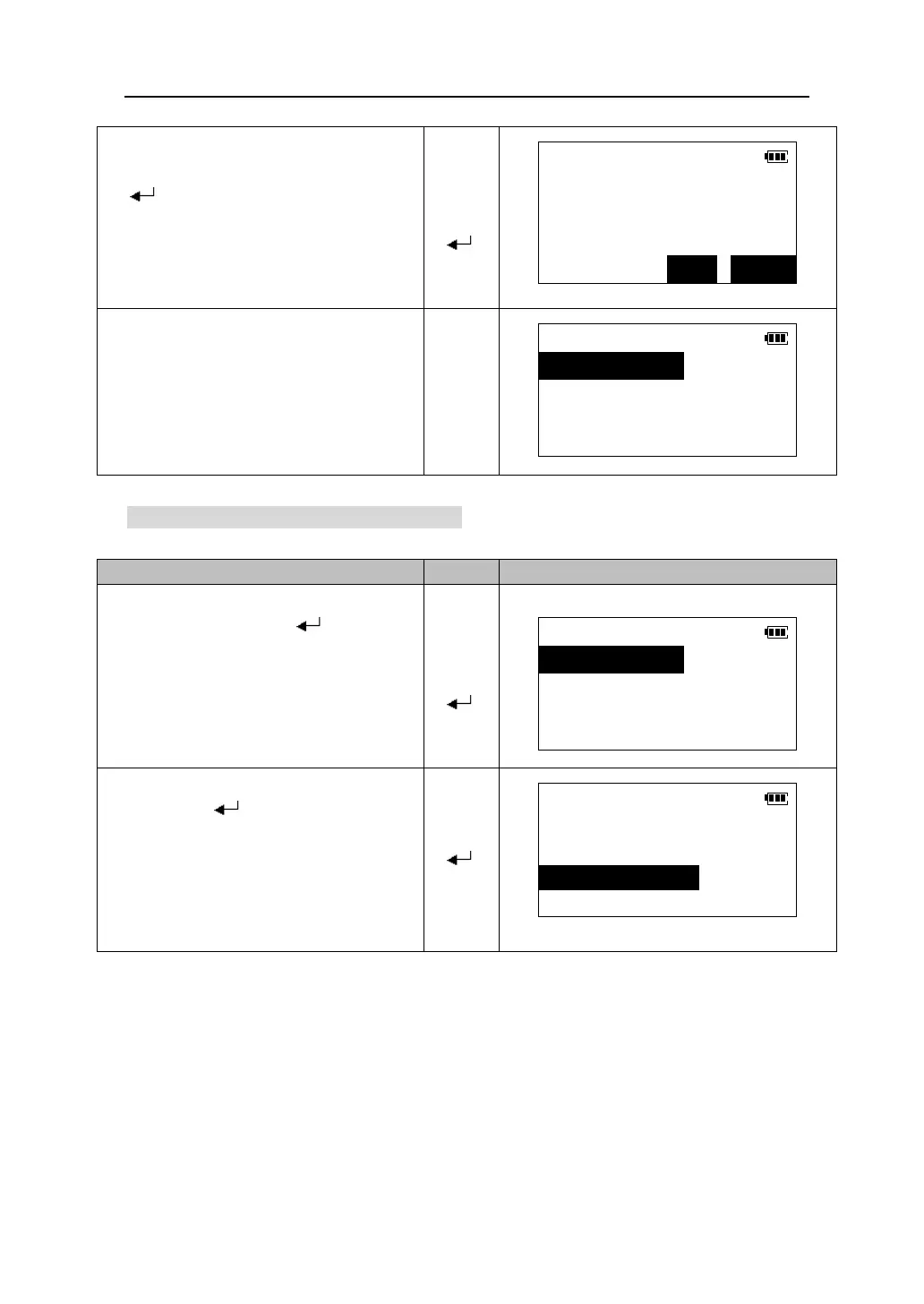
1. In <Key function> menu, select
“3.Recall” and press 【 】.
【5】
【6】
【 】
Key function
1.Def.1
2.Def.2
3.Def.3
4.Default
2.
Select the softkey array you want to recall
and press 【 】
screen is restored. This displays the
functions in the recalled array in Meas
mode.
【 】
Key function
1.Define
2.Registration
3.Recall











 To Next Page