12.1.1 Inputting instrument station coordinate from keyboard
O
eratin
Ke
s Dis
la
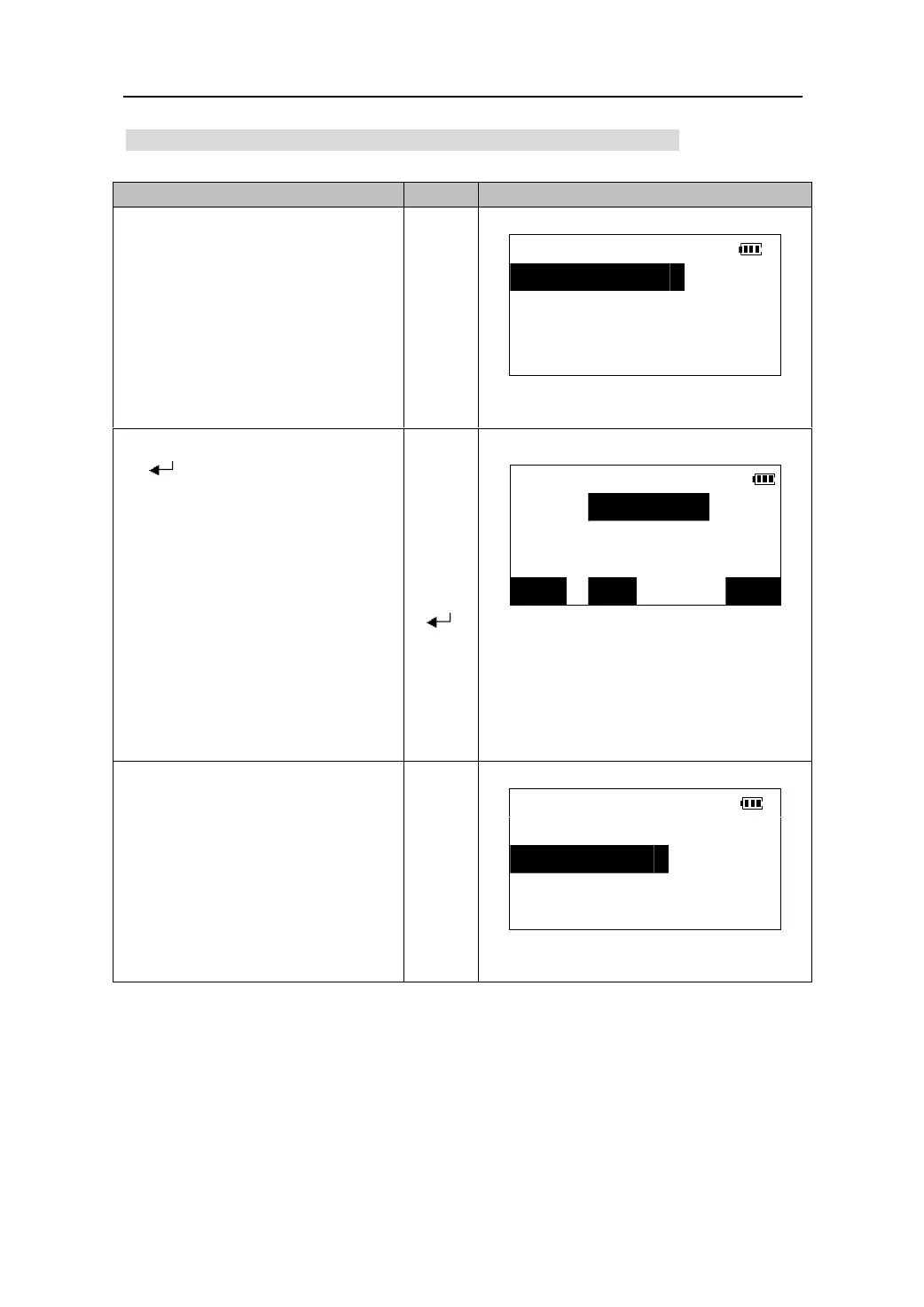
1.In the second page of Meas Mode,
press 【CRD】to display coordinate
COORD
measurement menu.
1.Observation
z Selecting “1. Coordinate” in
Menu Mode can perform the
same function.
2.Stn. data
【CRD】
3.Stn. orient
4.Ins.h & Tgt.h
2.Select “2. Stn. data” and press
【
】to enter station setting
Set station
screen.
N0﹤m﹥: 0.000
Input the station coordinates.
E0﹤m﹥: 0.000
z When you wish to read in the
re
istered coordinate data in the
memory, press【READ】.
Z0﹤m﹥: 0.000
【】
【】
【
z When【REC】is pressed,
instrument station data is stored
in the current JOB. Please see
“store the data in the record
mode”.
】
READ REC
OK
3.Press 【OK】to confirm the station
coordinate and return.
COORD
1.Observation
2.Stn. data
【OK】
3.Stn. orient
4.Ins.h&Tgt.h
30











 To Next Page