92
22.3.2 Registering a softkeys allocation
After the softkey allocation are defined, they can be registered in user setting 1, 2 or 3 ,
and the factory setting and user setting can be recalled later whenever you want.
4.Press 【5】/【6】
of this softkey.
【5】
【6】
Key function
DIST
SHV
HSET
EDM
0SET
CRD
S-O
REC
MLM
REM MENU
HT
5. Repeat step 3 to 4 until all required
softkeys have been allocated.
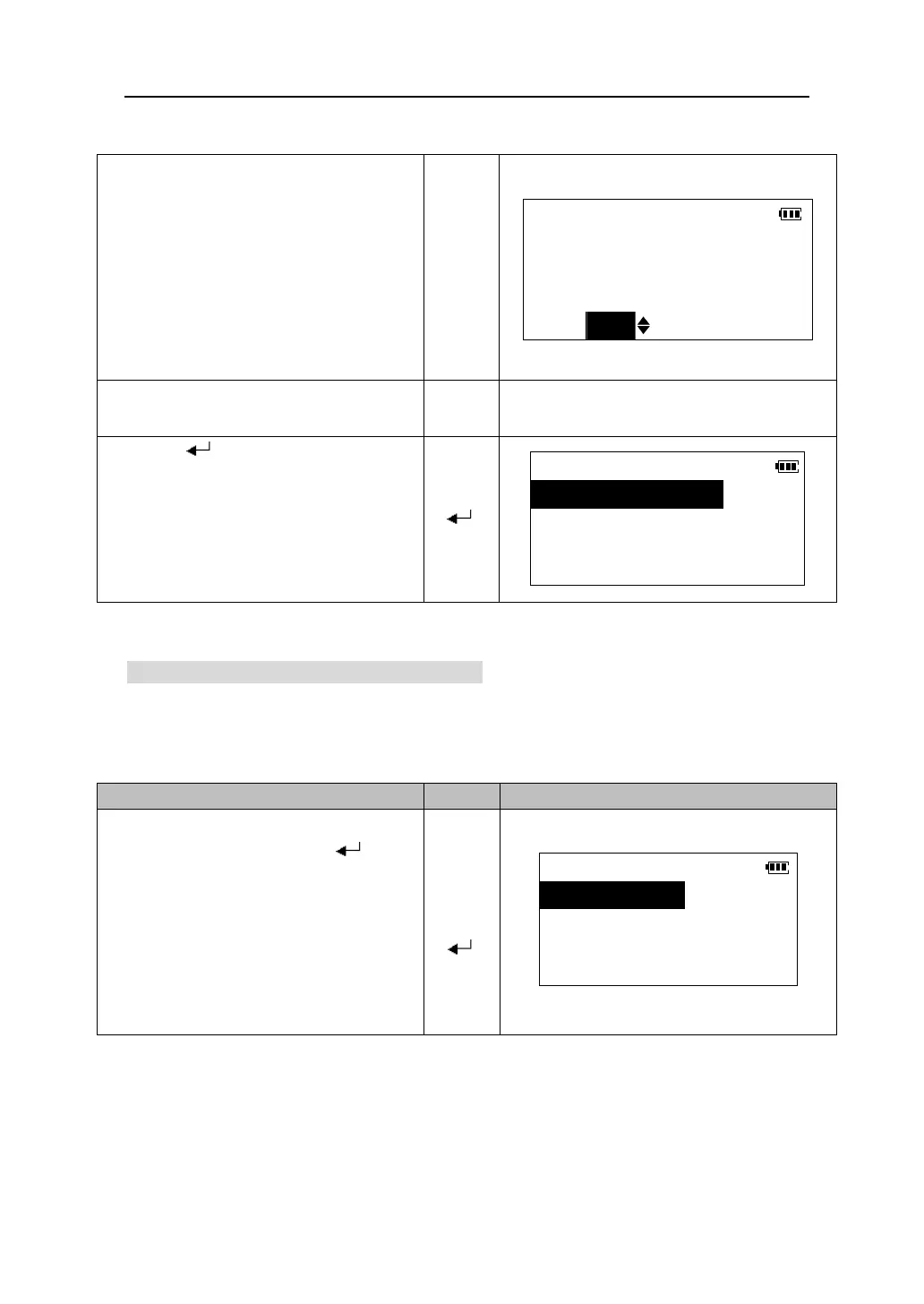
6.Press 【 】 to record the allocations
and return to <Key function> menu.
【 】
Key function
1.Define
2.Registration
3.Recall
1.In <Key function> menu, select
“2. Registration” and press 【 】.
【5】
【6】
【 】
Key function
1.Def.1
2.Def.2
3.Def.3











 To Next Page