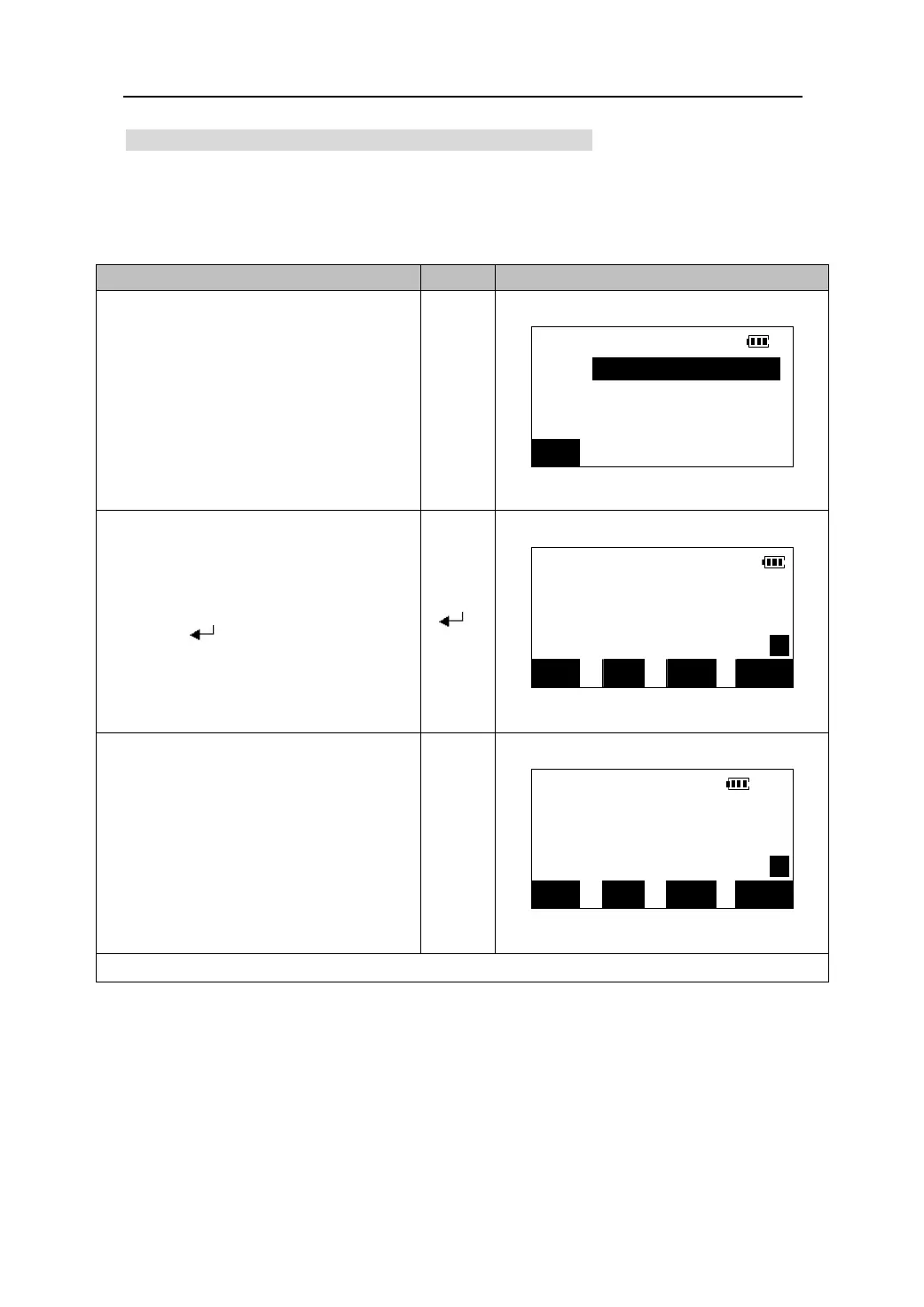
10.2 Setting the horizontal angle to a required value
1.You can reset the horizontal angle to a required value and use this value to find the
horizontal angle of a new target.
O
eratin
Ke
s Dis
la
1. Sight the first target and then press
the 【HSET】 in the first page of the
Set H angle
Meas Mode Screen. The screen pictured
HAR: 120.0912
to the right will appear.
【HSET】
BS
2. From this screen, enter in the angle you
wish to use as a reference. In this case,
MEAS
use 120.0912 …Please note the use of
H
the decimal. Once complete,
ZA 99°43′13″
【 】
press 【
】. See display at right.
HAR 120°09′12″ P1
DIST SHV HSET EDM
3. Sight the second target. The
horizontal angle from the second
MEAS
target to the value set as the horizontal
H
angle is displayed.
ZA 99°43′13″
HAR 140°20′10″ P1
DIST SHV HSET EDM
z Calculating the azimuth : Press 【BS】.See “12.2 Azimuth angle setting ”
18











 To Next Page