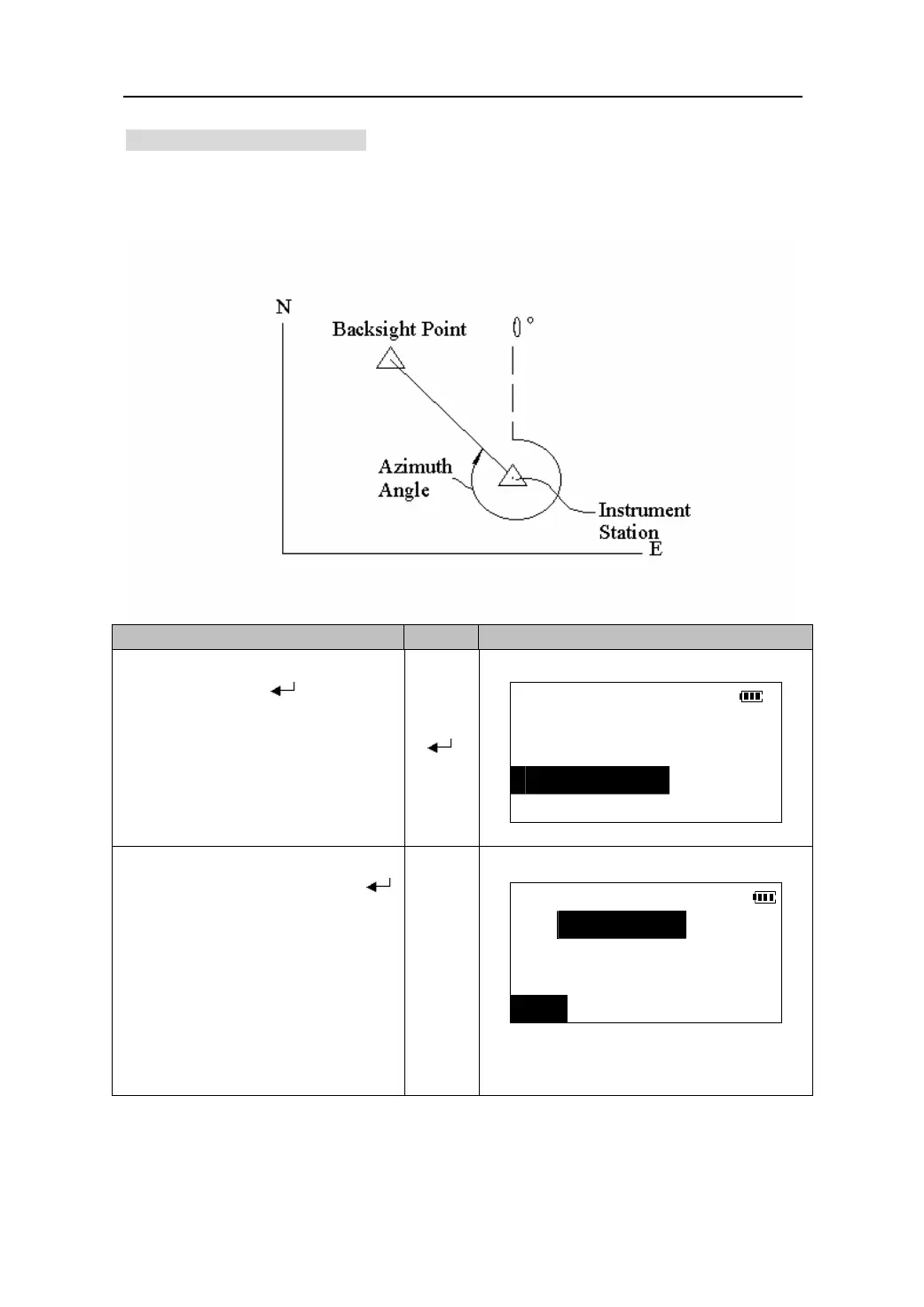
12.2 Azimuth angle setting
The azimuth angle of the backsight point can be set by inputting the angle directly or
by calculating from coordinates of the back sight point and the instrument station.
O
eratin
Ke
s Dis
la
1.Select “3. Stn.orient” in <COORD>
menu, and press 【
】to enter the
COORD
the azimuth angle setting mode.
1.Observation
【 】
2.Stn. data
3.Stn. orient
4.Ins.h&tgt.h
2. Input the azimuth angle directly and
sight the backsight point, press 【
】
Set H angle
to complete the orientation of the
HAR:
instrument station and return.
please see “11.2 set the horizontal as
【BS】
the needed direction”
BS
z Press 【BS】to set azimuth angle b
calculating from coordinates.
32











 To Next Page