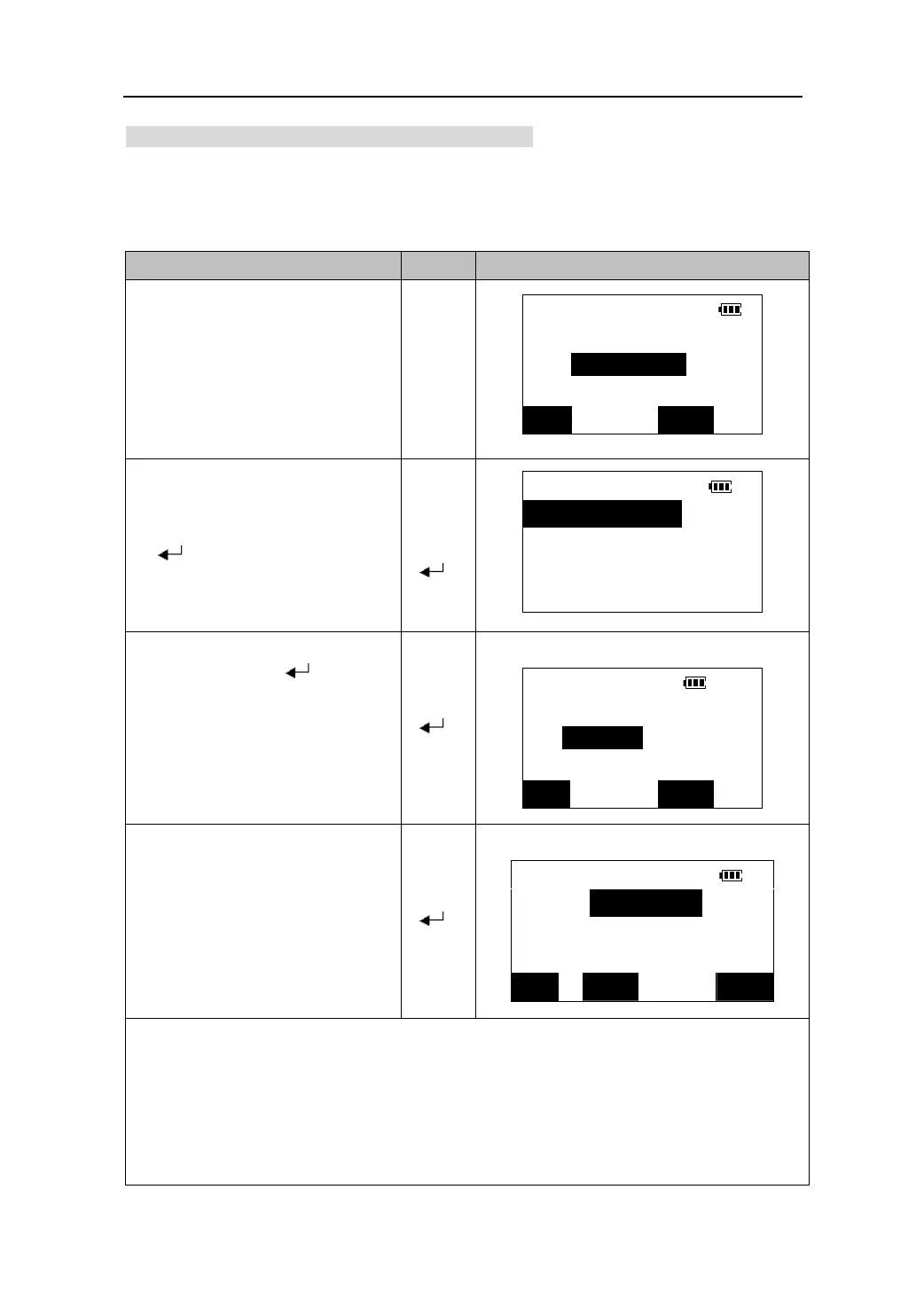
12.1.2 Reading in registered coordinate data
The coordinate data registered in the memory in advance can be recalled by pressing
【READ】when inputting coordinates.
Known point data, coordinate data in the current job and coordinate data in any job file
can be read in.
Operating Keys Display
1. In the Setting Station Screen , press
【READ】to display the search point
screen.
Search point
File Known data
The file from which coordinate data
will be read in is displayed on the
second line. This file can be changed
by pressing 【FILE】.
Pt.:
【FILE】
FILE LIST
2.Press 【FILE】 to select another file.
Press【】/【】to move the cursor
to the required position, press
【
Select File
1.Known data
【】
2.Current job
【】
】.
3.Job list
Example: Select the “Current job”.
【
】
3.Input the point number you want to
search and press 【
】.
Search point
You can also press【LIST】to list all
data in the file and select the
required point.
File JOB1
【 】
Pt.:2
FILE LIST
4. When the point is found, the
coordinate of the point will be
Set station
displayed.
N0﹤m﹥:
353.636
Press 【OK】to set the data as the
instrument station coordinate and
return .
【 】
E0﹤m﹥:
237.358
Z0﹤m﹥:0.000
READ REC OK
In the data list:
z Press 【▲】/【▼】to move the cursor up and down from line to line.
z Press 【SFT】and then Press 【▲】/【▼】to move the cursor from page to page.
z Press 【TOP】 to move the cursor to the list’s beginning, press 【LAST】 to move the cursor
to the list’s end.
z Press 【SRCH】to input the point name and search it.
31











 To Next Page