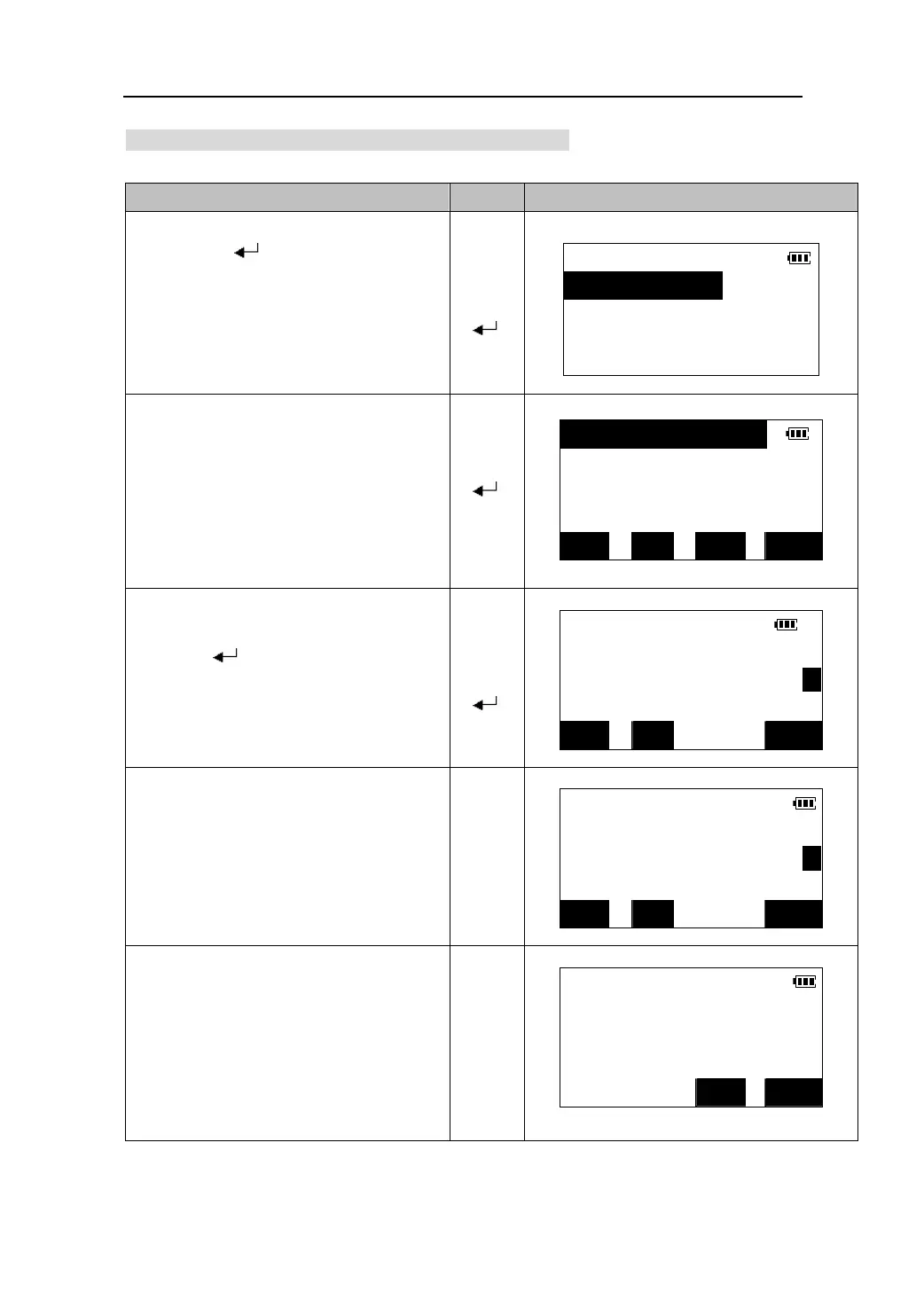
20.1.1 Reviewing and deleting record in job file
Operating Keys Display
1.Select the job file in the job file list,
and press【
】to come in the screen
JOB
1.View
of managing job file.
【】
【】
【
】
2.Comms output
3.Rename
4.Del
2.The records within the job file list on the
Crd. PT001
screen, including the record type and the
Ang. A136
Stn. ST09
name.
z Ang: angle data
z Crd: coordinate data
z Stn: station data
z Dist:distance data
【 】
Dist. R007
TOP LAST SRCH SFT
3. Press 【】/【】to move the cursor and
Pt PT001/1
N 235.874m
select the record.
Press 【
】to display the details
of record in two pages.
z Press 【PREV】to display previous record.
z Press【NEXT】to display next record.
【】
【】
E 542.765m P1
Z 0.975m
PREV
【
】
NEXT DEL
4. Press key【PAGE】to toggle between
two pages.
Pt. PT001/1
Code JD
Tgt.ht 1.243m P2
PREV
【PAGE】
NEXT DEL
5. Press 【DEL】. Deletion confirmation
screen is viewed.
z Press 【YES】to confirm deletion of the
record and return to the record list
screen.
Del pt. PT001?
【DEL】
NO
z Press 【NO】to abort the operation and
return to the record display screen.
YES
70











 To Next Page