Keys Display
Operating
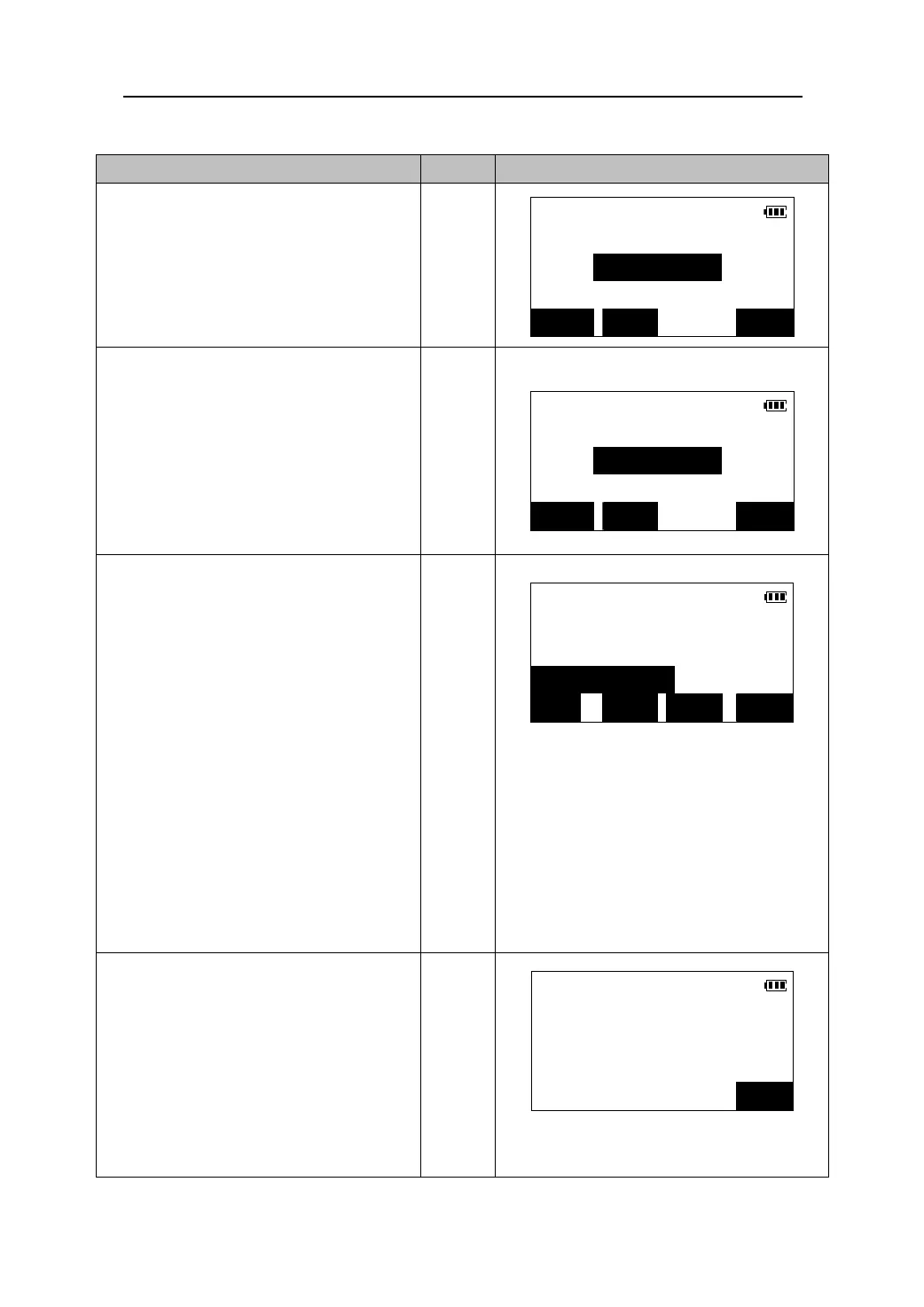
1. Press 【Area】 in the Meas Mode or select
Area calculation
“6.Area Calcul.” In the Menu Mode to
PT-01
come in this function screen.
【AREA】
N<m>:
E<m>:
READ OBS OK
2. Sight the first point ,and press 【OBS】to
begin measurement. When measurement
Area calculation
is finished, the measured values are
PT-01
displayed .
【OBS】
N<m>: 356.751
z When 【READ】 is pressed, registered
coordinates can be recalled.(Please see
E<m>: 234.465
“12.1.2 Reading in registered coordinate
data”).
READ OBS OK
3. Press 【OK】,and then specify the next
point. Following step 2, enter the series o
Area calculation
points, the list of the known points will be
01: PT-01
displayed, and the area of the polygon
02: PT-02
enclosed with the known points can be
03: PT-03
calculated.
z Press 【】/【】to move the cursor and selec
the known point.
z Press 【ADD】to add a known point to
enclose the polygon area.
z Press 【CRD】to enter or measure the
coordinates of the known point selected
again.
z Press 【CALC】to start calculations.
z Press 【Y/N】 to make the known point
selected joining for calculation or not.
【OK】
ADD CRD Y/N CALC
4. Press 【CALC】. The area and the
Area calculation
perimeter of the polygon enclosed with
Pts: 3
the all known points are calculated and
displayed.
Area: 281370.000m
2
Press 【OK】 to finish the area calculation
function and return to the Meas mode.
Press 【ESC】to return to the last screen.
【CALC】
Peri: 2585.485m
OK
62











 To Next Page