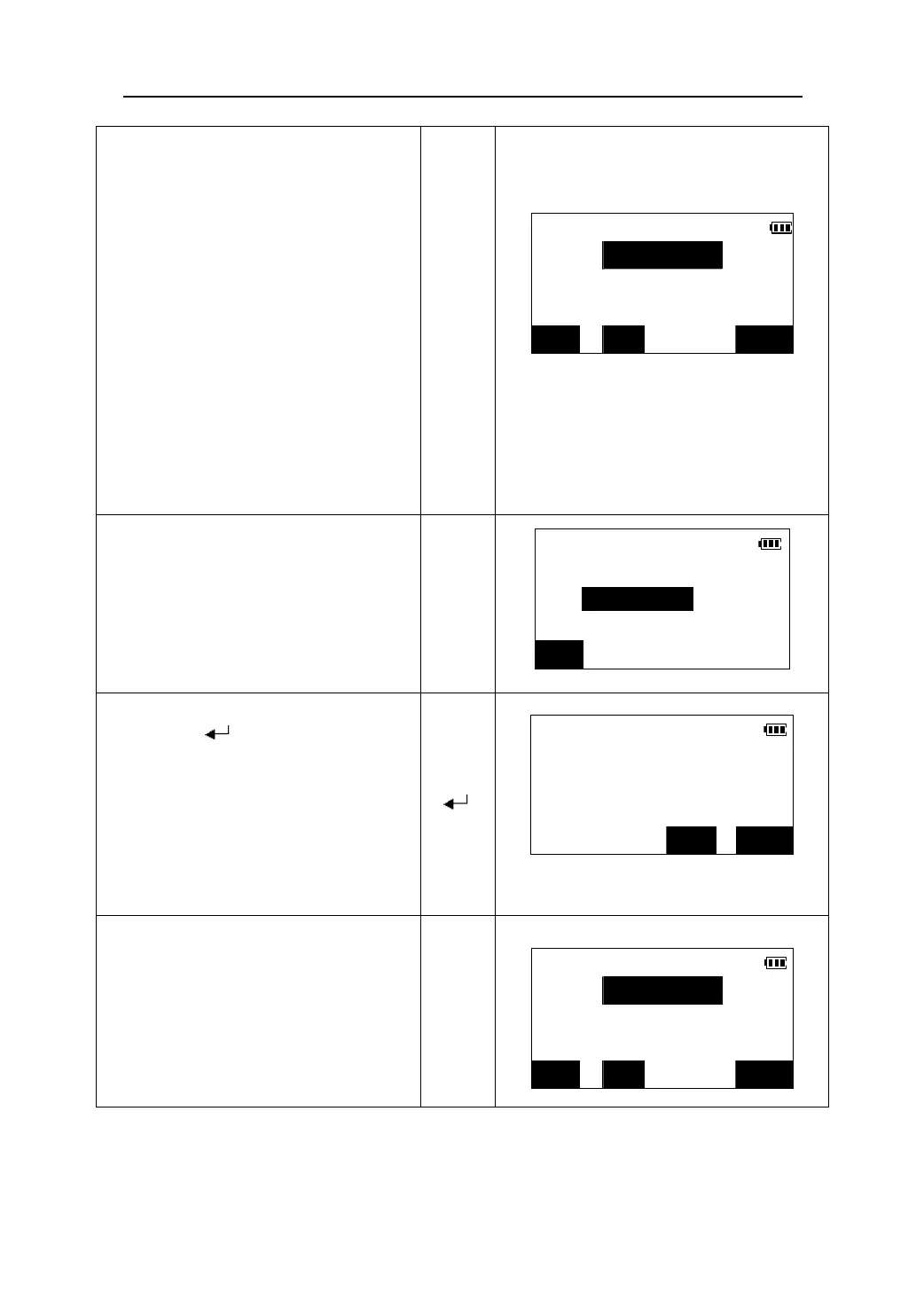
4. Press 【REC】 to record the data marked
with “*”. You will then be able to
Input the follow items:
(1) Point name (Maximum size:8)
Rec >> No job
(2) Code(Maximum size:8)
Pt.: 22
(3) Prism height
Code:
z If no job file selected for storing the
data, you should select it first.
Tgt.ht:1.232
【REC】
z Press 【VIEW】 to check the records that
have been stored within the current job
file.
z When the cursor is on the code line, the
code registered in memory can be
recalled and read in.
JOB VIEW OK
5. Press 【JOB】 to select a job file for
Select a job
storing the data .
Job:
【JOB】
LIST
6. Enter the name of the desired job file
New job
and press【 】.
If the job file exist in the memory, then it
Create new job ?
will be selected for storing the data, or the
instrument will ask you if a new job should
be created.
z Press 【LIST】 to select a job in the job
list.
【 】
NO YES
7. Press 【YES】 to create a new job and
select it as the current job file and
Rec >> JOB02
return to the step 4.
Pt.: 22
【YES】
Code:
Tgt.ht:1.232
JOB VIEW OK
82











 To Next Page