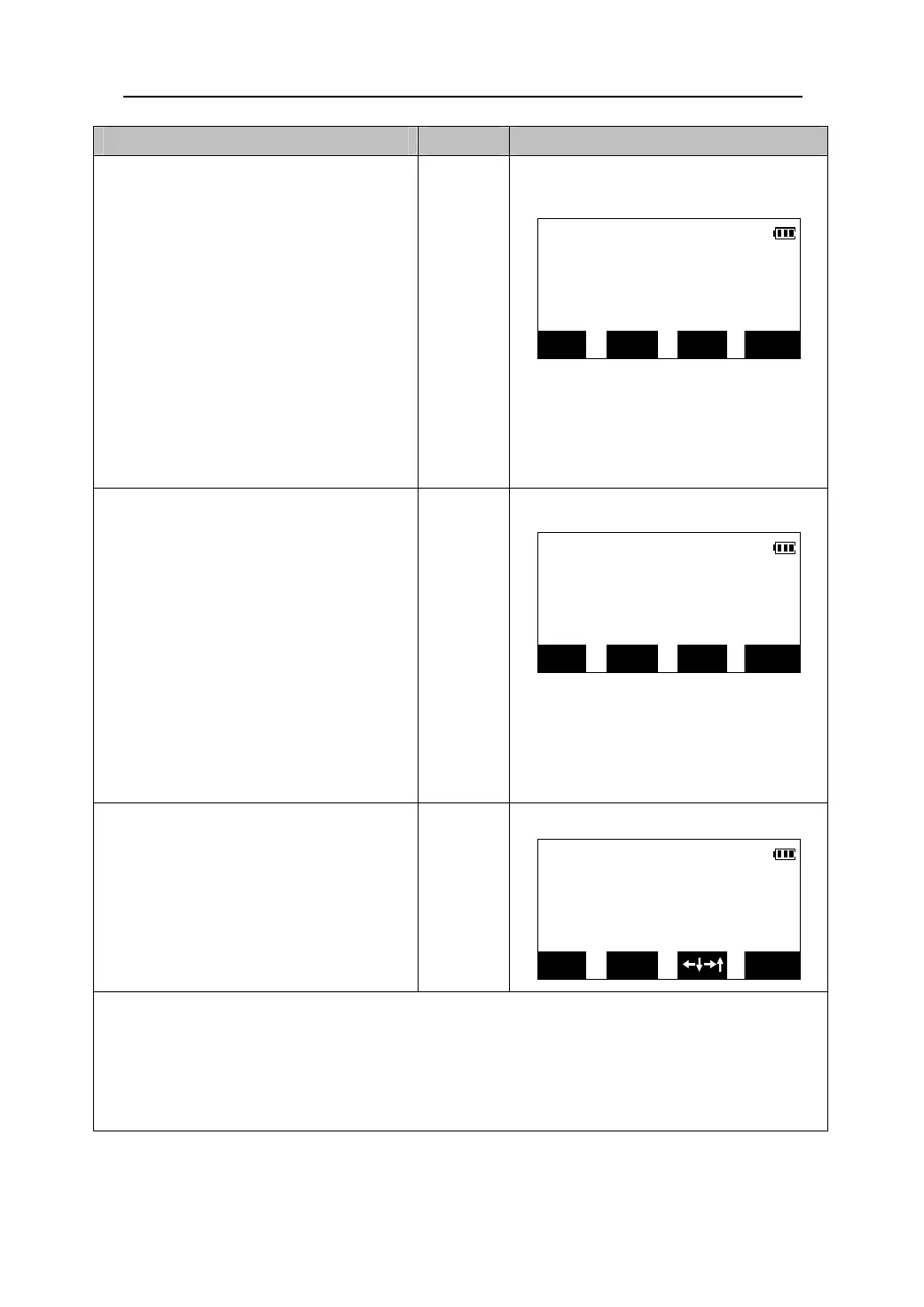
Operating Keys Display
10. When the measurement is
completed, the horizontal distance
difference is displayed on the third
S-O H
←→
line and the arrow displays
0°00′01″
which direction the target should be
moved from the instrument.
z The Meaning of the arrows:
↓:Move the prism towards inst.
↑
-15.346m
HAR 119°23′19″
↑:Move the prism away from inst.
z To change EDM settings, Press
【EDM】. Please see “12.1 Setting the
Distance Meas”
EDM MODE OBS DIFF
11. Move the prism forward and backward
until the horizontal distance
S-O H
←→
0°00′01″
difference is 0. When the horizontal
distance difference is within ±1cm,
↑↓
0.001m
↑↓will be displayed.
HAR 119°23′19″
z When repeat measurement mode or
tracking measurement mode is
selected, without any key press, the
setting-out result will be displayed
continuously while sighting the
prism .
EDM MODE DIFF OBS
12. Press 【DIFF】 to display the
setting-out result. Press 【ESC】 to
S-O H
dH
return to <S-O> menu.
0.001m
【DIFF】
dHA 0°00′01
HAR 119°23′19
EDM MODE
OBS
z Press 【MODE】to change setting-out measurement mode, the mode will be toggled between
setting-out distance and setting-out coordinate.
z When repeat measurement mode or tracking measurement mode is selected, press 【STOP】to
stop measurement.
39











 To Next Page