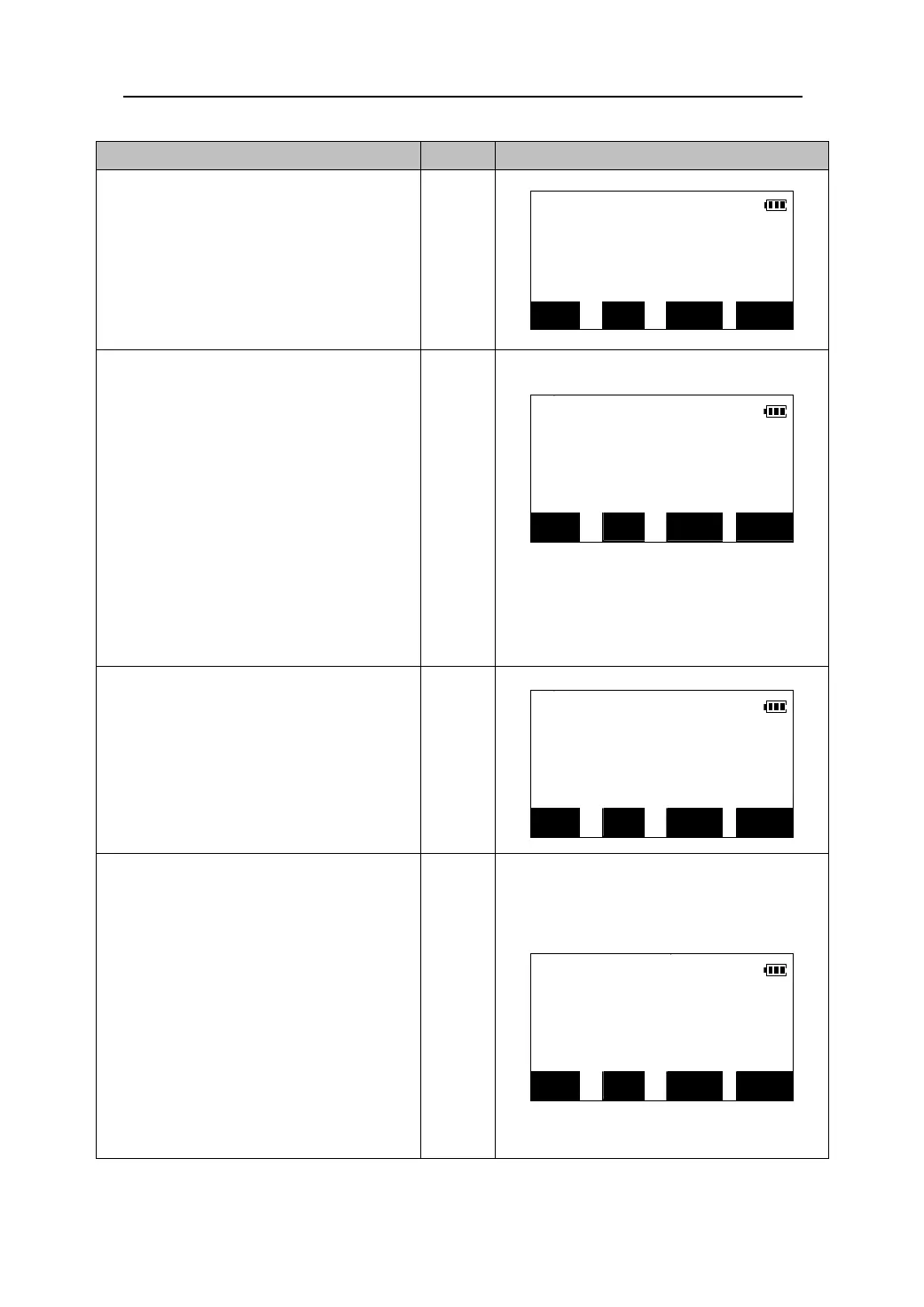
Operating Keys Display
2. Press【MLM】 in the third page of the
MLM
Meas Mode to enter the missing line
Sop
Measurement mode.
Hop Obs.2nd target
【MLM】
z Select “4. MLM” in the Menu Mode to
perform the same function.
Vop
OBS MOVE S/% MLM
3. Sight the second target and press
【MLM】to begin observation. When
MLM
observation finished , the following
Sop 27.354m
values are displayed :
Hop 20.354m
Sop: Slope distance of the starting
Vop 1.012m
position and 2nd target point .
Hop: Horizontal distance of the starting
【MLM】
OBS MOVE S/% MLM
position and 2nd target point.
Vop: Height difference of the starting
position and 2nd target point.
4. Press 【S/%】.The distance between two
MLM
points is displayed as the gradient
Sop 48.755 %
between two points.
Press 【S/%】again to return to display
the slope distance.
【S/%】
Hop 20.354m
Vop 1.012m
OBS MOVE S/% MLM
5. Sight the next target point and press
【MLM】to observe it. Slope distance,
horizontal distance and height distance
between multiple points and the starting
MLM
point can be measured this way.
Sop 27.354m
z Sight the starting point and press 【OBS】
to re-observe it.
Hop 20.354m
Vop 1.012m
z When 【MOVE】 is pressed, the last
target measured becomes the new
starting position to perform MLM of the
next target.
OBS MOVE S/% MLM
51











 To Next Page