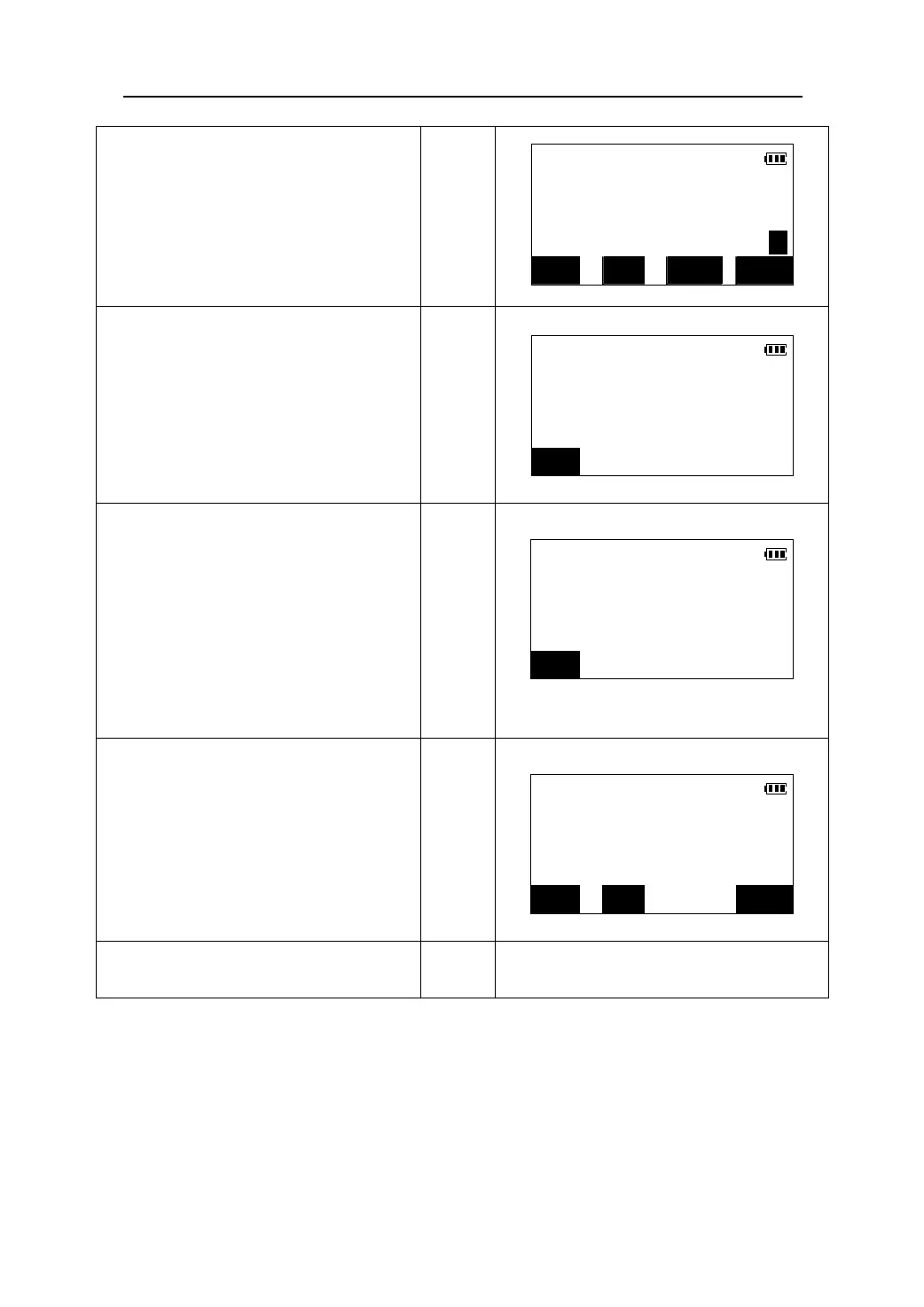
3. Accurately sight the prism, press 【DIST】
MEAS
in the first page of the Meas mode to begin
S 10.567m
measurement. The measurement results
ZA 90°11′57″
【DIST】
are displayed. Press 【STOP】to stop the
HAR 135°31′27″ P1
measurement.
DIST SHV REM EDM
4. Press 【REM】or select “5. REM” in the
menu mode to come in the REM function
REM
screen.
Ht. 1.50m
【REM】
ZA 90°11′57″
S 10.567m
STOP
5. Sight the object, the height from the
ground to the object is displayed.
REM
While rotating the telescope, the height
Ht. 2.148m
are calculated and displayed in real time.
ZA 85°38′45″
S 10.567m
STOP
6. Press 【STOP】to stop the measurement.
z Press 【OBS】to re-observe the prism.
REM
z When the prism has been adjusted, press
【HT】to reenter the prism height.
Ht. 2.748m
z Press 【REM】begin measurement again.
【STOP】
ZA 85°58′55″
S 10.567m
REM HT OBS
7. Press 【ESC】to finish this function and
【ESC】
return.
55











 To Next Page