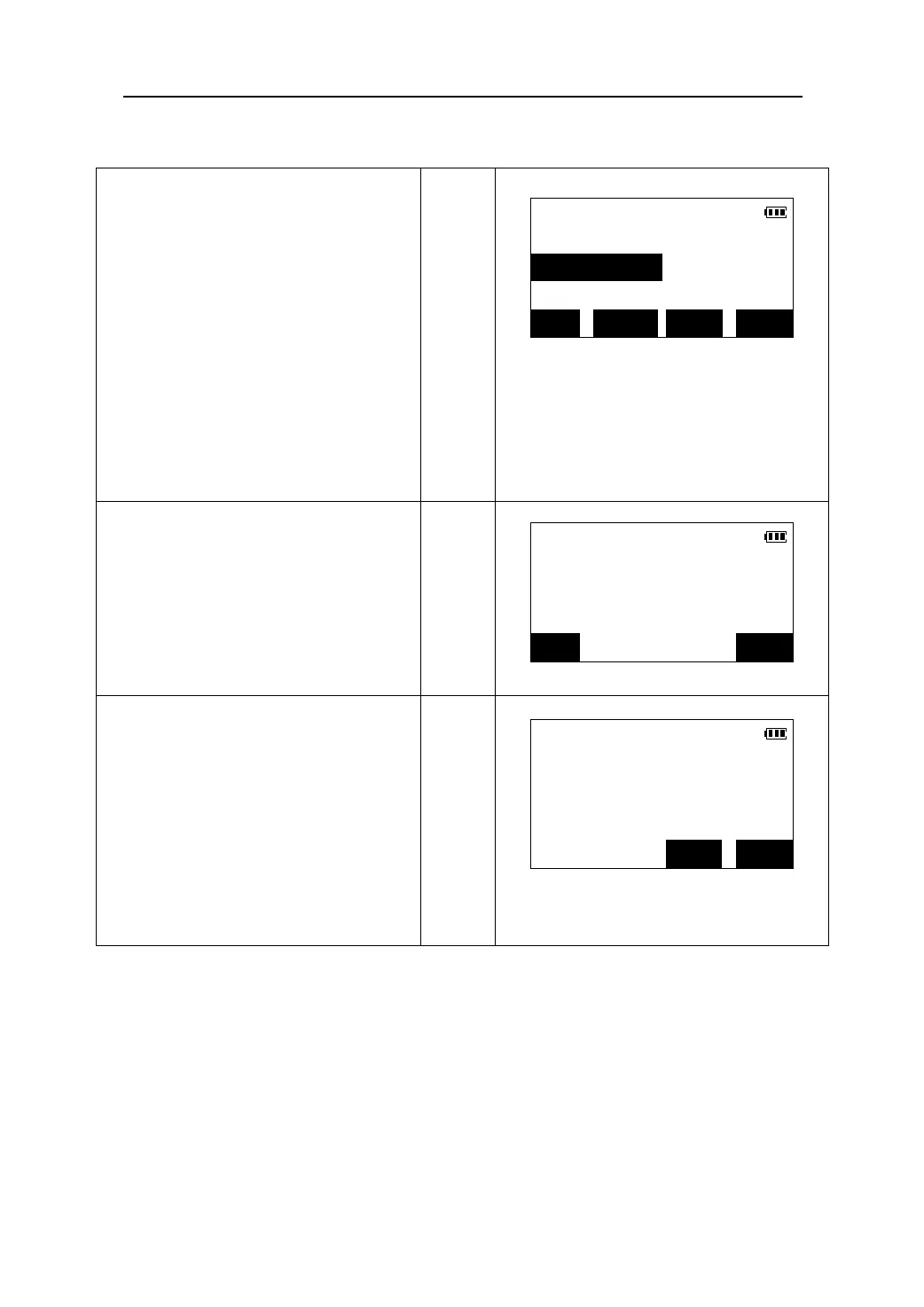
5. When the two known points have been
input and measured, the list of the known
Resection
points is displayed.
01:PT-01
z Press 【】/【】to move the cursor and
select the known point.
02:PT-02
z Press 【ADD】to add a known point for
resection.
z Press 【REOBS】to reenter or re-observe
the known point selected.
z Press 【CALC】to start calculations.
z Press 【Y/N】 to make the known point
selected joining for calculation or not.
ADD REOBS Y/N CALC
6.Press 【CALC】. The instrument station
Resection
coordinates are calculated and displayed.
N0 100.003m
z Press 【REC】to store the results in the
memory.
E0 99.998m
【CALC】
Z0 0.001m
z Press 【REC】to accept the calculated
results as the new station coordinates.
REC OK
7. Press 【OK】 to set the instrument station
Resection
coordinates, then the azimuth angle of
Set H angle:
the first known point as the backsight
HAR:131°17′46″
point is calculated and displayed.
Take 1st target?
Sight the known point 1,press 【YES】
【OK】
to set the azimuth angle and return to the
Meas Mode.
z Press 【SKIP】 to return the Meas mode
without setting the azimuth angle.
SKIP YES
58











 To Next Page