O
eratin
Ke
sDis
la
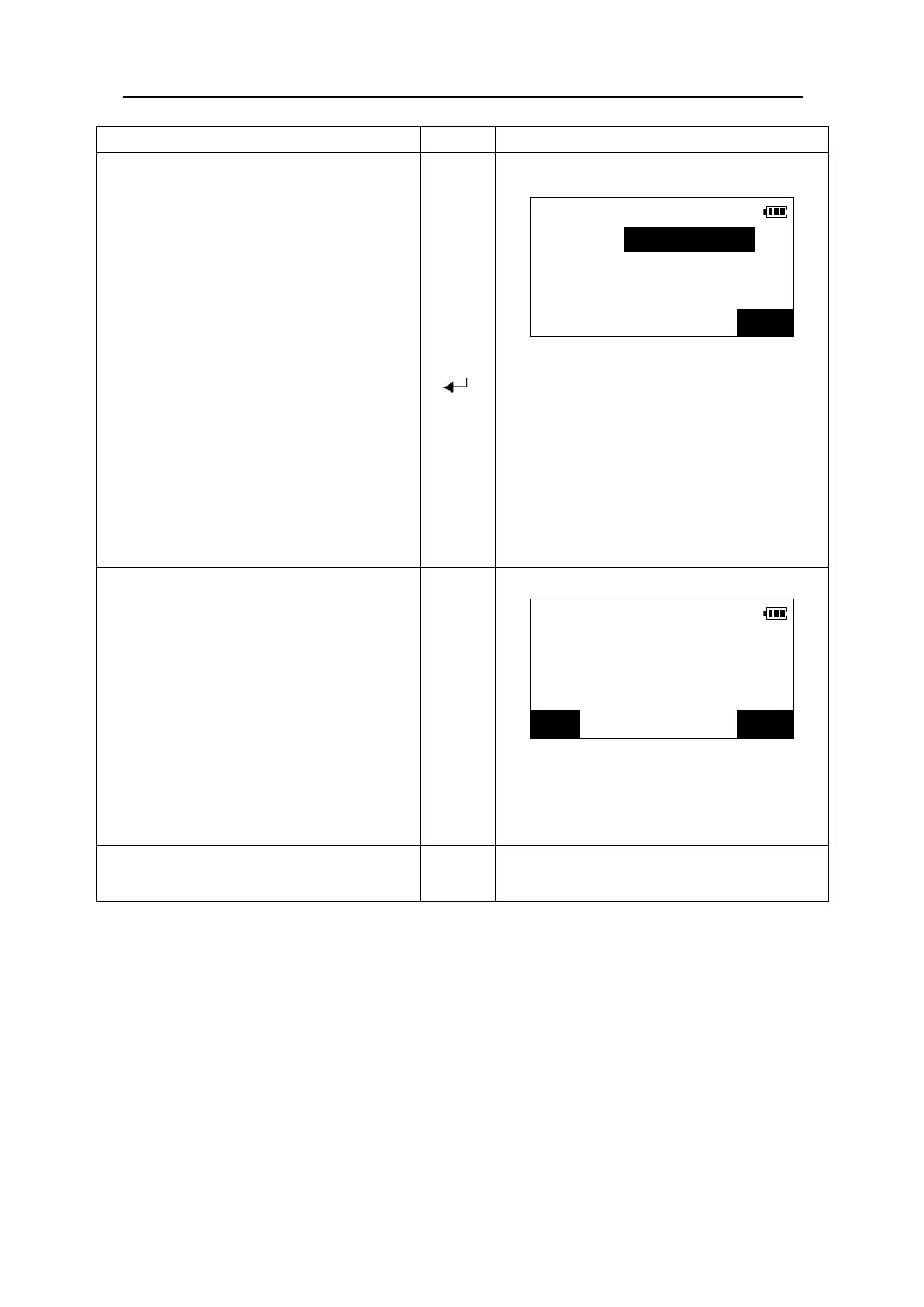
1. Select“2.Point” in <S-O LINE> menu
Input the following items:
Set-out line
(1)Length: Distance along the baseline from
Length<m>:
the origin point to the position at
Offset<m>:
which a line extending from the
required point intersects the
baseline at right angles (X
direction).
(2)Offset: Distance along the baseline from
the origin point to the position at
which a line extending from the
required point intersects the
baseline at right angles (Y
direction).
【】
【】
【
】
OK
2. After inputting the data , press 【OK】.The
coordinate value of the required point is
Set-out line
calculated and displayed.
Np: 843.267m
z Press 【REC】to record the coordinate value
Ep: 286.323m
as a known point data. (Please see “21.3
Zp: 0.000m
Recording coordinate measurement data”).
z Press 【S-O】to begin the setting-out
measurement of the required point.(please
see “13.2 coordinates setting-out
measurement”).
REC S-O
3. Press 【ESC】.Repeat the steps and
【ESC】
continue the measurement.
66











 To Next Page