O
eratin
Ke
sDis
la
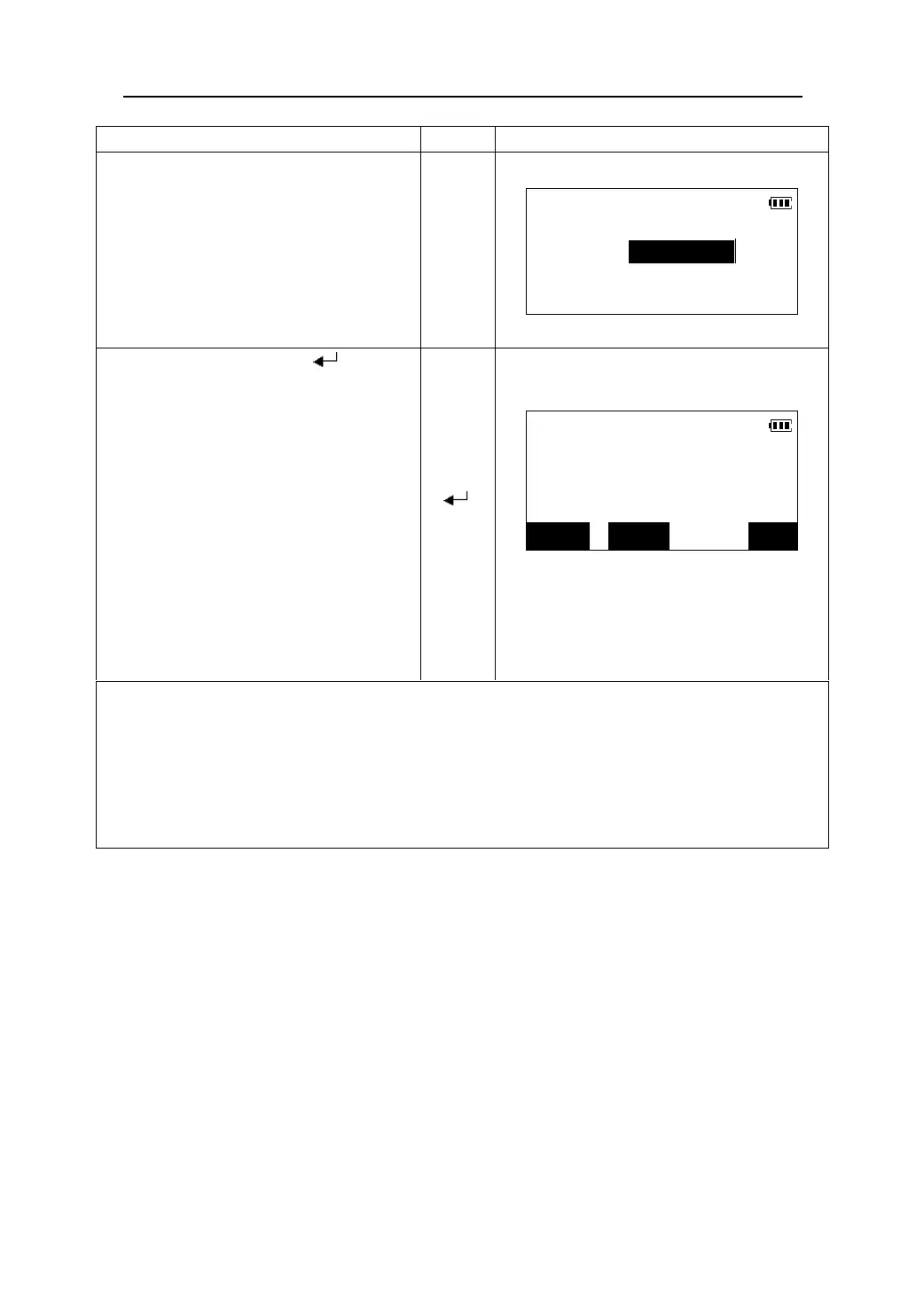
1. Select“3.Line” in <S-O LINE> menu.
Input the offset value of the line to be
Set-out line
set-out.
z Offset:How much to move the baseline. Ri
ht
side indicates positive values and left lide
indicates negative value.
Offset<m>:
2. After inputting it, press 【 】.
Sight the target and press 【OBS】.
After the measurement finished, the
Set-out
difference between the measured point
Length 8.255m
and the baseline is displayed.
Offset -0.200m
z Len
th: Distance alon
the baseline from the
origin point to the measured point.
【 】
dHt -1.102m
【OBS】
EDM CRD OBS
z Offset: A positive value indicates the point is
on the right of the baseline and a negative
value indicates it is on the left
z dHt: Hei
ht difference between the measured
point and the baseline
z When repeat measurement mode or tracking measurement mode is selected, without any key
press, the difference between the measured point and the baseline will be displayed continuously
while sighting the prism .Pressing 【STOP】can stop the measurement.
z Press 【CRD】to display the coordinate of the measured point.
z To change EDM settings, Press 【EDM】. Please see “11.1 EDM settings”
z Press 【ESC】to return to <S-O LINE> menu.
68











 To Next Page