O
eratin
Ke
s Dis
la
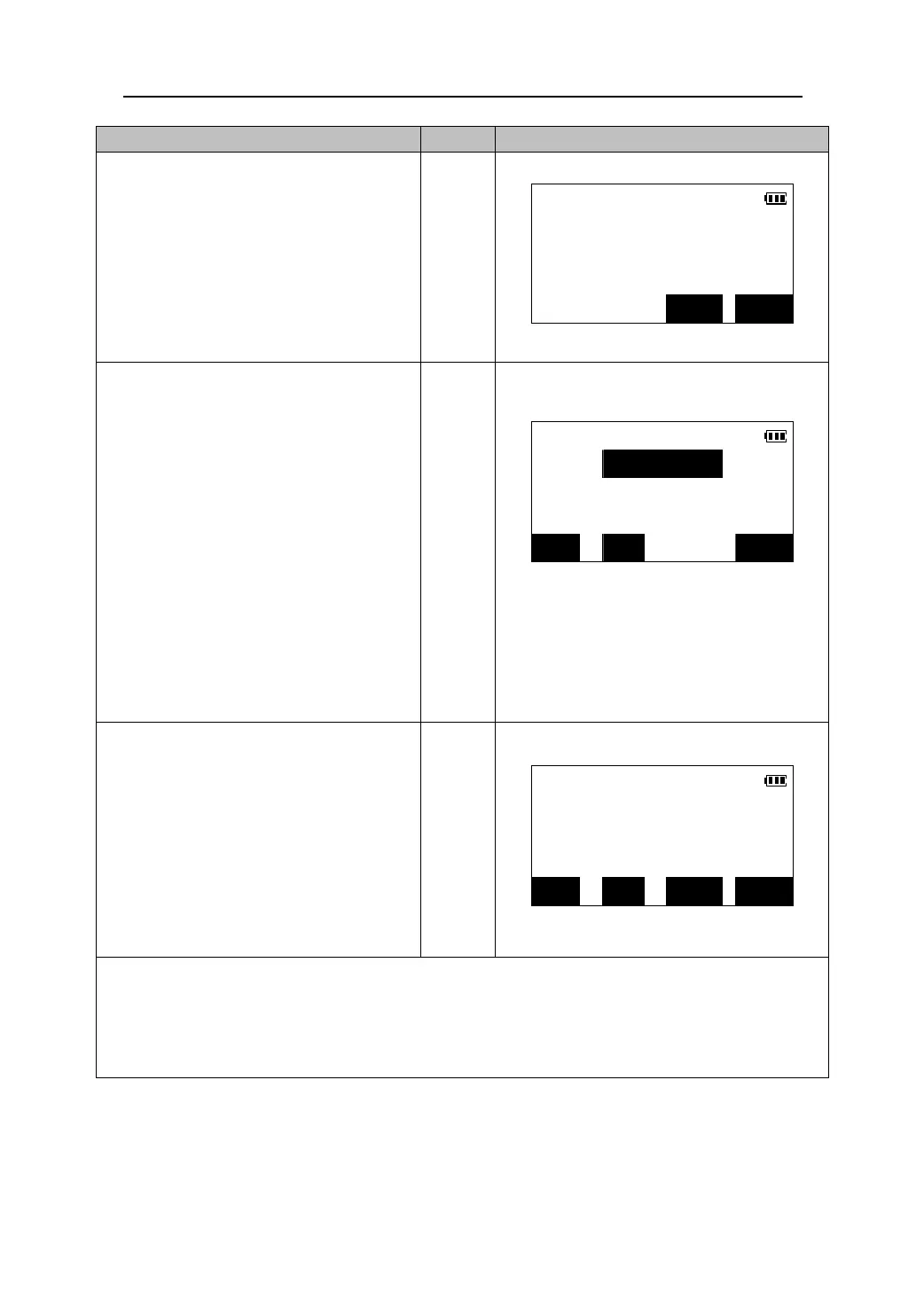
3. Sight the target and press 【MEAS】.
The angle measurement results of the
REC/Angle data
target marked with “*” are displayed.
*ZA 101°19′37″
【MEAS】
*HAR 350°43′20″
NO REC
4. Press 【REC】 to record the measured
results. Input the follow items:
(1) Point name
Rec >> JOB02
(2) Code
Pt.: 23
(3) Prism height
Code:
z Press 【JOB】to change and select the
current job.
Tgt.ht:1.232
【REC】
z Press 【VIEW】 to check the records that
have been stored within the current job
file.
z When the cursor locates the code line,
the code registered in memory can be
recalled and read in.
JOB VIEW OK
5. Check the input data , then press 【OK】
to store the angle measurement data of
REC/Angle data
the target and return to the step 2.
S
ZA 101°19′37″
【OK】
HAR 350°43′20″
ALL MODE 0SET MEAS
z Press 【ALL】to perform angle measurement and automatically record the results.
In this case, the point number is the last point number plus one, the code and target height remain
the same. When the measurement results are recorded, the results will be displayed for two
seconds, then the screen of step 2 is restored.
84











 To Next Page