Configuring a Network to Use WPA2-Enterprise and Dynamic
VLANs
D-Link Unified Wired and Wireless Access System
July 2012 Page 709
D-Link UWS User Manual
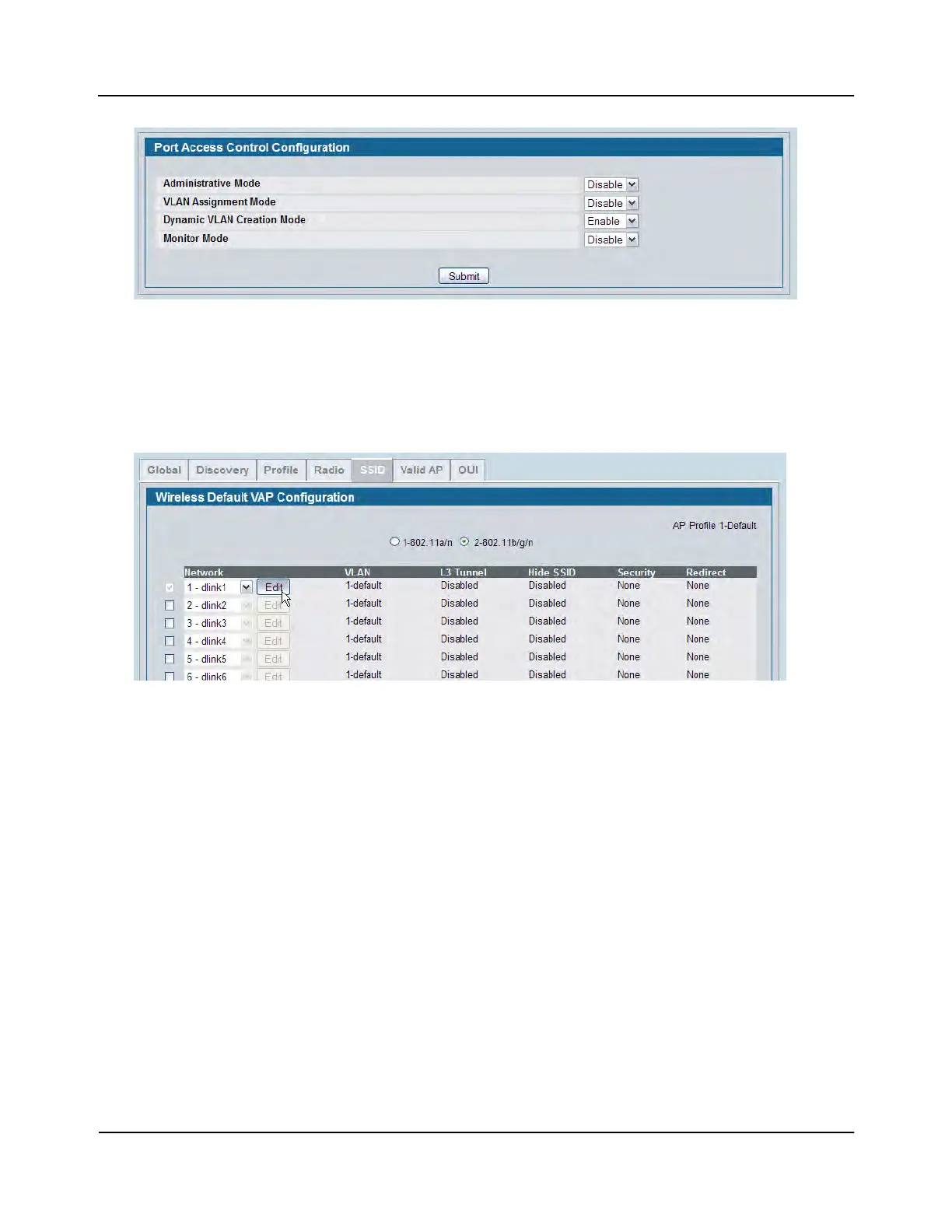
c. Click Submit.
4. Configure the Wireless Network Information for the Visitor network.
a. Go to the WLAN > Administration > Basic Setup > SSID page.
b. Select the radio to configure. This example configures Radio 2 - 802.11b/g/n.
c. For Network 1 - dlink1, click Edit.
d. Configure the following information in the appropriate fields:
SSID = Visitor
VLAN = 10
Redirect = HTTP
Redirect URL = http://www.dlink.com/tw














 To Next Page