82
1.
See page 56 and select Version
Information.
2.
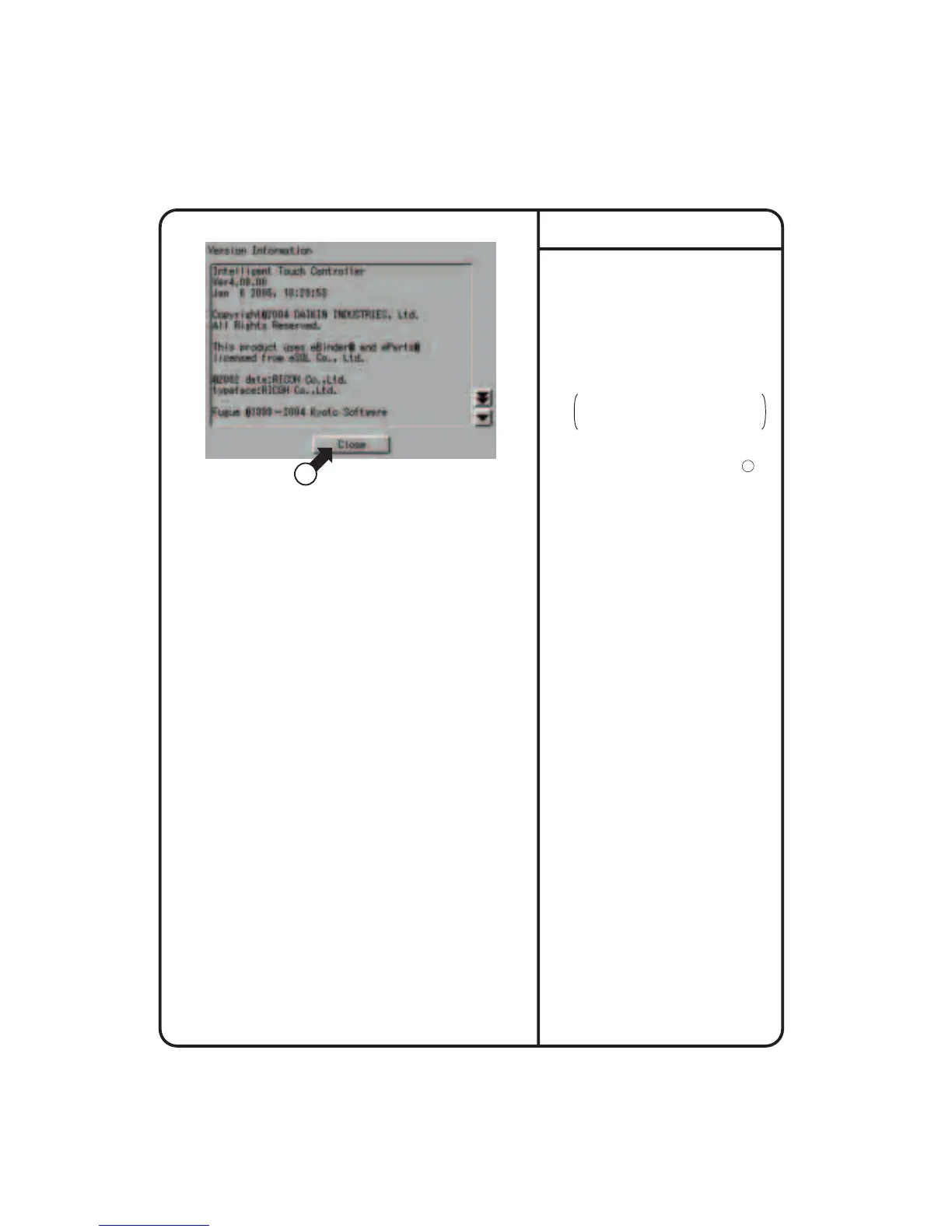
Screen 1 Version Information, which is
shown on the left, appears.
The figure on the left shows an
example. It may be different from the
actual version.
3.
When the version number has been
checked, press the [Close] button 1 .
This is a menu for checking the version
number of the software for the intelligent
Touch Controller currently used. Generally it
is not necessary to check.
Version Information
Screen 1 Version Information
1
System Setup Menu Operation











 To Next Page