Voltage Selector Switch
The 480P allows you to select either 115V with 1 AMP 250V SLOW BLOW fuse or 230V with
800mA 250V Type “T” fuse. WARNING: Fuse must be
changed to correspond with the desired
power setting.
RS485 Link to 480R (DB-9 connector type)
This connector is used to connect to the 480R. Cable lengths 480R to 480P - 300 feet max. 500
feet with dbx proprietary cable.
RS485 Link to Network Master (DB-9 connector type)
This connector is used to connect the 480R to the network master. Connect to the CONTROLLER
IN on the Network master. Cable lengths - 480P to Network cable length- Up to 4000 feet.
RS485 Link to 480R (RJ-45 connector type) This connector is used to connect to
the 480R, and is wired in parallel with the DB-9 connector. Cable lengths 480R to 480P - 300
feet max. 500 feet with dbx proprietary cable.
RS485 Link to Network Master (RJ-45 connector type)
This connector is used to connect the 480R to the network master. Connect to the CONTROLLER
IN on the Network master and is and is wired in parallel with the DB-9 connector. 480P to
Network cable length- Up to 4000 feet.
RS232 PC Connection
This input is used to connect a PC to the 480R for 480R software updates.
RS485/ PC Select Button
This recessed button is used to select the link to master controller connector or the RS 232 PC.
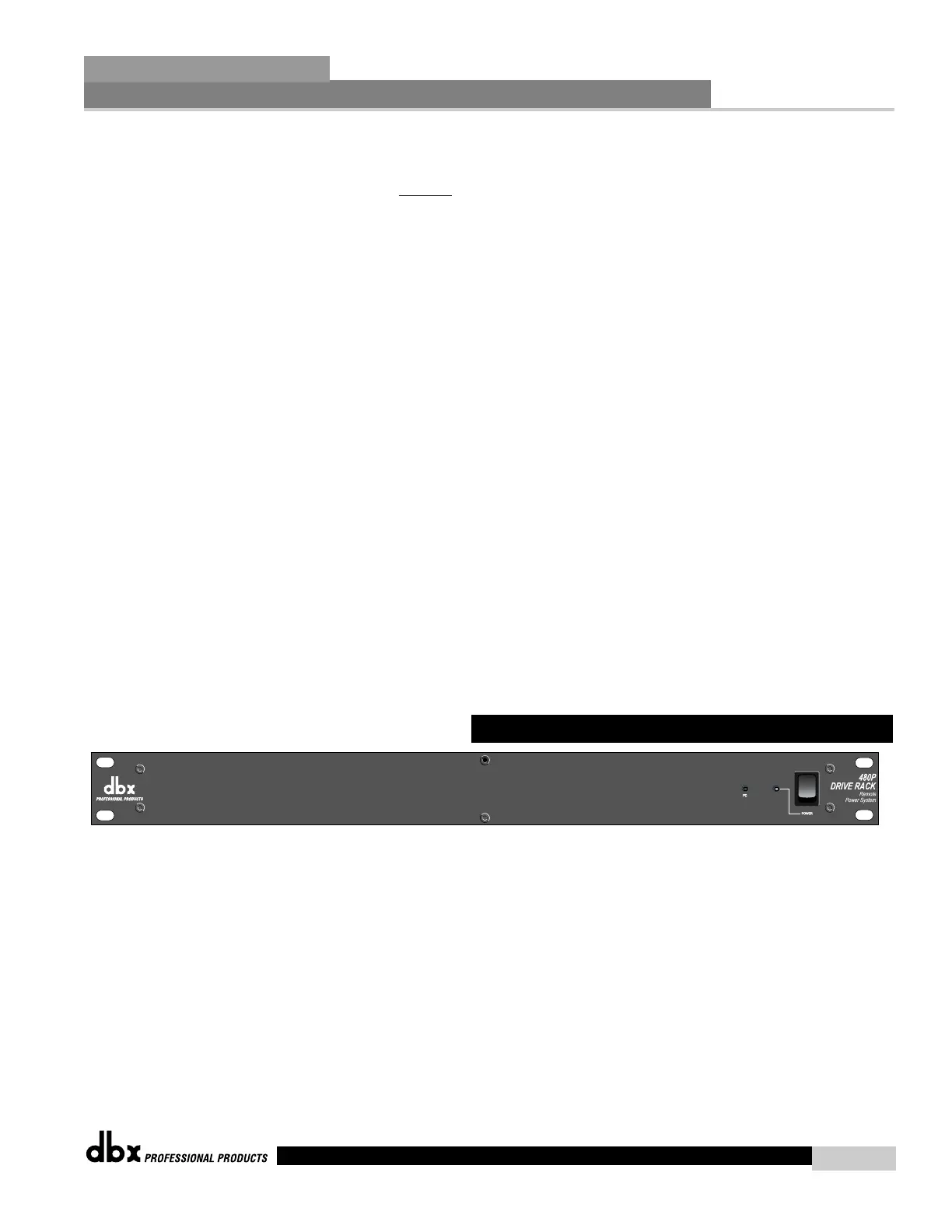
Power Switch
Turns the 480P and 480R on and off.
Every 480R DriveRack™ unit ships with a 480P power supply unit which supplies the 480R with
power, as well acting as the communication hub between the 480R and other units in a
DriveRack™ network system.
8.4 Front Panel (480P)



 To Next Page