DRIVEWARE UTILITIES
• To adjust the utility menu features of any unit in the network and Right-Click-hold to pull down the utility menu.
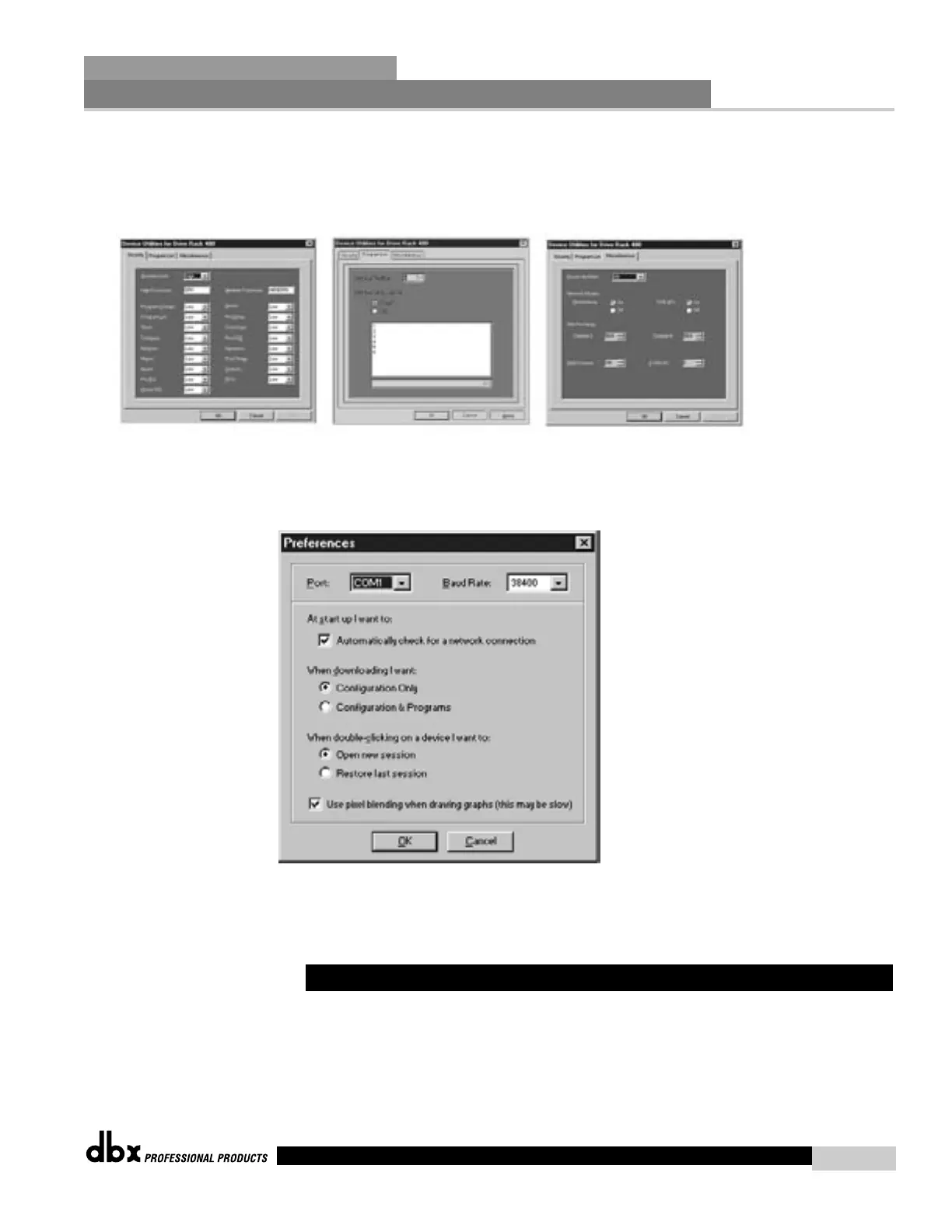
The utility menus will appear as follows:
• To customize the mode of operation to best suit your needs, it is recommended that you set your desired prefer-
ences in the preference folder, which can be accessed in the file menu and will appear as follows:
Note: The Baud rate must be set to 38400.
DriveWare System Control GUI
System Control is a feature that will allow you to group multiple inputs and outputs together,
and control them with one set of controls. Any input of any Driverack unit used in a net-
work setup can be assigned to the System Control Input Group. By assigning inputs to the
System Control Input Group, these inputs are then linked together and their Graphic EQs can
7.8 DriveRack System Control
Network Functions
SECTION 7
DriveRack
™
79
DriveRack™ User Manual



 To Next Page