68
SECTION 7
DriveRack
™
The key element to establishing a DriveRack™ network system, is distinguishing a Master con-
troller unit from the slaves units. Every unit in the DriveRack™ system has the ability to be
assigned as a master or slave unit, but only one master must
be assigned. A unit is designated
as a master by setting the ID to 0 for the 481, 482, 442, or select Mst on a 480.
Setting Identification Numbers:
The following information explains the procedure for setting ID numbers on all units in the
DriveRack™ network system.
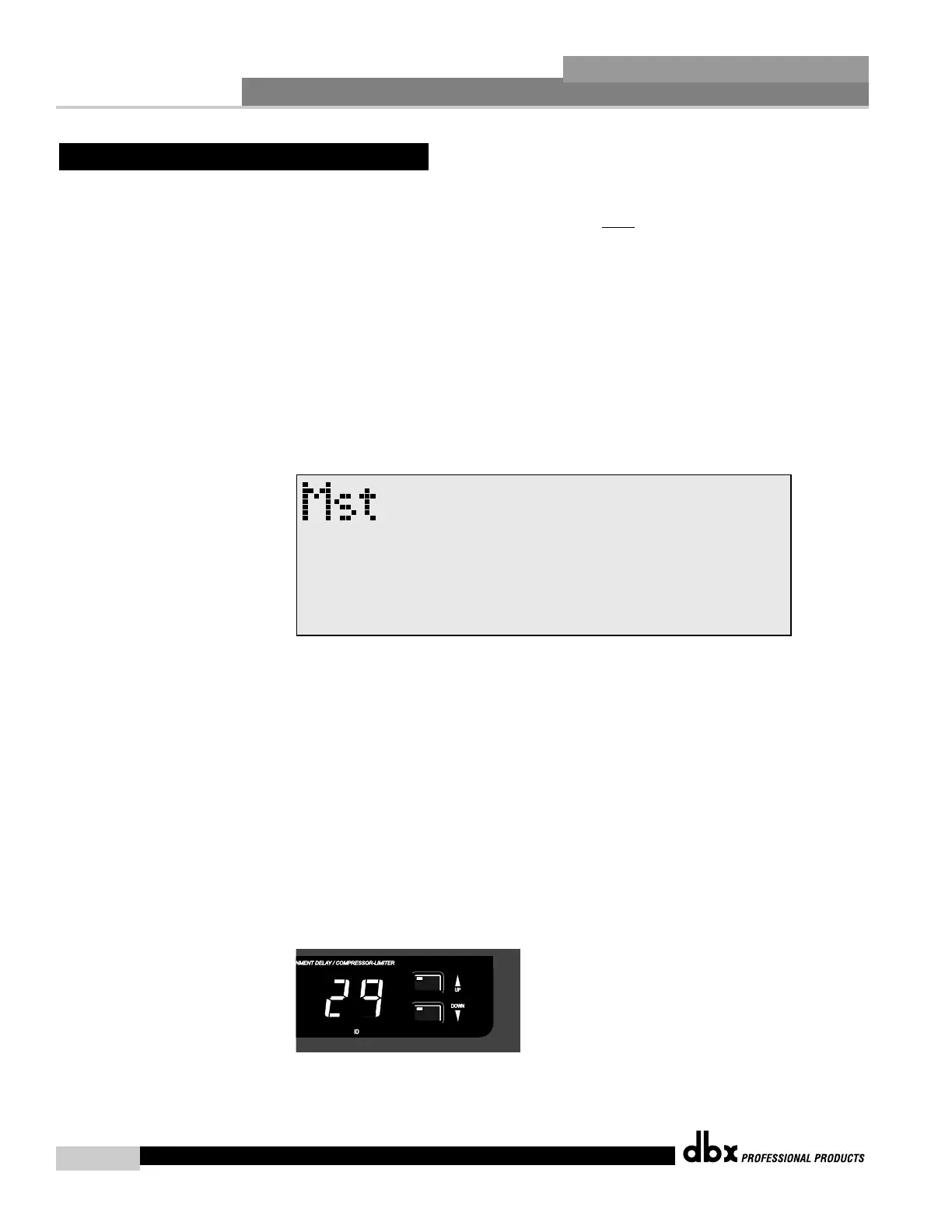
480 DriveRack™- From program mode, press the UTILITY button and use the PREV PG and
NEXT PG buttons to move to page 1 of the Utility menu. The display will
appear:
• At this point, use the PARAMETER 1 knob to either assign the unit as
the master controller, or to give it it’s own unique ID number.
• Once the desired ID is selected, press the PARAMETER 3 knob to
change the ID. Press the PROGRAM/CONFIG button to cancel.
481,482 and 442- The procedure for setting ID numbers on both the 481, 482 and 442 units is
quite simple. From the front panel, use the ID UP and DOWN buttons to
select a unique ID number for the selected unit. The following illustration
shows the ID display, as well as the ID UP and DOWN buttons.



 To Next Page