For information about Pink Noise and “pinking” a room, please see section A.10 of the
Appendix.
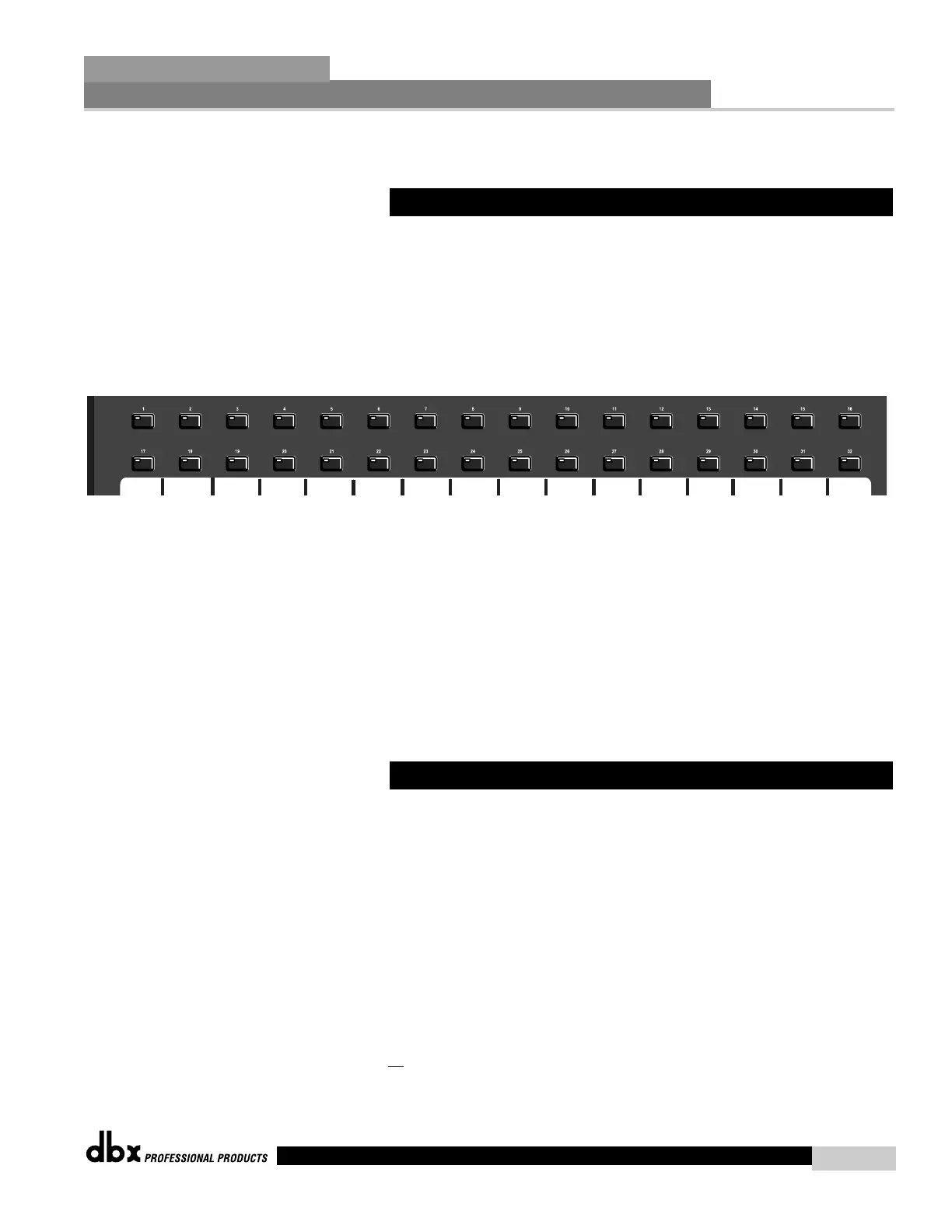
The 480R offers 32 “Hot Key” buttons which allow you to instantly assign any parameter dis-
play page to any one of the 32 buttons for instant access. The following information offers
information for optimizing performance of this feature.
• From any Parameter display screen that you wish to assign, press and hold any one of the 32
hot keys shown below for approximately five seconds.
• The display will briefly flash and then the Hotkey assignment will be stored into the 480R’s
memory.
• On page 7 of the utility menu, resides the Hotkey normal/Hotkey locked option. If the para-
meter is set to Hotkey Locked, new Hot Keys can still be assigned, but new HotKeys cannot
be assigned over previously stored Hot Keys. If the parameter is set to Hotkey normal, then
previous Hotkey assignments can be overwritten.
Note- Hot key assignments cannot be made to the 480R itself.
The 480R allows you to instantly call up other devices in the DriveRack™ network by utilizing
the exclusive Network keypad located on the front panel.
• LOCAL/NETWORK SELECTION - Always make certain that you are working on the
Network as opposed to the 480R (Local) by selecting LOCAL(1) or NETWORK(2) when
you initially enter Utility mode. Local indicates that you are working within the 480R, while
Network indicates that you are through a selected unit on the network system.
• To call up any unit in the DriveRack™ network, simply use the network key pad, as shown
below to enter in the device ID number of the unit that you wish to control, and then press
the ENTER button.
• At this point, you will now be controlling all
parameters of the selected unit.
8.7 Controlling Slave Devices
8.6 Hot Key Assignments
480R Remote Controller
Section 8
DriveRack
™
91
DriveRack™ User Manual



 To Next Page