44
Section 4
DriveRack
™
DriveRack™ User Manual
Section 4
Flat Set/Undo
This parameter either flattens the PEQ or restores the PEQ to its original shape.
Band (1-4) Frequency 20 to 20k
Selects the frequency of the selected band of the parametric EQ.
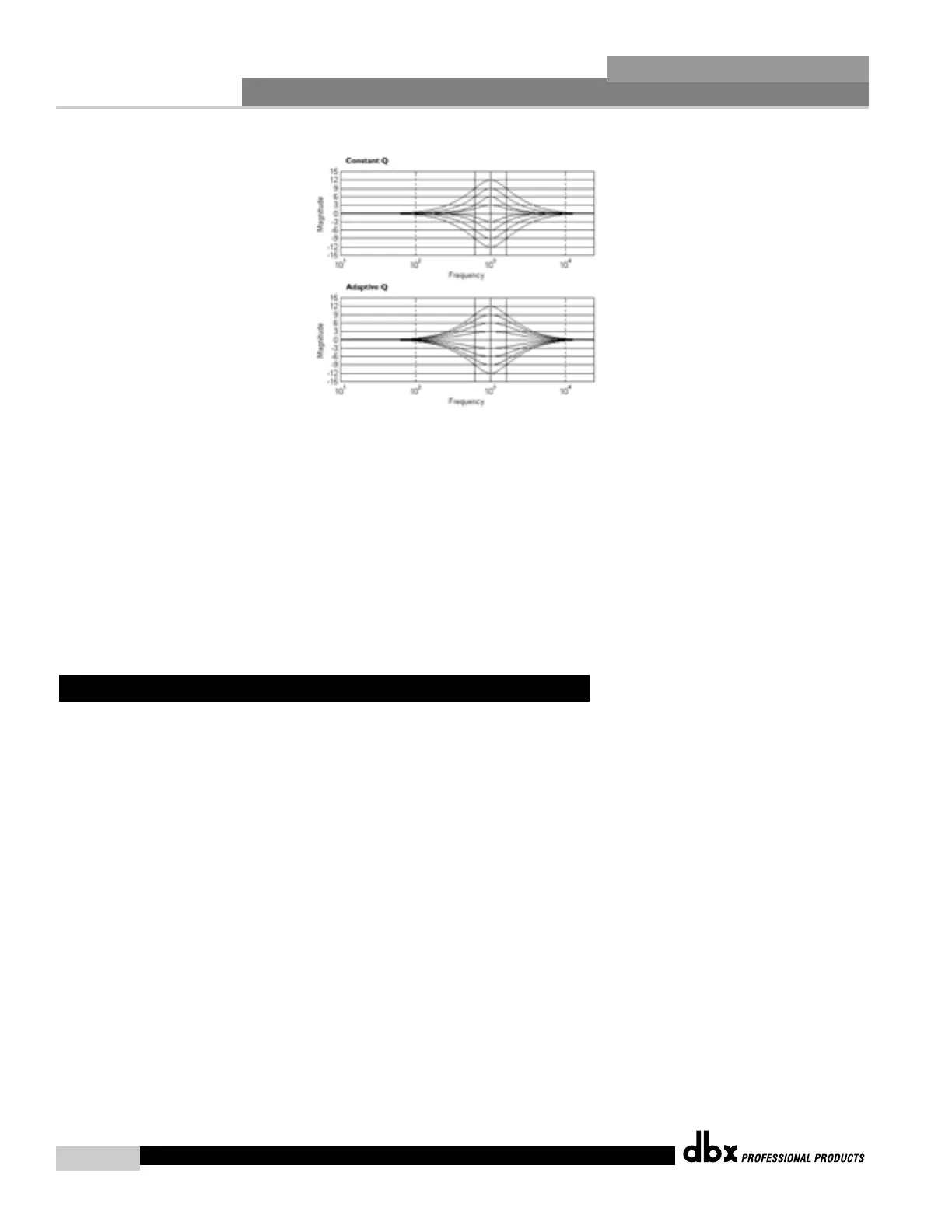
Q (1-4) 0.20 to 16.0
Adjusts the Q of the selected band of the parametric EQ.
Level (1-4) -12 to 12 dB
Sets the overall level of the selected parametric EQ frequency.
The 480, 481, 442 and 482 DriveRack™ units also offer compressing or limiting capabilities.
Furthermore, within the configuration menu, compression or limiting can be assigned to simi-
lar bands (ie: highs with highs or lows with lows), or used in a full range capacity within the
selected crossover. The parameters for the Compressor/Limiter are as follows and are user
adjustable:
Compressor On/Off
Turns the compressor/limiter module on and off.
Peakstop+ On/Off
This parameter turns the peakstop limiting on and off. When peakstop+ is enabled, the ratio
is automatically changed to ∞ :1.
OverEasy Off to 10
There are ten levels of OverEasy® that can be used for the limiters.
The point when the compressor starts to compress is the "knee." When the compressor starts
to reduce the level of a signal abruptly right as it passes over the threshold this is called "hard
knee" compression. OverEasy® (soft knee as it is sometimes called) is when the volume of the
sound is compressed gradually. OverEasy® compression starts to compress before the level of
the signal reaches the threshold and reaches full compression after the level has gone above
the threshold. This OverEasy® compression, by its very nature sounds much smoother and
4.7 Compressor/Limiter (DYN)



 To Next Page