DriveRack™ User Manual
Once program editing functions have been made to programs in the 480, 481, 442 or 482
DriveRack™ units, you will need to save any changes that have been made to the selected unit.
The following section will provide you with information on making the most effective and effi-
cient program saving and storing changes in the DriveRack™.
Once you are satisfied with the changes that have been made to a factory or user program, the
DriveRack allows you to save these changes to save the program as a custom USER program
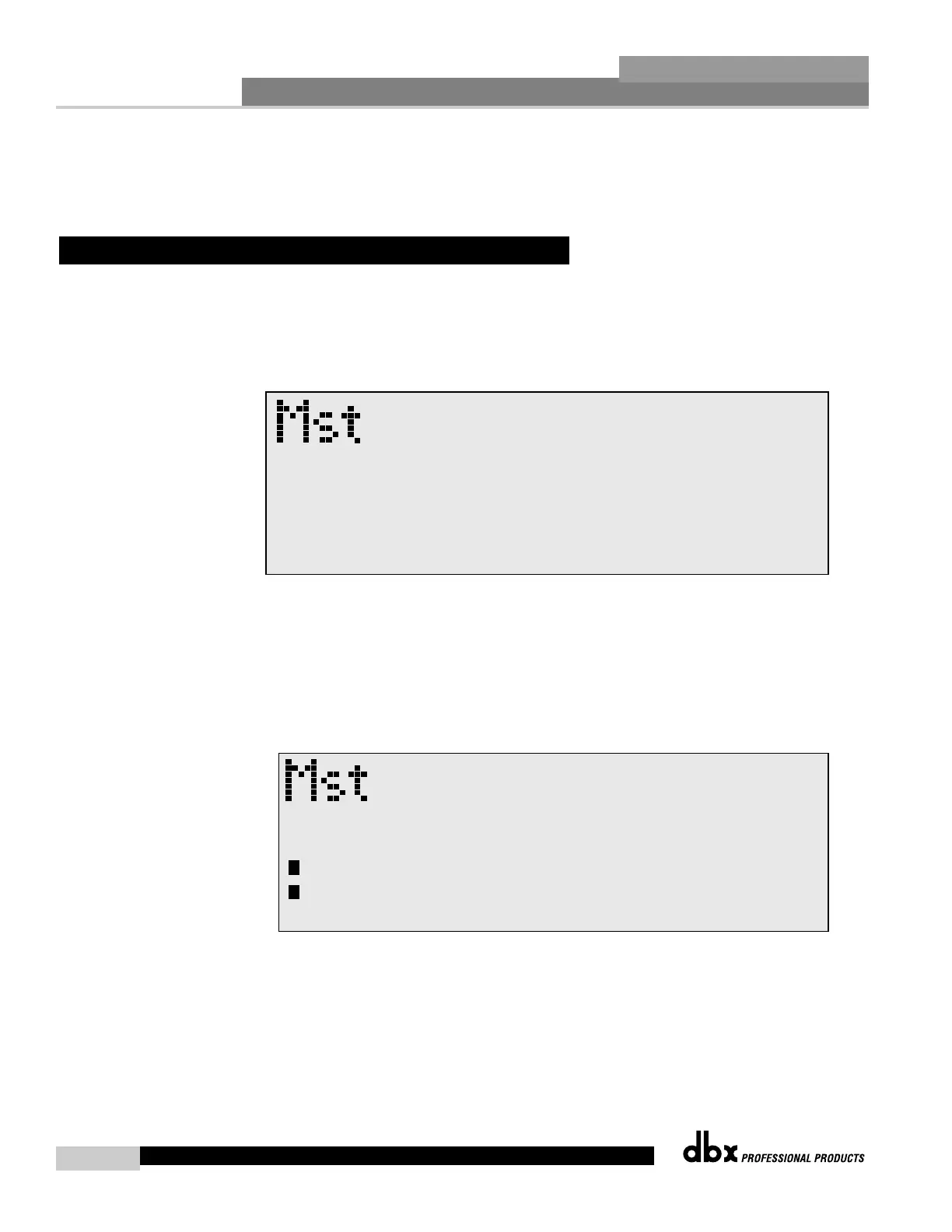
by simply pressing the STORE button and the display will appear something like this:
• Rotate the PARAMETER 2 knob to move the cursor position. Rotate the PARAMETER 1
knob to select the desired character. Push the PARAMETER 1 knob to toggle between
upper and lower case characters.
• Once you are satisfied with the selected name, press the STORE button again and the screen
will appear something like this:
• If you wish to replace an existing User program, press the PARAMETER 1 knob and the dis-
play will appear as follows:



 To Next Page