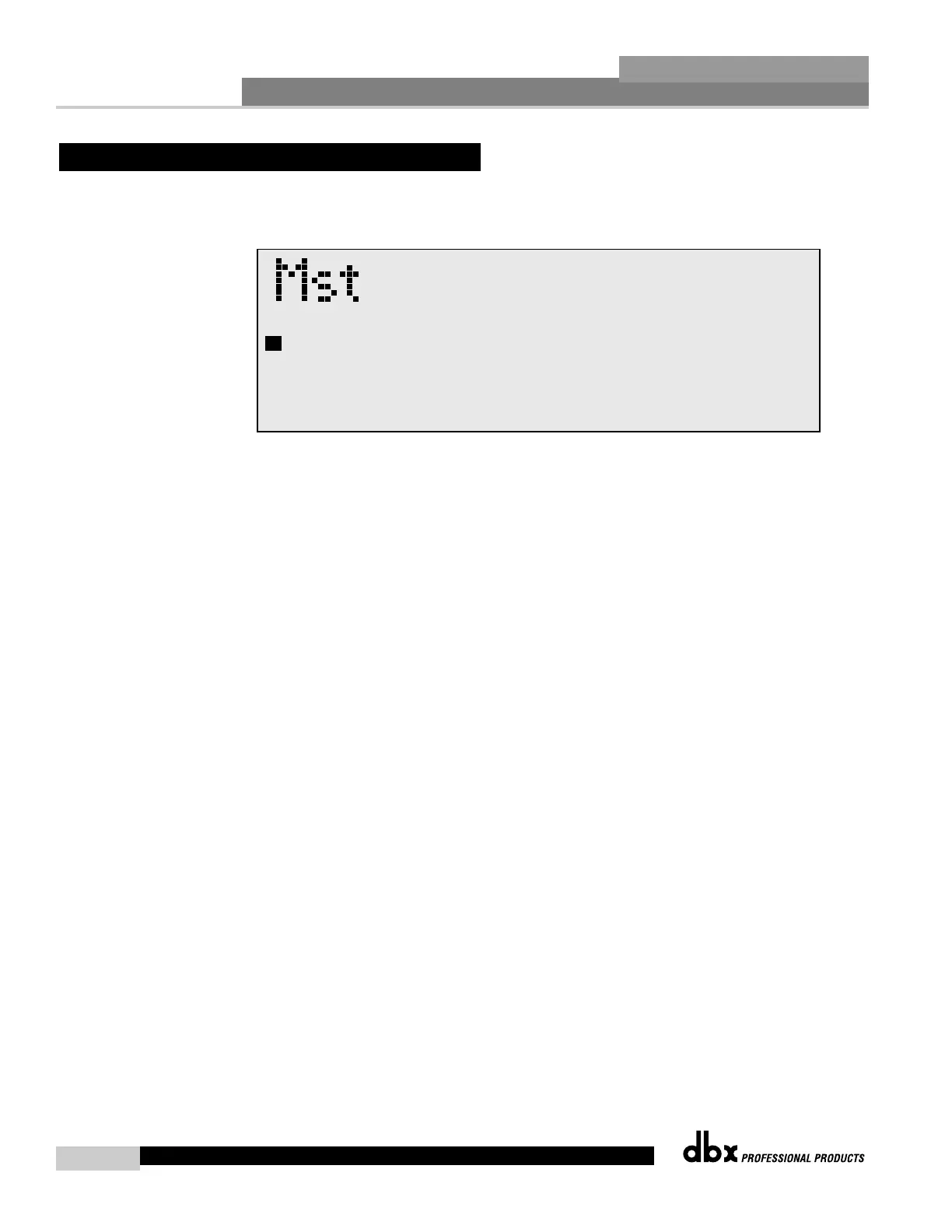
Once changes have been made to the current Configuration in Configuration mode,
changes can be saved by pressing the NEXT PG button and the display will appear like this:
• If you are satisfied with your Configuration changes, press the NEXT PG button. If you wish
to abort, press the PREV PG button and the DriveRack™ will return to Configuration mode.
Note that if you press the NEXT PG button to apply the changes, the DriveRack™ will save
the changes and return to Program mode. You will still need to save the program changes
before you move to the next program.



 To Next Page