®
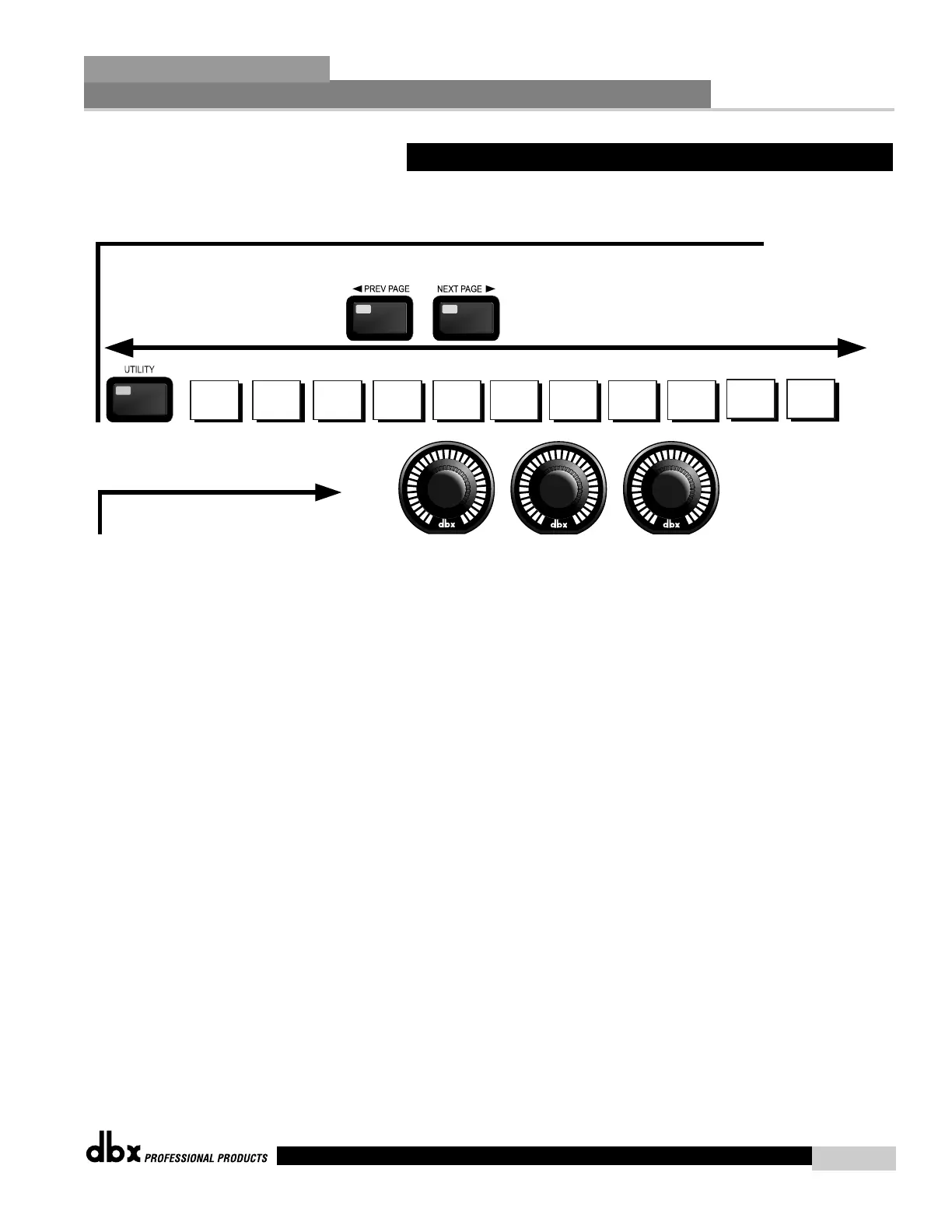
Navigating the "Utility" Section
Navigate through the Pages by depressing the "Next Page" or "Prev Page"
buttons successively until arriving at the desired Page
Limiter Limiter Limiter Limiter Limiter
Limiter
Page 10
Limiter
Device ID
Target ID
Page 1
Limiter
Item
Level
Page 2
Limiter
Edit High Passw
Edit Med Passw
Security
Page 3 Page 5
Limiter
List size
List Index
Prg Num
Contrast
PC Comm
PUP Mute
MIDI CH
SYSEX ID
MIDI DUMP
SEND
MIDI BULK
DUMP
SEND
Limiter
Page 11
REDUNDANCY
CUE AFL
Mic Pre Ch 3
Mic Pre Ch 4
Mic In
Prg Mode
Page 4 Page 6 Page 7 Page 8 Page 9
1
2 3
The PARAMETER buttons are used
to edit parameter values
2.12 Navigating the Utility Section
Editing Functions
Section 2
DriveRack
™
23
DriveRack™ User Manual



 To Next Page