To make operation of the DriveWare™ units even more convenient, dbx professional prod-
ucts includes the DriveRack™ PC GUI software with every unit shipped. The GUI interface
will allow you to control all aspects of the DriveRack™ units. The GUI interface will also
allow you to run your entire DriveRack™ network system from a PC.
The GUI interface also makes it convenient for setting up systems prior to arriving at the
venue. This means that you can configure your system on the desktop of your PC or laptop
at your convenience before you even arrive at the venue.
SYSTEM REQUIREMENTS
Min. system- 166mhz PC processor - 16 bit color monitor - 32 meg RAM - Windows™ 95
OS R2 or newer - Windows™ NT 4.0 or newer - Baud rate (fixed) 38.4 kbaud
Note- COMM port setting must be consistent. This means that when the GUI is in use, any
other device that uses the RS232 COMM port must be turned off.
INSTALL
1. Install the DriveRack™ GUI interface from either the dbx Professional Products website at:
www.dbxpro.com or from the CD ROM onto your your PC or laptop.
2. If Windows™ Explorer™ is not currently running, execute it now.
3. While using Explorer, locate the file <CDROM DRIVE>\start.html, where “CDROM
DRIVE” is the drive letter of your CD-ROM drive. F: for example.
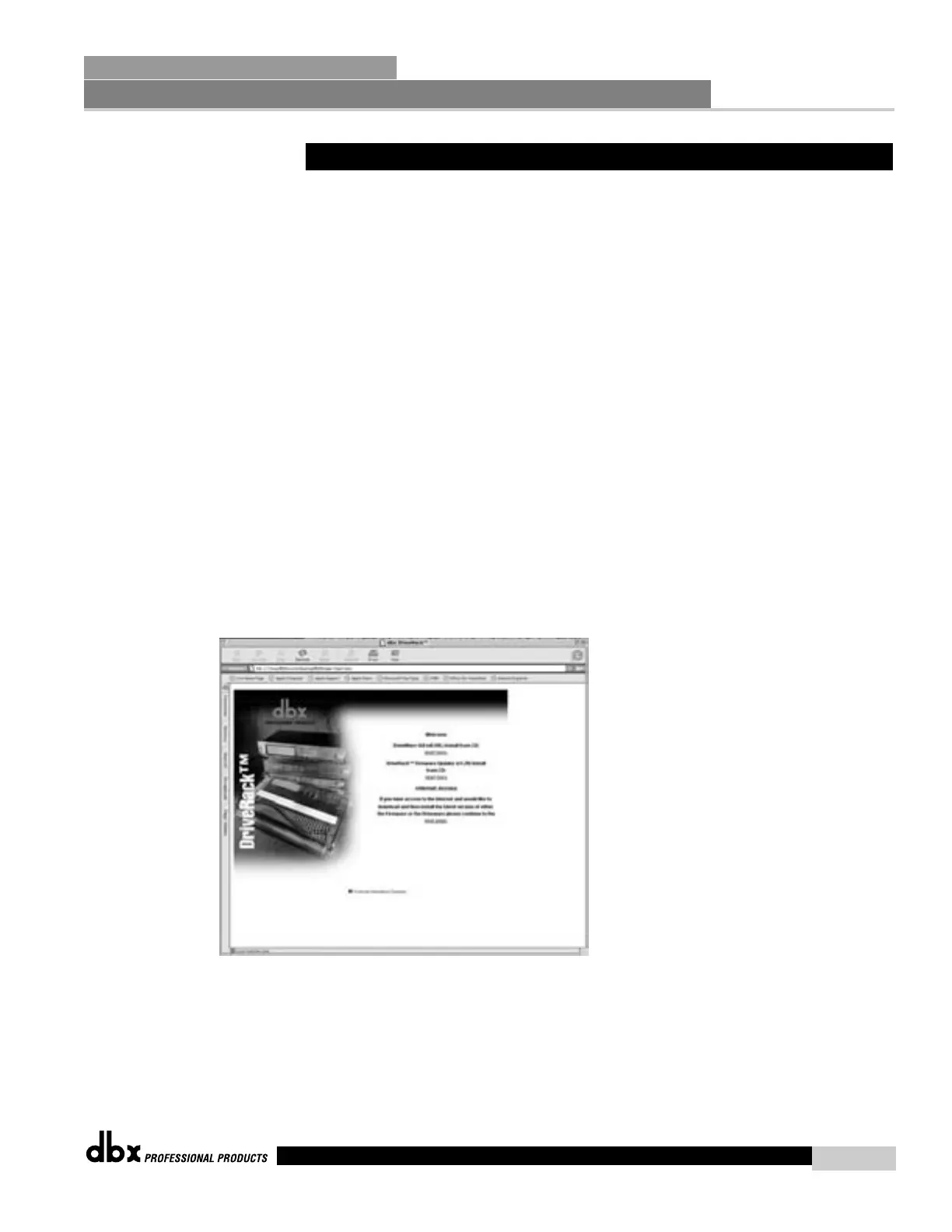
4. Double click on start html. Your configured Web browser will now show the instal-
lation start screen similar to the one shown below.
5. To install DriveWare™, click on the “start here” link under “DriveWare GUI (V1.00)
Install from CD”. The next page shown is the release note for DriveWare™ detailing
currently unsupported features. After reading the release note, right click on the
INSTALL icon and choose “SAVE TO DISK” or “SAVE LINK AS” to save the installer
program to your hard disk.
6. Using Explorer, locate and run the “DriveWare Setup v.1.00” exe to install DriveWare.
7.6 PC GUI Installation and Basic Operation
Network Functions
SECTION 7
DriveRack
™
73
DriveRack™ User Manual



 To Next Page