DriveRack™ User Manual
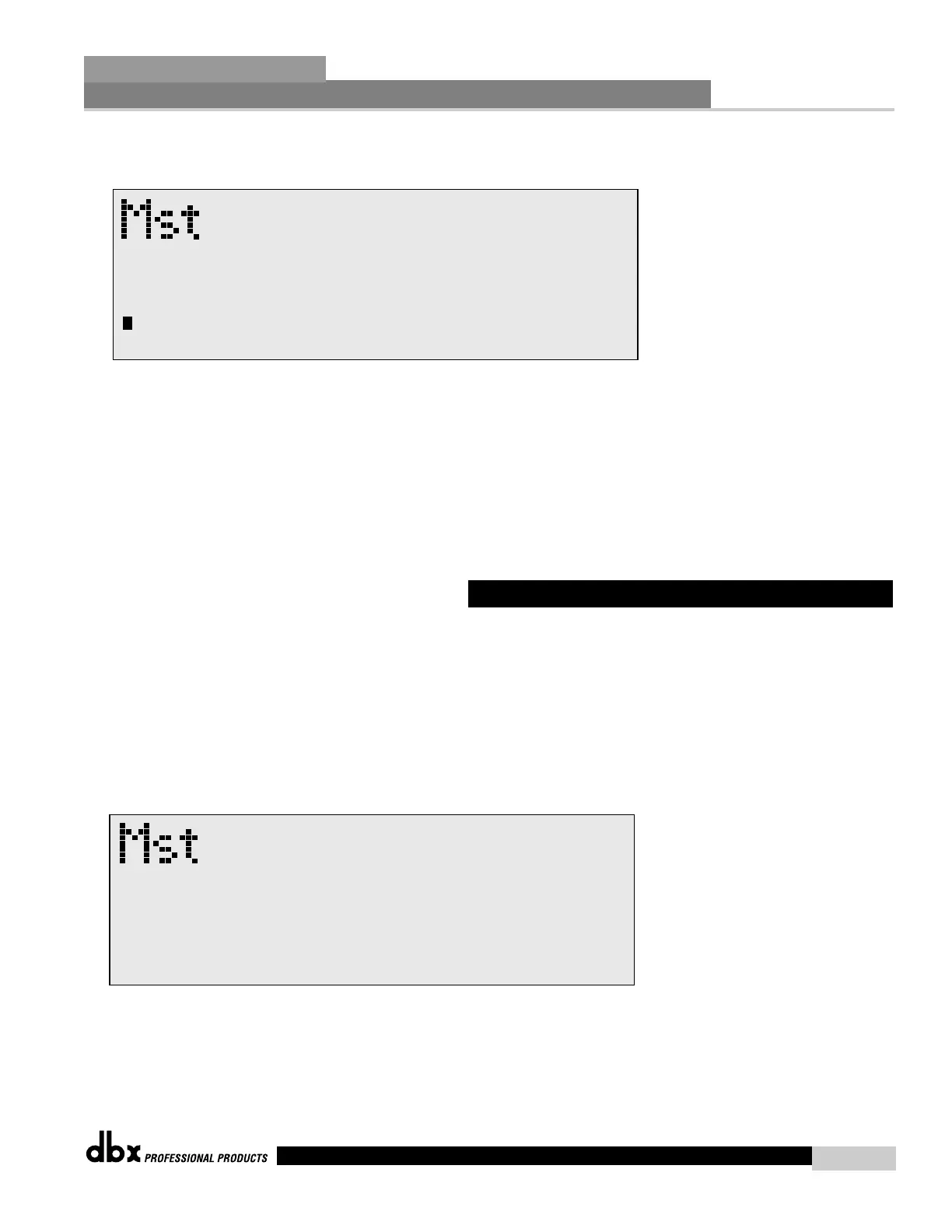
• At this point, rotate the PARAMETER 1 knob and the screen will appear as fol-
lows:
• Rotate the PARAMETER 2 knob to set the cursor position and rotate the PARAMETER 1
wheel to select characters. To shift characters, press the PARAMETER 1 knob.
• Once you edited your security password, simply press STORE to enter the password into the
DriveRack. You can press Program at any time to cancel editing.
The 480, 481, 442 and 482 DriveRack™ units allow you to create custom program lists from
within the Utility menu. This list makes it convenient for accessing and grouping selected pro-
grams The program list cannot be changed if the security level is set to lockout access to the
program list. The procedure for setting up the program list is as follows.
From Program mode, press the UTILITY button and use the PREV PG and NEXT PG but-
tons to move to page 4 and the display will appear something like this:
• Rotate the PARAMETER 1 knob to set the length of the Program list size. The program list
size can be any number from 1-10.
• Rotate the PARAMETER 2 knob to set the index position of the selected program.



 To Next Page