• Rotate the PARAMETER 3 knob to set the selected program in the currently selected index
position.
• Once the custom Program list has been created, press the PROGRAM/CONFIG button to
exit the UTILITY menu.
Within the UTILITY section of the 480, 481, 442 or 482 DriveRack™ units, you have the ability
to navigate (from Program mode) through the various programs by either the conventional pro-
gram mode, or by using the custom program list (which was covered in section 6.5). By set-
ting this option to Program List, you now have the convenience of using only your selected pro-
gram contained in the list. The procedure for selecting either one of these modes of program
navigation can be set from page 5 of the Utility menu and is as follows:
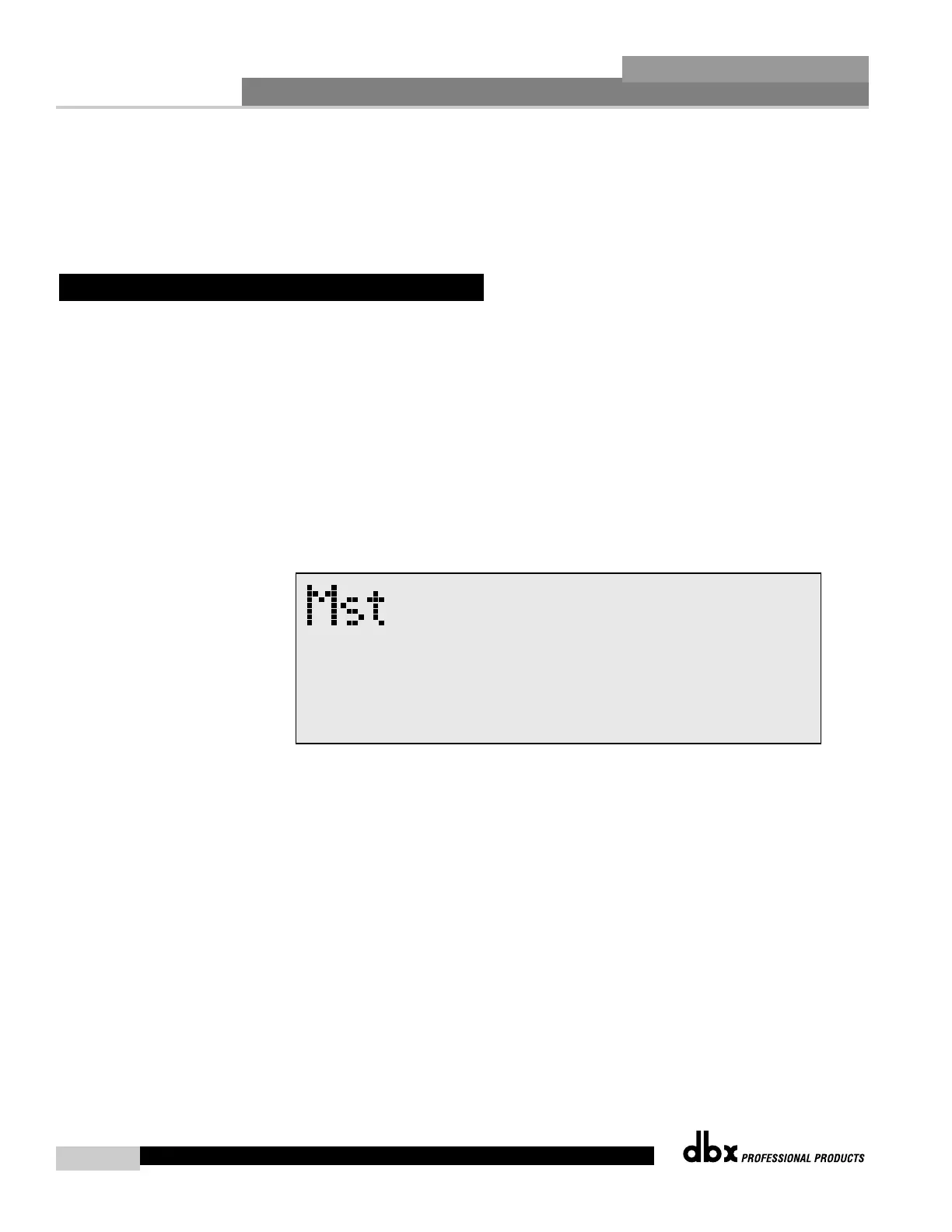
• From Program mode, press the UTILITY button and move to page 5 of the Utility menu by
using the NEXT PG and PREV PG buttons. Once you have reached page 5, the display
will appear as follows:
• Use the PARAMETER 1 knob to select either Program list or Normal modes of operation.
Once you have made your selections, press the PROGRAM/CONFIG button to return to
program mode.



 To Next Page