Configuring the DriveRack™
Section 3
DriveRack
™
33
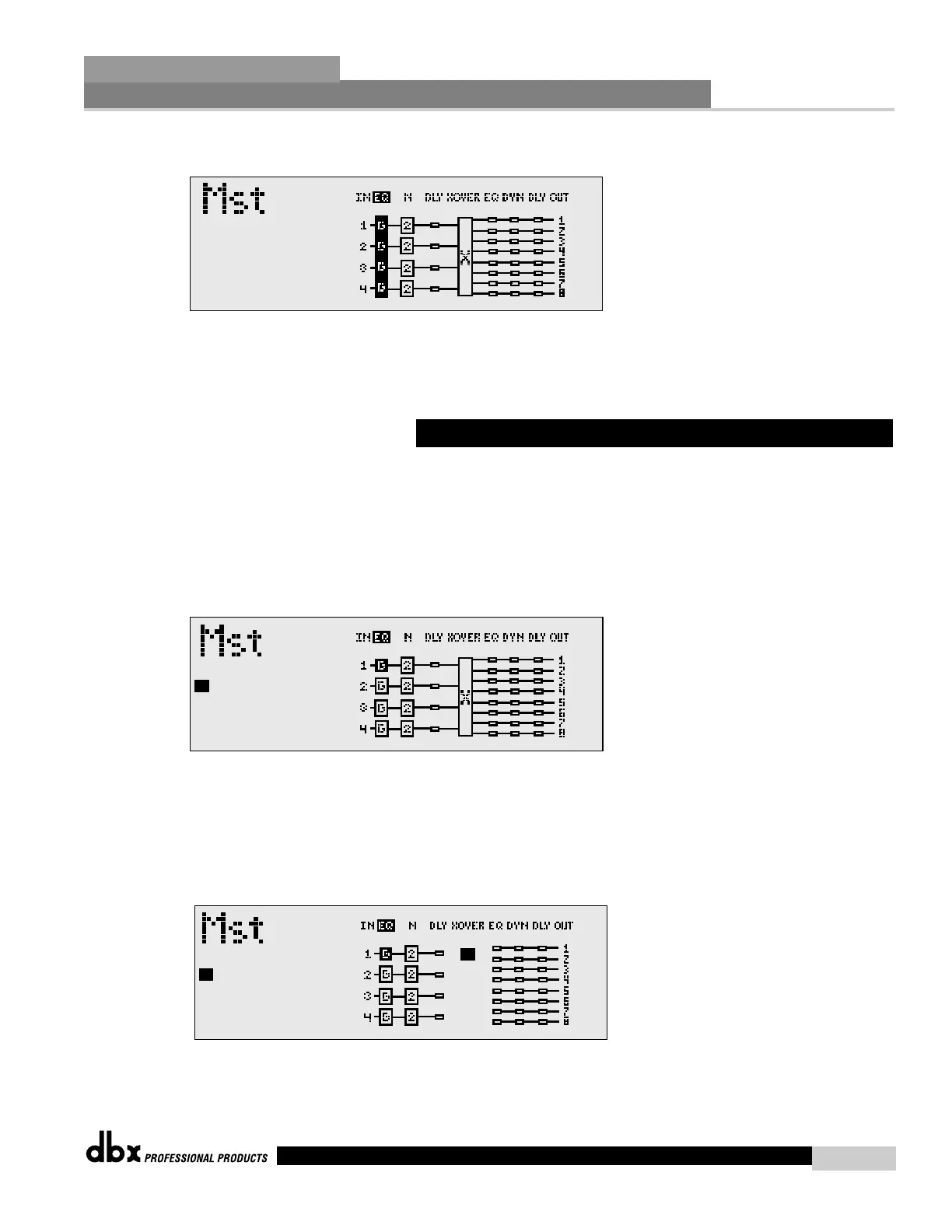
the display will appear something like this:
Note: Linking modules past the crossover section will be dictated by the selected crossover
type. For example, if a two-way crossover is used, you will be limited to linking the
effect modules past the crossover to highs and lows.
The user has the ability to select and position the desired crossover within the crossover mod-
ule section. You also have the ability to change the crossover output route while you are select-
ing and moving crossovers. The procedure is as follows:
• From Program mode, press and hold the PROGRAM/CONFIG button until you are in
Configuration mode. The display will appear as follows:
• At this point use the Parameter 2 and 3 knobs to move to the crossover section.
• Once the crossover section has been selected, use the PARAMETER 1 knob to select
the desired crossover type.
• If you wish to move a crossover type, simply rotate the PARAMETER 1 knob counter
clockwise until the display appears something like this:
• Now use the PARAMETER 3 knob to move the crossover module to the desired posi-
tion.



 To Next Page