28
Section 3
DriveRack
™
DriveRack™ User Manual
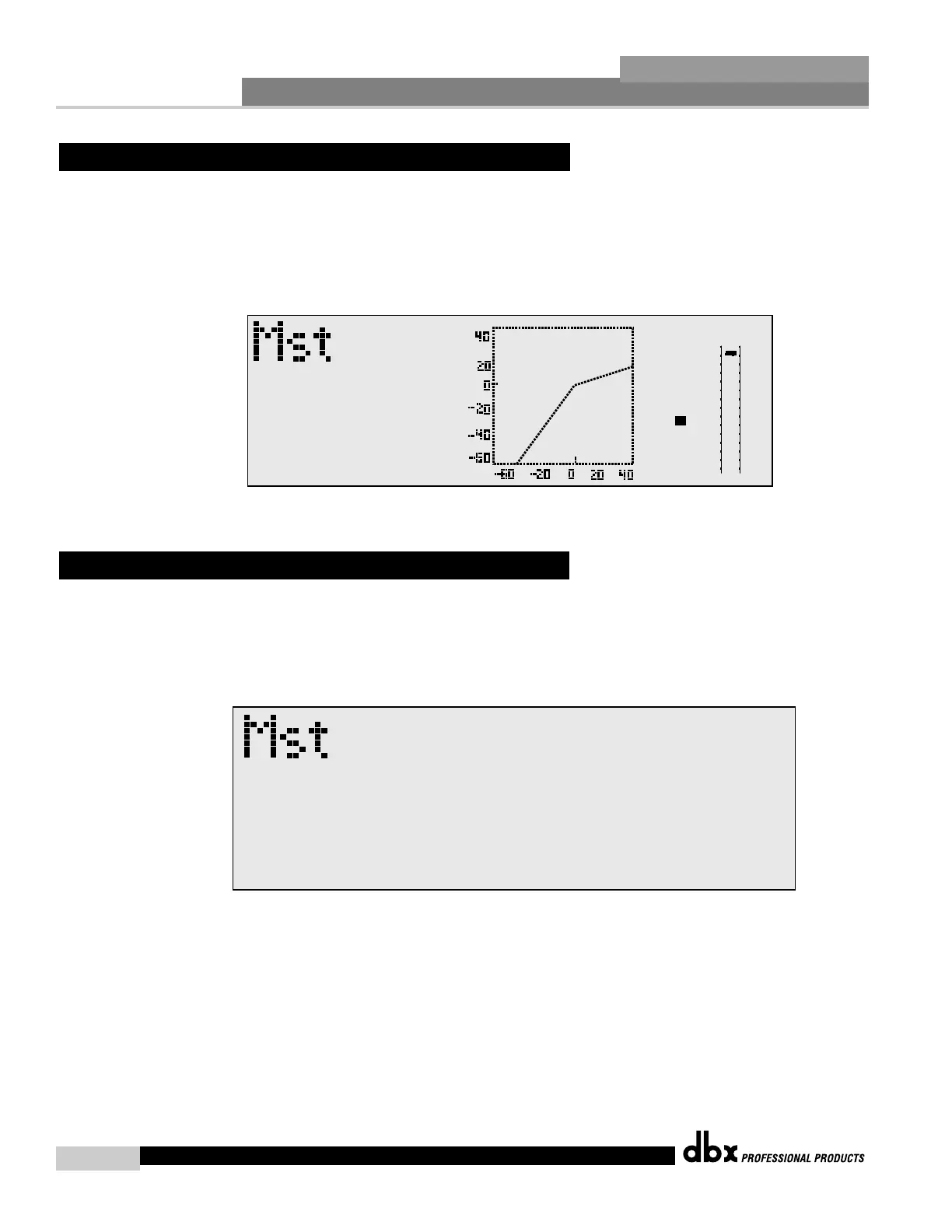
Once you have reached the module that you wish to edit, simply use the
PREV PG and NEXT PG buttons to move through the pages within the module. The PARA-
METER knobs are used to edit parameter values. The following illustration shows an exam-
ple of the Compressor/Limiter module in edit mode:
Once you are satisfied with the changes that have been made to a factory or user program, the
DriveRack™ allows you to save these changes to the program as a custom USER program by
simply pressing the STORE button, and the display will appear something like this:
Rotate the Parameter 2 knob to move the cursor position. Rotate the Parameter 1 knob to
select the desired character. Push the PARAMETER 2 knob to toggle between upper and
lower case characters.



 To Next Page