The Redundancy function of the 480, 481, 442 and 482 DriveRack™ units is the very defini-
tion of the old saying that you can never be too safe. This unique function of the
DriveRack™ units ensure that programming information in the 480, 481, 442 and 482
DriveRack™ units is safe guarded in the event of any unfortunate malfunction. Simply put,
this means that the program information within any 480, 481, 442 or 482 DriveRack™ is con-
stantly being backed up and stored not only into the memory of the selected unit, but also
the master unit of the DriveRack™ network as well as the 480R (if used) and the PC GUI.
Simply pull the unit out, and insert a new unit in its place. The following information will
provide you with ways to optimize this priceless feature.
• To enable the Redundancy feature, enter the Utility menu by pressing the Utility button
and then using the NEXTPG and PREVPG buttons to move to page 11 of the utility
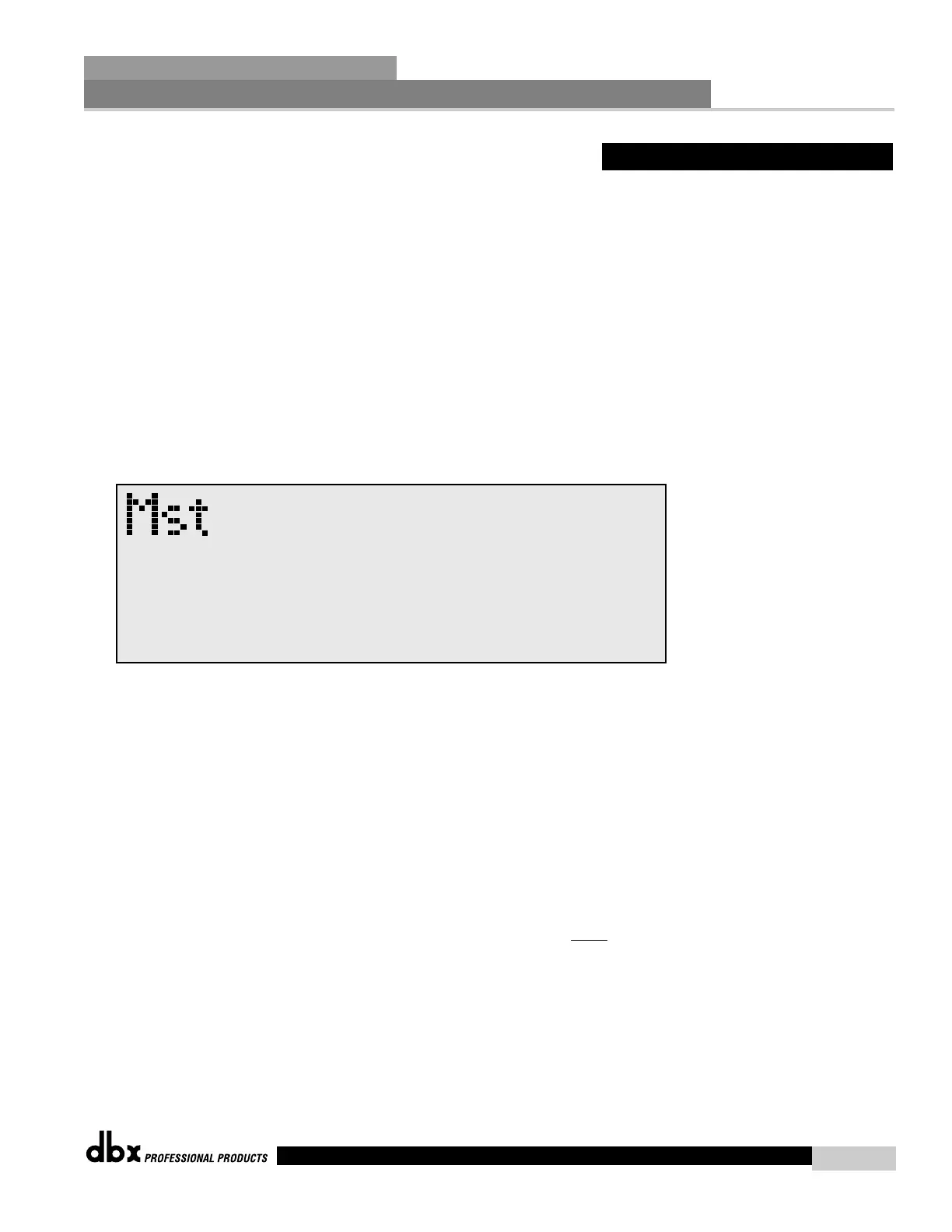
menu. Use the PARAMETER 1 knob to engage the Redundancy Mode. The display will
now appear as follows:
• At this point, the master unit, 480R (if used) and the PC Interface (if used) is/are now
recording any activity that takes place within the network of units.
Replacing Units
• If a DriveRack™ unit needs to be taken out of the network backbone, the master unit
automatically stores the unit’s information until the unit is either returned or a replacement
unit is put in its place within the network.
• Once a DriveRack™ unit is inserted, the master unit will automatically download the last
information that it received from the corresponding unit, regardless of whether the editing
information had been stored.
• NOTE: Anytime a unit is replaced, the same identification number must
be assigned to
the replacement unit in order for the master unit to recognize and send information.



 To Next Page