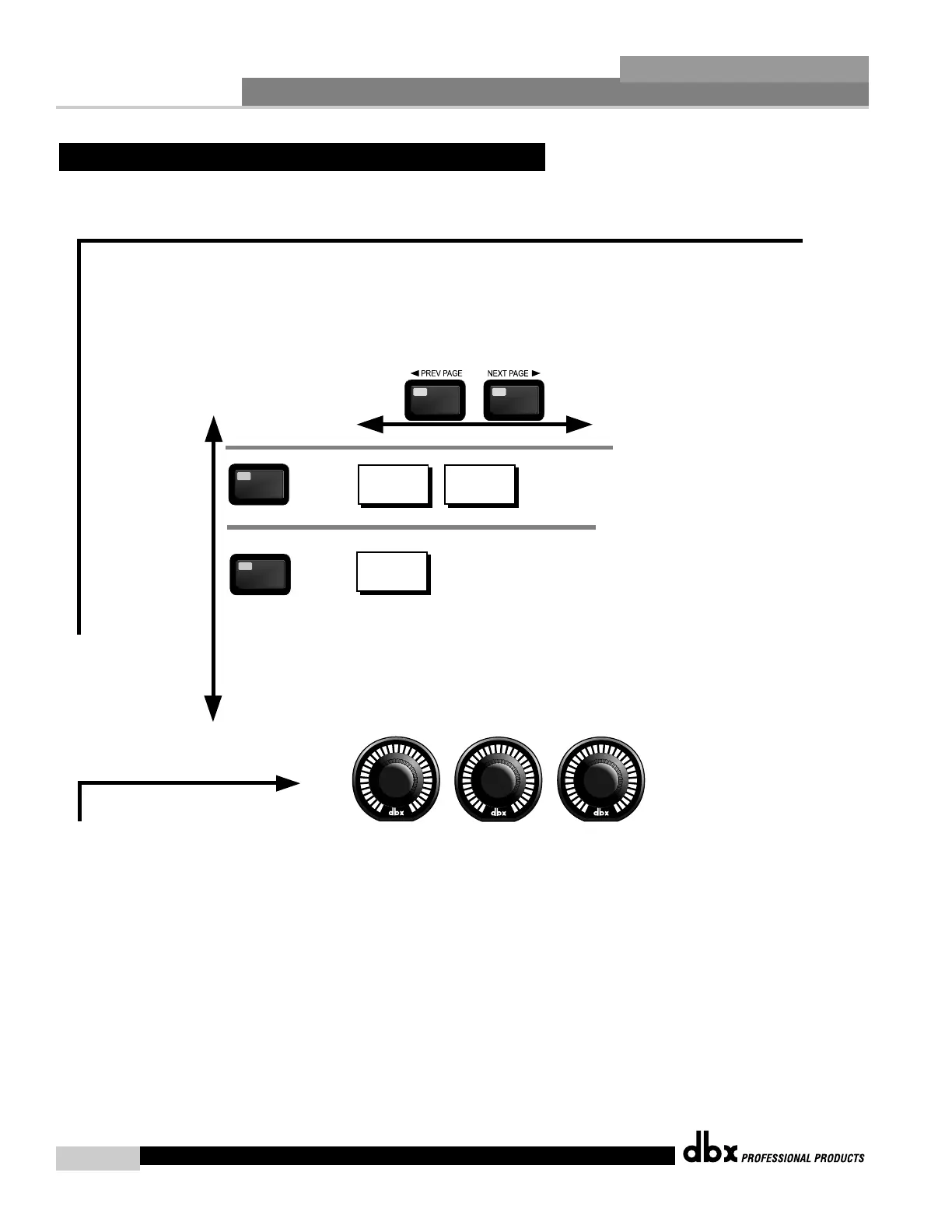
Navigating the Other (Input and Output) Sections
The OTHER button
toggles through
the Input and
Output modules used
in each channel of
the selected
program.
OTHER
OTHER
Level
High Pass On/Off
OTHER
OTHER
Pink Noise On/Off
Noise Level
Input Channels 1-4
Output Channels 1-8
Level/Shift
Out Level
Phase Shift
To edit the parameters of the Input and Ouptuts used in a selected program, simply use the following procedure. From program mode,
either press the OTHER button or use the Parameter 2 or 3 knobs to move to Input or Output modules. Once you have reached the
Input and Output modules, press the next pg and prev pg buttons to access the editing pages of the module. Successive presses
will move through each of the Input and Output editing modules. Navigate through the Pages of the
selected Input or Output module by pressing the "Next Page" or "Prev Page" buttons
successively until arriving at the desired Page.
1
2 3
The PARAMETER buttons are used
to edit parameter values



 To Next Page