DriveRack™ User Manual
• Once the desired program has been selected, press the PARAMETER 3 knob to execute the
program dump.
The BULK DUMP option allows a complete system exclusive dump of the entire contents of the
480, 481, 442 or 482’s memory. This includes all user Programs, Setups, Utility, and MIDI con-
figurations. To perform a system exclusive dump of the entire contents of the memory, do the
following:
• Enter the “Utility” menu by pressing the UTILITY button once.
•Press the NEXT PAGE button until page 10 is reached.
•Press the PARAMETER 3 button to dump all information of the DriveRack™.
The 480, 481 or 482 DriveRack™ units allow you to assign unique SYSEX ID numbers to an indi-
vidual unit. The procedure for SYSEX ID setting is as follows.
• Enter the “Utility” menu by pressing the UTILITY button once.
•Press the NEXT PG or PREV PG button until page 8 is reached.
• Use the PARAMETER 2 knob to set the SYSEX ID number for the currently selected unit.
The Utility menu of the DriveRack™ will allow you to set the gain of the RTA Mic Preamp on
channels 3 and 4. The procedure is as follows:
• From Program mode, press the UTILITY button and use the PREV PG and NEXT PG
button to move to page 7 of the Utility menu.
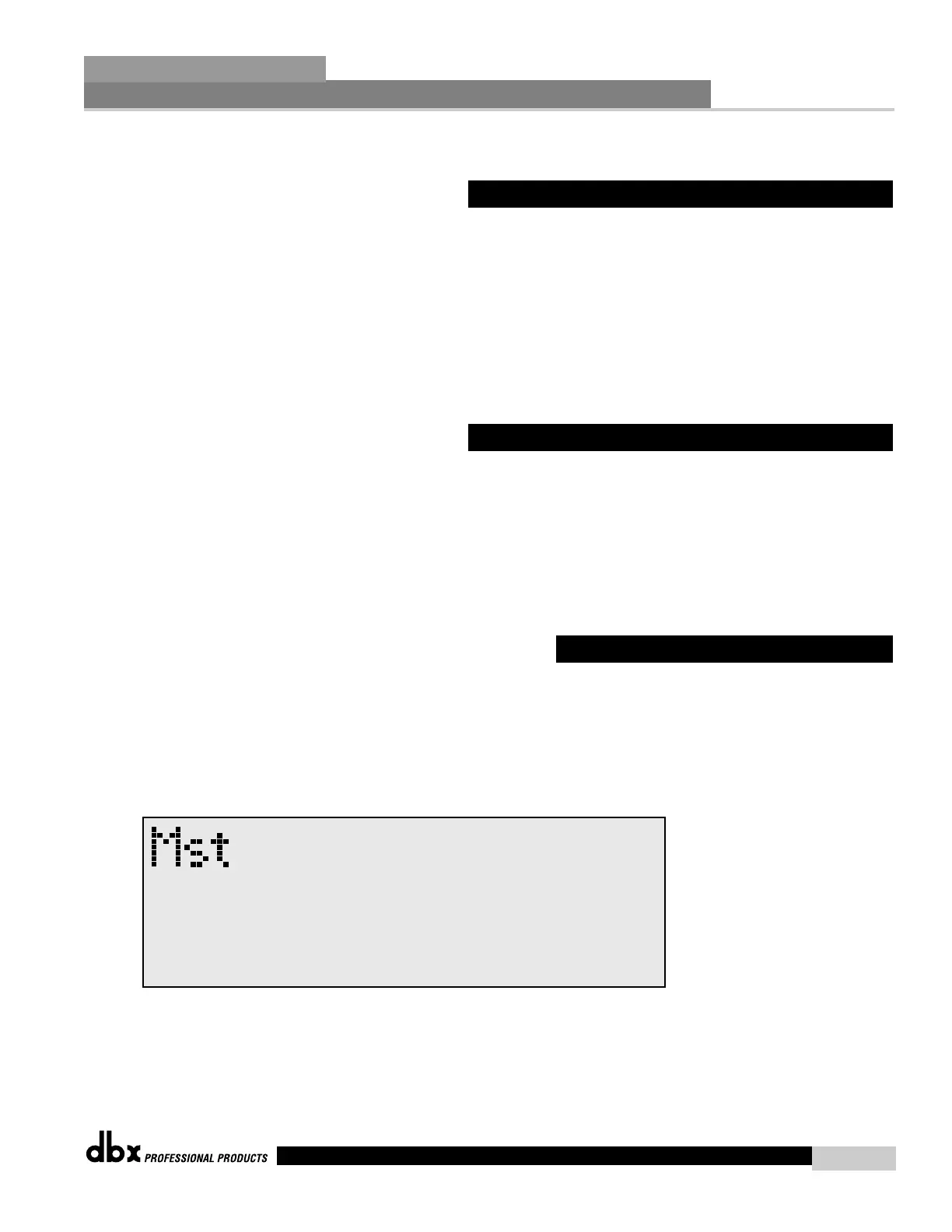
• Once you have reached page 7, the display will appear something like this:
• Use the PARAMETER 1 and 2 knobs to set the desired gain of Channel 3 and 4. Range
is from 20.0 to 60.0 dB.



 To Next Page