DriveRack™ User Manual
• Rotate the PARAMETER 2 knob to set the cursor position and rotate the PARAMETER 1
wheel to select characters. To shift characters, press the PARAMETER 1 knob.
• Once you are satisfied with your security password, simply press the STORE button to enter
the new password. You can press the Program button at any time to cancel this procedure.
• Note that security passwords can be changed only by the high security user.
Since the security system has three levels (high,med,low), there can be three different levels of
users accessing the unit. The high security password user can change/lockout all modules and
users, while the medium security password user has access to limited modules and functions
and the user with low access will not have access to any modules with security settings with a
security clearance high or medium.
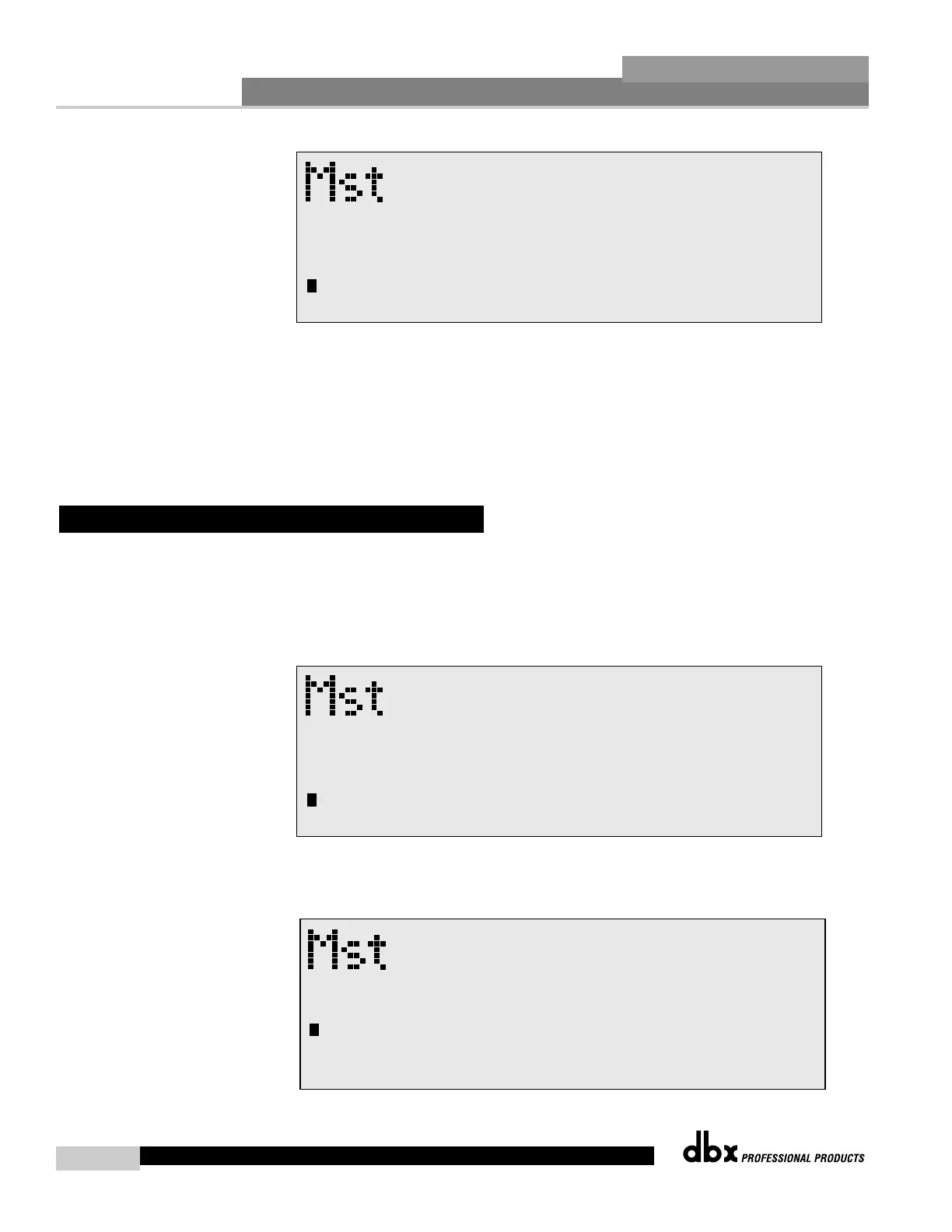
• From Program mode, press the UTILITY button and move to page 3 and the display will
appear something like this:



 To Next Page