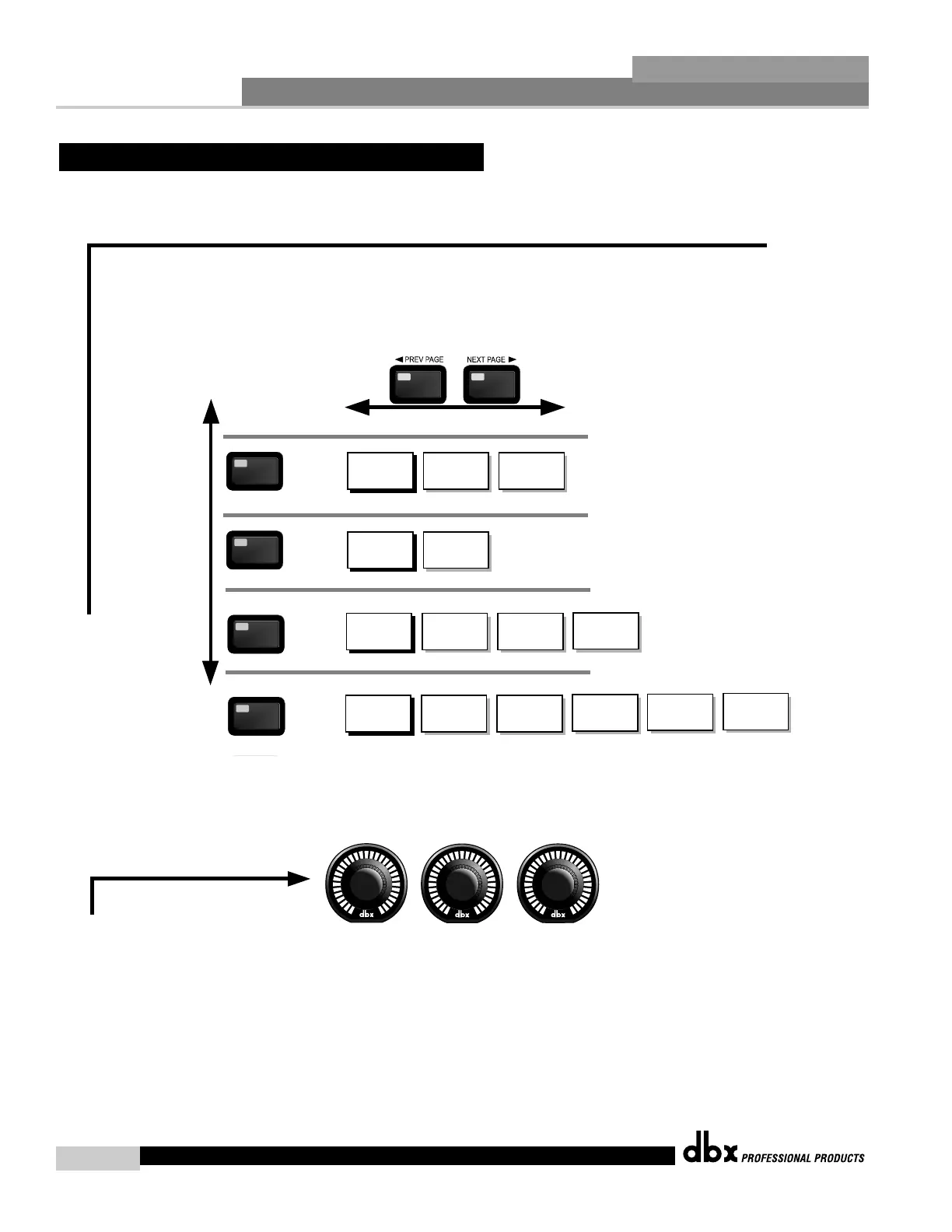
Navigating the "X-OVER Section"
The PARAMETER knobs are used
to edit parameter values
1
2 3
The X-OVER button
toggles through
the Crossover
modules used in
each channel of
the selected
program.
X-OVER
X-OVER
Low Fc
Center Fc
High Fc
X-OVER
X-OVER
Type
Low Slope
High Slope
1X2... X-OVER
X-OVER
Filter Type
X-OVER
Lowpass
Highpass
Low Slope
High Slope
Filter - Dual Filter
1X3... X-OVER
Low1 Fc
Center1 Fc
High1 Fc
Type
Low1 Slope
High1 Slope
Low2 Fc
Center2 Fc
High2 Fc
Type
Low2 Slope
High2 Slope
X-OVER
X-OVER
1X4... X-OVER
Low1 Fc
Center1 Fc
High1 Fc
Type
Low1 Slope
High1 Slope
Low2 Fc
Center2 Fc
High2 Fc
Type
Low2 Slope
High2 Slope
Low3 Fc
Center3 Fc
High3 Fc
Type
Low3 Slope
High3 Slope
To edit the parameters of the Crossover used in a selected program, simply use the following procedure. From program mode,
either press the X-OVER button or use the Parameter 2 or 3 knobs to move to Crossover module. Once you have reached the Crossover module,
press the Parameter 2 or 3 buttons to access the editing pages of the module. Navigate through the Pages of the selected Crossover
module by pressing the "Next Page" or "Prev Page" buttons successively until arriving at the desired Page.



 To Next Page