DriveRack™ User Manual
• At this point, to toggle between MIDI and RS232 modes, press the PARAMETER 2 knob.
Within the Utility menu, you have the option of changing the set up so that when the
DriveRack™ units are powered up, the output mutes will either ALL be Muted or SAVED, which
defaults to the saved system setting. To change this feature, use the following procedure.
• From Program mode, press the UTILITY button and use the PREV PG and NEXT PG
buttons to move to page 6 of the Utility menu.
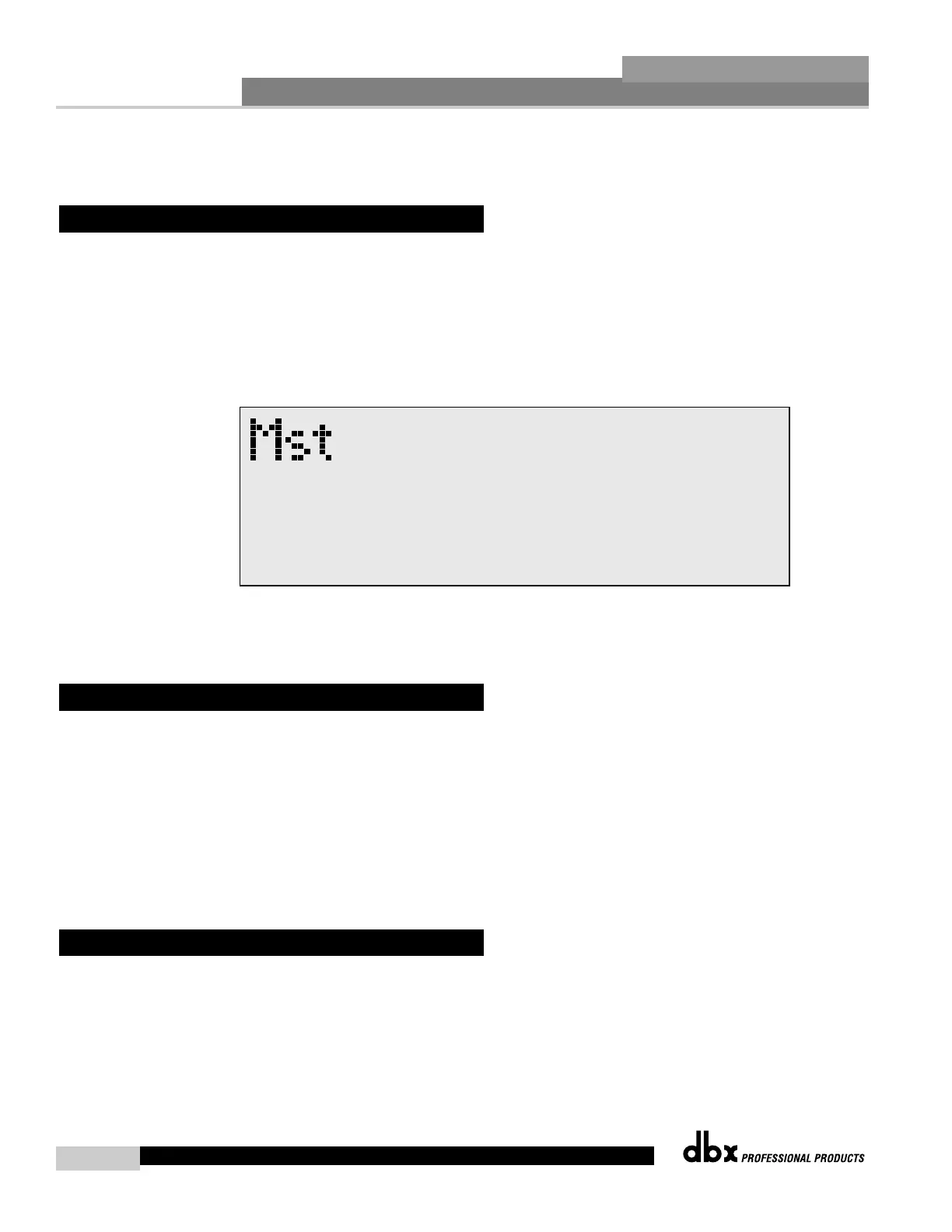
• Once you have reached page 6, the display will appear something like this:
• To change the Power up set up, simply press the PARAMETER 3 button.
MIDI CH
Selects which MIDI channel the 480, 481, 482, 442 or 480R will receive program changes on.
Selections are; OFF, 1-16 or OMNI.
SYSEX ID
Selects the SYSEX ID for the currently selected DriveRack™ unit. Selections are Off, 1-16 or
OMNI. To perform any MIDI functions, you must have PC COMM setting set MIDI. This set-
ting must be changed back to RS 232 to perform any network functions.
Program Dumps
The 480, 481, 442 or 482 DriveRack™ units are capable of dumping program information from
unit to another via the MIDI connectors. To send a MIDI program dump, use the following
procedure.
• From Program mode press the UTILITY button and use the PREV PG and NEXT PG
buttons to move to page 9 of the utility menu.
• Use the PARAMETER 2 knob to select the desired program to be dumped.
6.11 MIDI Program Dumps
6.10 MIDI Channels



 To Next Page