®
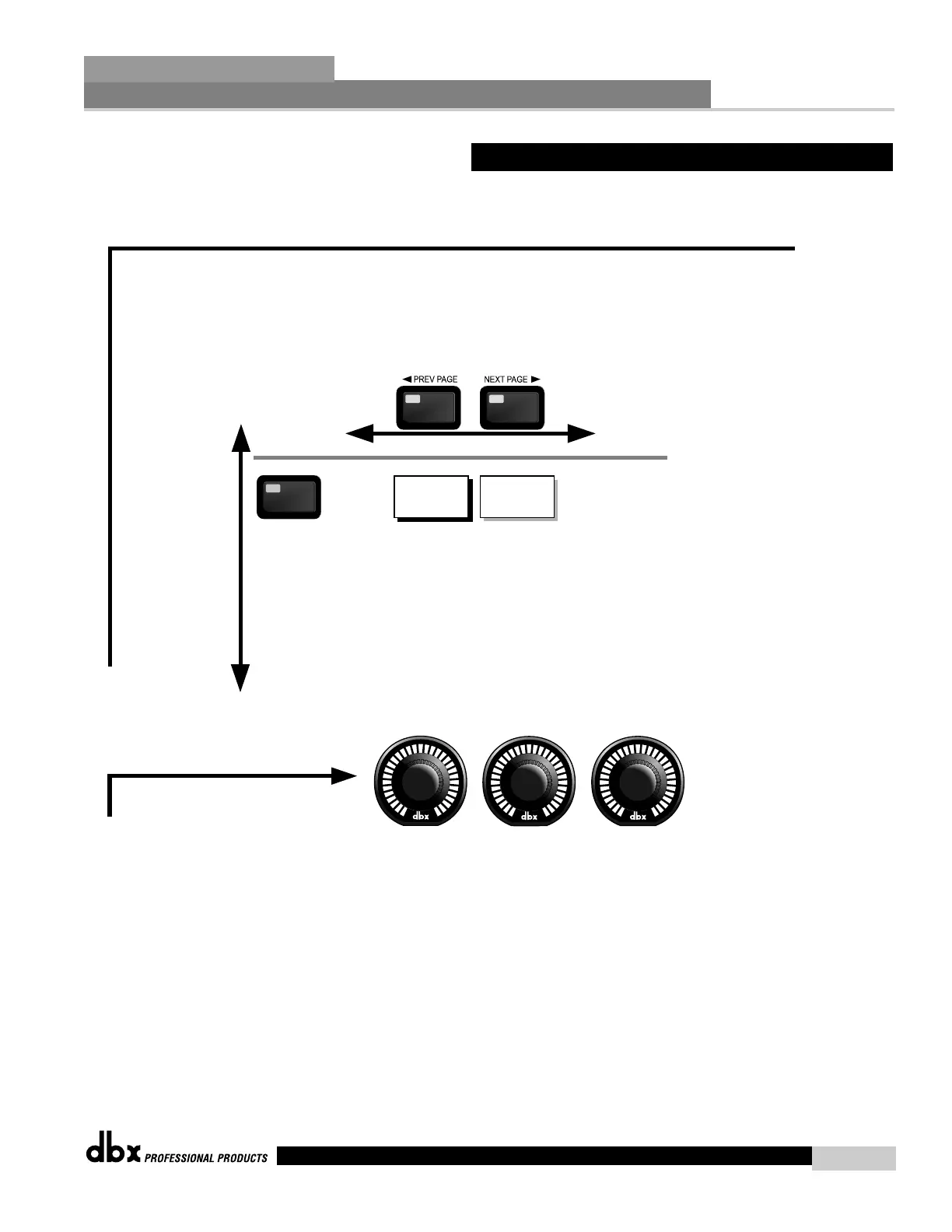
Navigating the "RTA" Section
The PARAMETER knobs are used
to edit parameter values
1
2 3
The RTA button
toggles through
the RTA
modules used in
each channel of
the selected
program.
Note that you
must be in a
that uses an
RTA module
to utilize
this feature.
RTA
RTA
Input
RTA Gain
Mic Sens.
Rate
Scale
Display
RTA
To edit the parameters of the Real Time Audio Analyzer used in a selected program, simply use the following procedure. From program mode,
either press the RTA button or use the Parameter 2 or 3 knobs to move to RTA module. Navigate through the Pages
of the selected RTA module by pressing the "Next Page" or "Prev Page" buttons successively until arriving at the desired Page.
2.8 Navigating the RTA
Editing Functions
Section 2
DriveRack
™
19
DriveRack™ User Manual



 To Next Page