DriveRack™ User Manual
• Use the PARAMETER 3 knob to select the USER program to be replaced. Once the pro-
gram to be replaced has been selected, press the STORE button once again and the pro-
gram will then be replaced.
• To store a program as a new USER program, press the STORE button and then press the
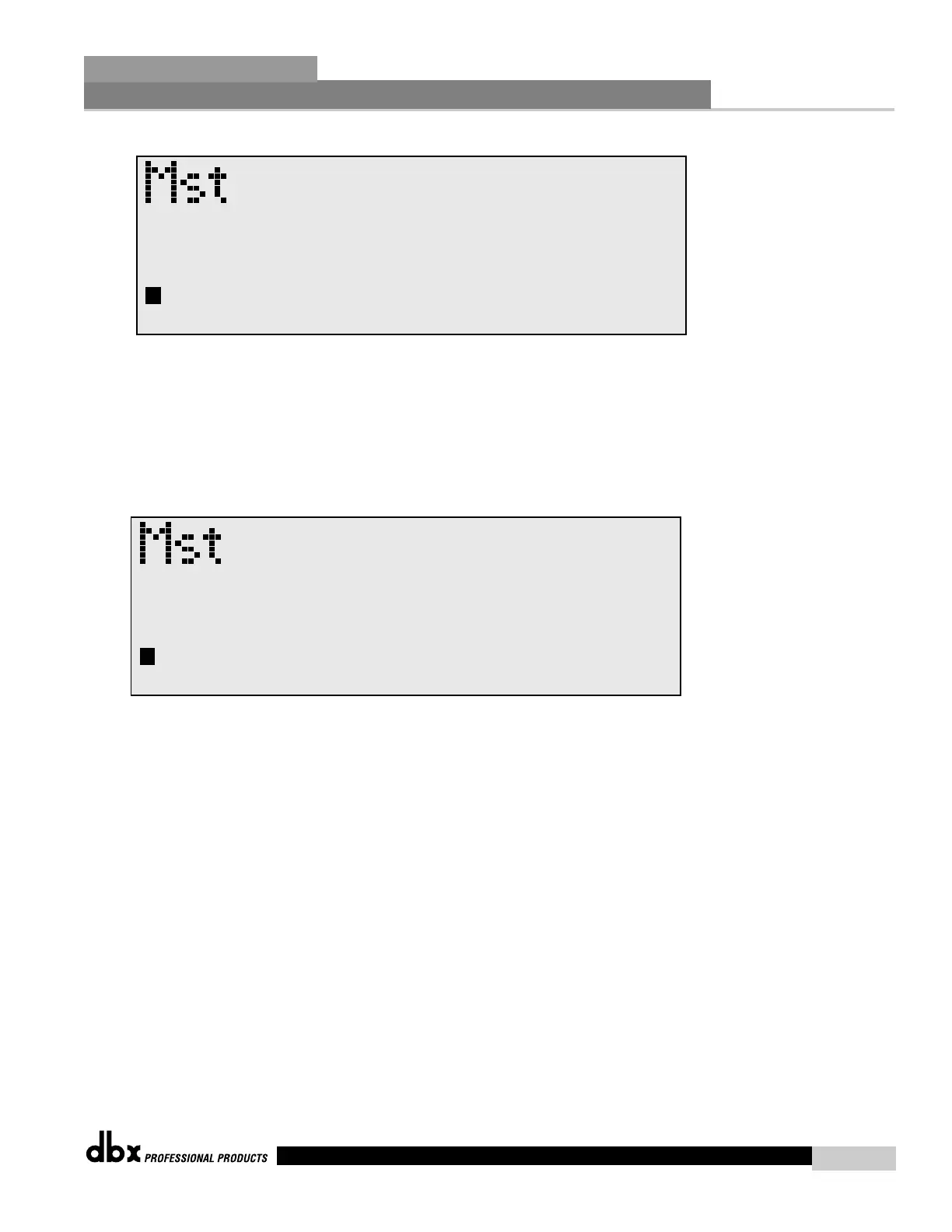
PARAMETER 2 knob to store as new and the display will appear as follows:
• At this point, use the PARAMETER 3 knob to select the position where the new USER
program will be stored.
To abort the save procedure at anytime, simply press the PROGRAM/CONFIG button.



 To Next Page