Controlling Remote Units:
In a DriveRack™ system, the entire system can be controlled by either the 480, 480R or the PC
GUI interface. The following information explains how to control other units within the
DriveRack™ system by a single unit.
via the
480 DriveRack™- Follow this procedure when the 480 is set as the master. From program
mode, press the UTILITY button and use the PREV PG and NEXT PG
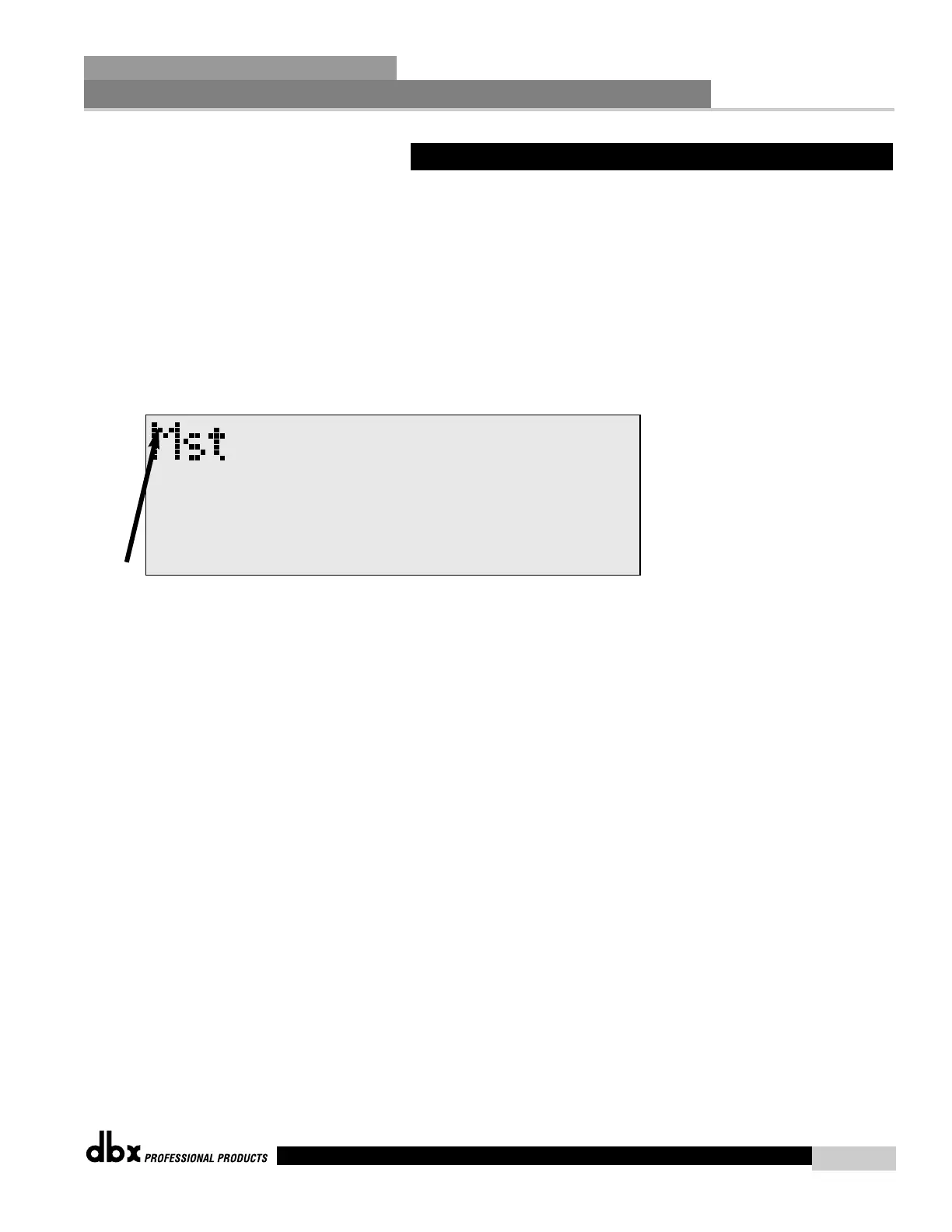
buttons to move to page one of the Utility menu. The following display
will appear:
• Note that the reversed lit number or Mst in the top left-hand corner of the display indi-
cates the unit currently being controlled.
• Use the PARAMETER 2 knob to set the Target ID. This simply means that you are asking
the 480 DriveRack™ to call up the device ID of any one of the other DriveRack™ units that
are in the network system.
• Once you have called up the desired device, press the PARAMETER 3 knob to activate
the device link.
•Once the PARAMETER 3 knob is pressed, the unit will return to program mode. Repeat
this procedure anytime you wish to call up another device in the Network system.



 To Next Page