80
SECTION 7
DriveRack
™
be controlled simultaneously. In addition, an offset delay can be added to the System
Control Input Group. Any output of any Driverack unit used in a network setup can be
assigned to the 32 System Control Output Groups. An output can be assigned to more than
one group. By assigning outputs to the System Control Output Group, those outputs are then
linked together and their Delay offset, Output Level offset and Mute can be controlled simul-
taneously.
As an example of how you assign the outputs, you can make output groups called: HIGH,
MID, LOW, SUB, MAIN, DELAY TOWERS, and ALL. You would assign all the high frequency
driver outputs to the HIGH group. Similarly, assign the mid, low and sub outputs. All out-
puts associated with the main outputs are assigned to the MAIN group. All outputs associat-
ed with the delay towers are assigned to the DELAY TOWER groups. Finally, all outputs are
assigned to the ALL group. With this configuration you can adjust the levels of the low, mid,
high and sub outputs relative to one another. You can also adjust the level and delay
between the delay and main towers relative to one another, and ultimately, have control over
all outputs.
DriveWare allows configuration and parameter editing for System Control. The following
gives a brief explanation of the System Control elements within DriveWare.
Sys Control Preferences:
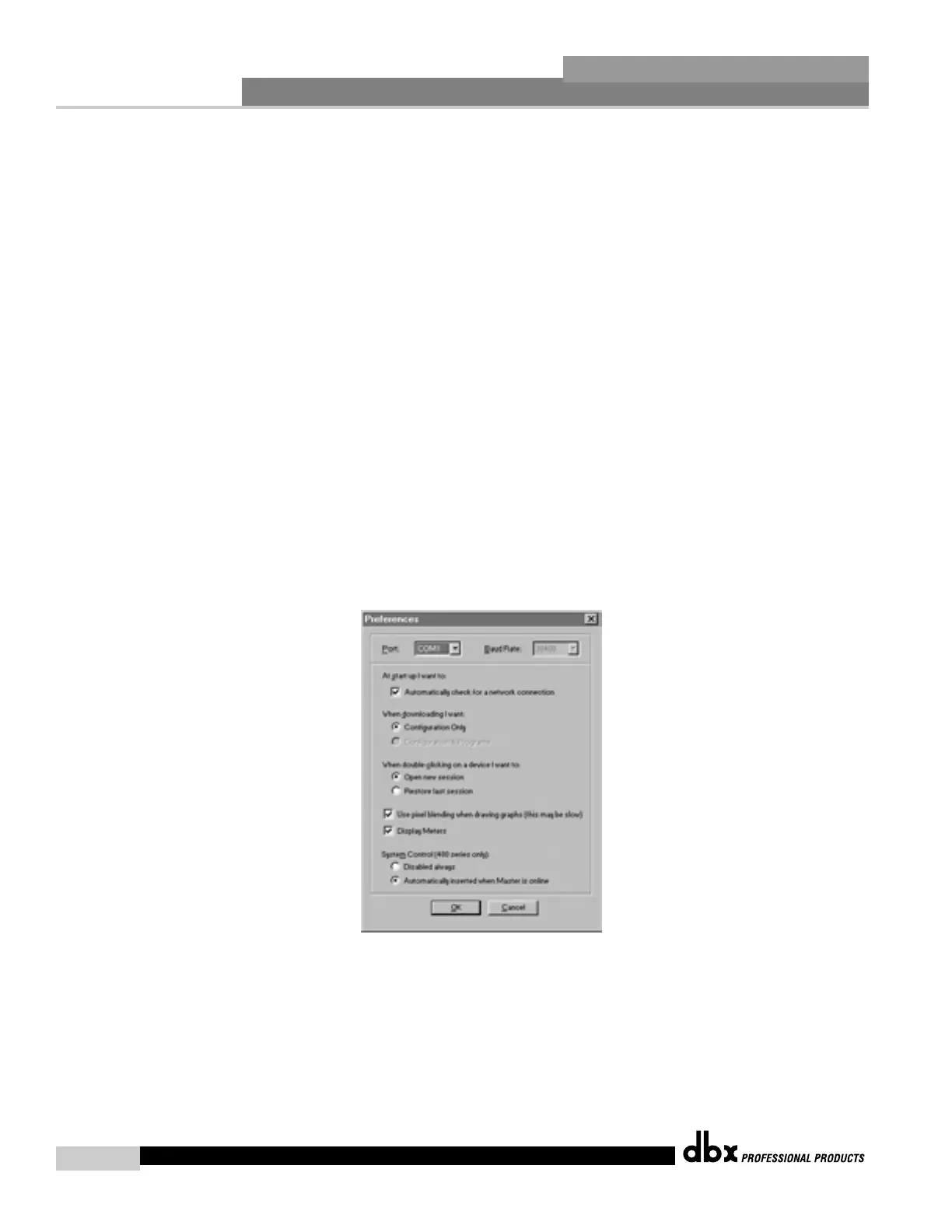
Select File: Preferences:
This opens a window for changing Driveware preferences which appears as follows:
System Control (480 series only)
Disable always – Disables GUI control of Syscon when selected.
Automatically inserted when Master is online – Adds a SYSCON device when a Master device
is detected online.
System Control Configuration Window:
Select Edit: System Control Configuration
DriveRack™ User Manual



 To Next Page