78
SECTION 7
DriveRack
™
CUSTOM PROGRAM CONFIGURATION
The CONFIG mode allows the user to create any desired program setup. The following information outlines key
aspects to custom program configurations.
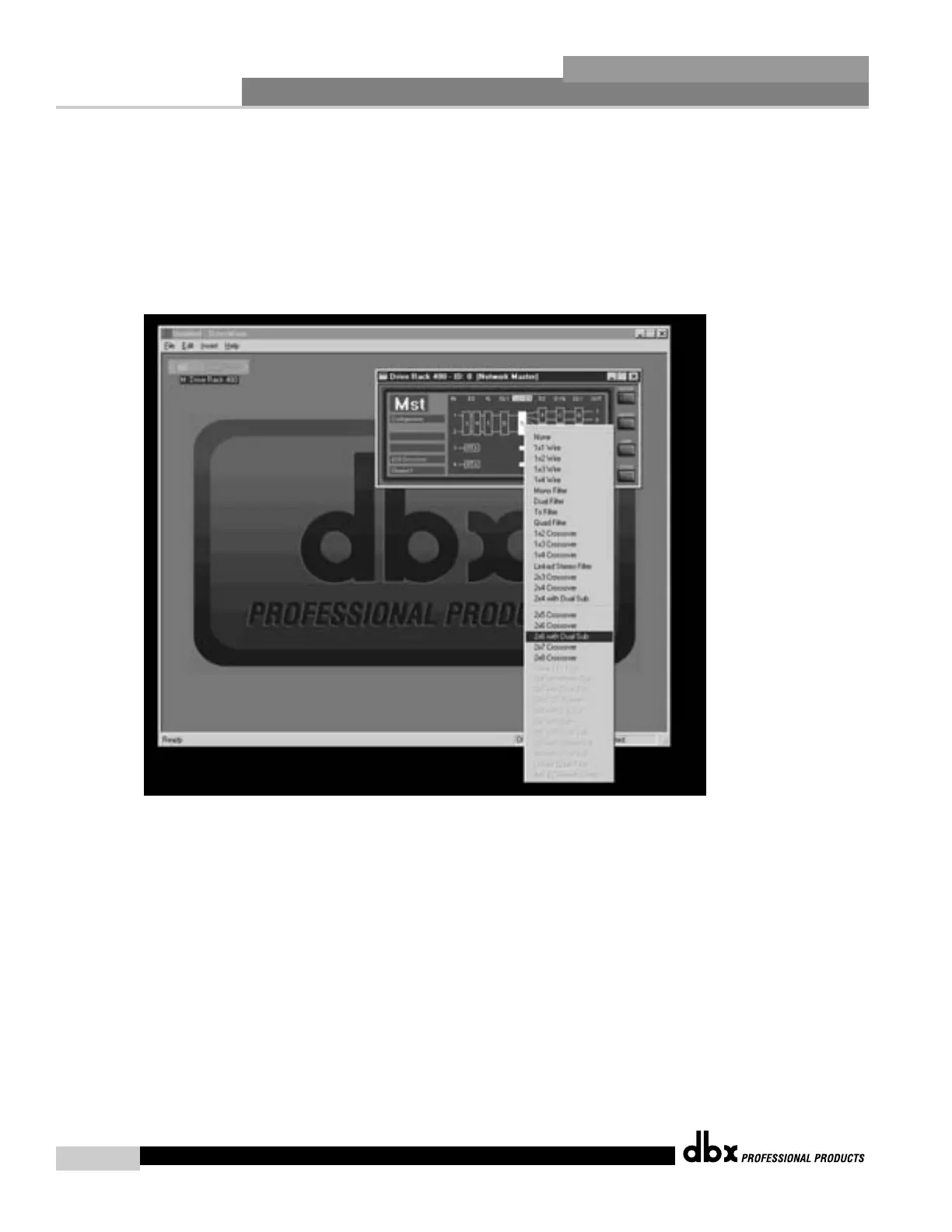
• To CONFIGURE a custom program, press the CONFIG button, then right-click on the module that you wish to con-
figure. A menu of all available options for this module will appear. For example, if the program you are working
with contains a stereo 4-Way crossover and wish to change current crossover configuration, right-click on the
crossover module. A list of possible crossover configurations is presented. Make your selection.
To LINK modules in the configuration mode, select the module by using a single left-click, then press and hold the
<SHIFT> key and click on the adjacent module that you wish to link it to. Right-click the mouse, and a link icon
will appear. At this point, simply click on the link icon, the link will be made.
To load the new configuration, click on the CONFIG button. You will now be prompted to either load the new
configuration, or revert to the previous program.
DriveRack™ User Manual



 To Next Page