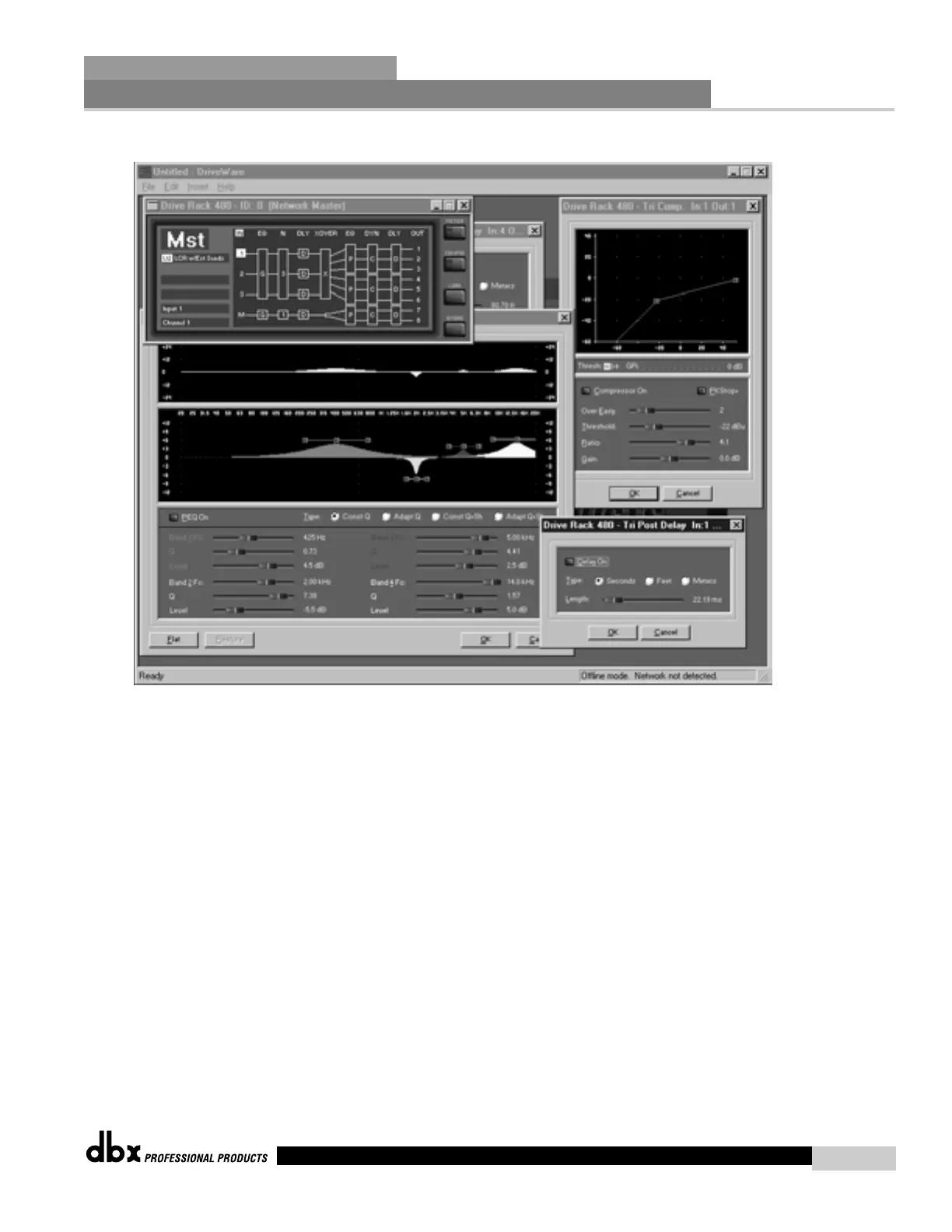
Edit View (with Multiple Modules open)
• Notice that you can have as many windows open as required by your application.
The intuitive interface of the DriveRack™ GUI allows you to make selections to
any parameter of any unit all in real time.
• When there are many windows open for several units in the DriveRack™ network,
note that each window header indicates which network unit the module is used in.
This will help spare any confusion as to which unit is being edited.
Network Functions
SECTION 7
DriveRack
™
77
480 User Manual



 To Next Page