76
SECTION 7
DriveRack
™
EDITING PROGRAM PARAMETERS
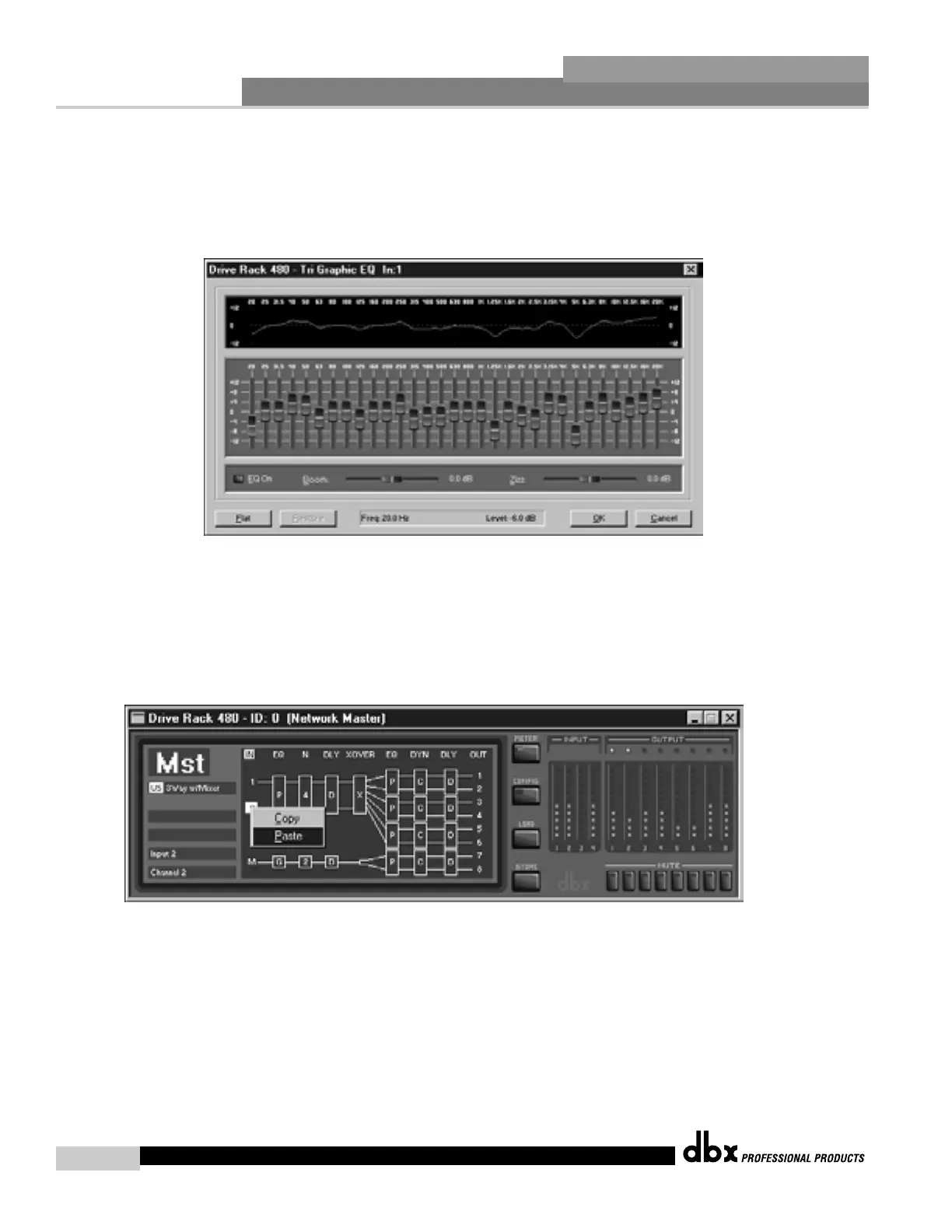
• To edit module parameters, simply double-click on the desired module. An edit window will appear (see below)
where all parameters can be instantly accessed and edited.
• When editing parameters, the up and down <ARROW> keys on the keyboard can be used to fine-tune parameter
values. The <Z> or <0> keys can also be used (in Graphic EQ modules) to flatten the selected frequency.
• To duplicate module parameters, a module can be copied and pasted within DEVICE view, by using the right-click
button of the mouse. The module can also be selected by using a single left mouse click, and then using the
<CNTRL> C buttons of the keyboard to copy and <CNTRL> V to paste.
DriveRack™ User Manual



 To Next Page