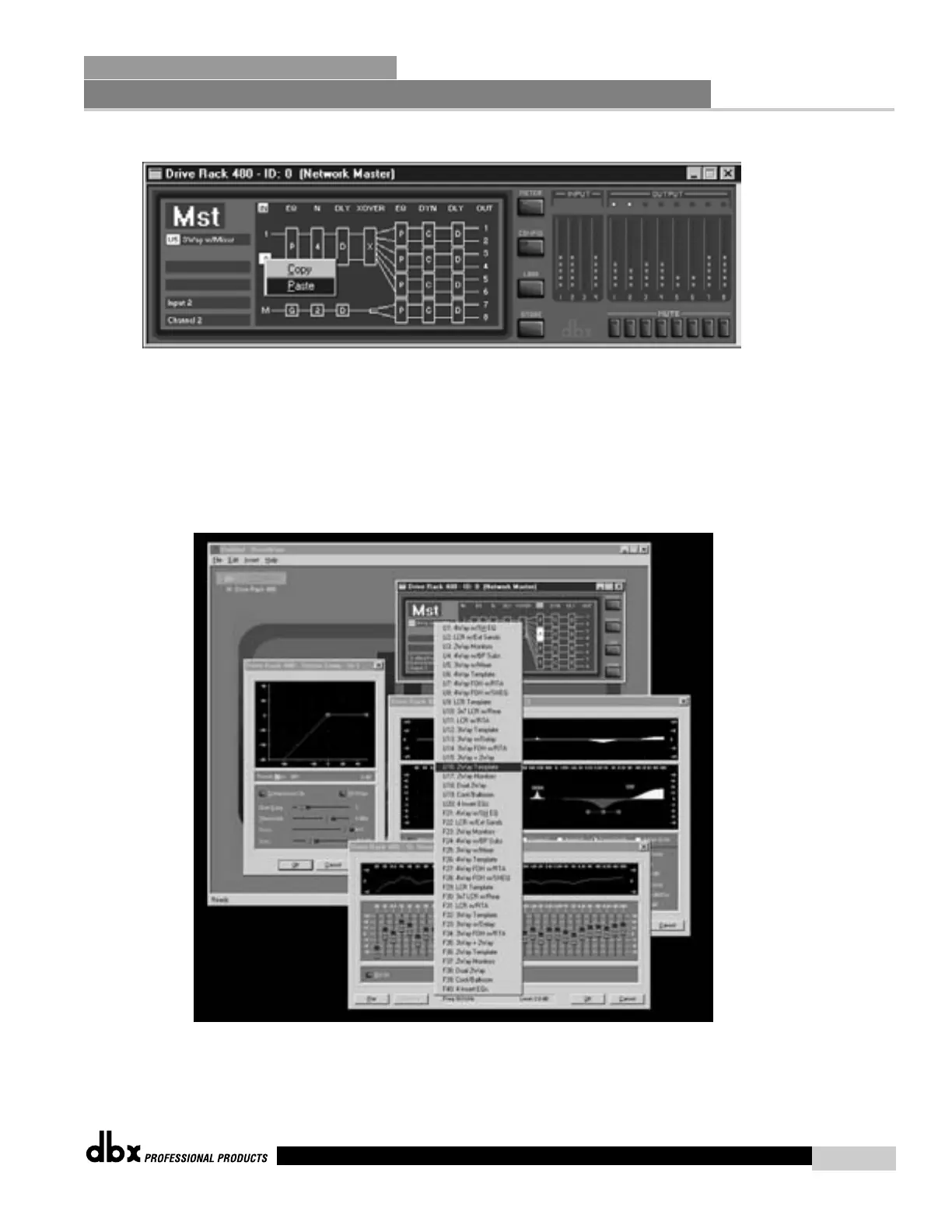
Basic DEVICE View w/Cut and Paste
LOADING PROGRAMS
• To LOAD factory/stored programs, right-click on the program line (located in the upper left corner of the DEVICE
view window). At this point, a program menu is displayed. Choose the desired program by moving the mouse
back and forth. If you are working in “off-line” mode (not connected to a DriveRack unit), the program will auto-
matically load. If you are in “on-line” mode (connected to either one or multiple units), the load button must be
pressed.
Network Functions
SECTION 7
DriveRack
™
75
DriveRack™ User Manual



 To Next Page