V0215, 6.13
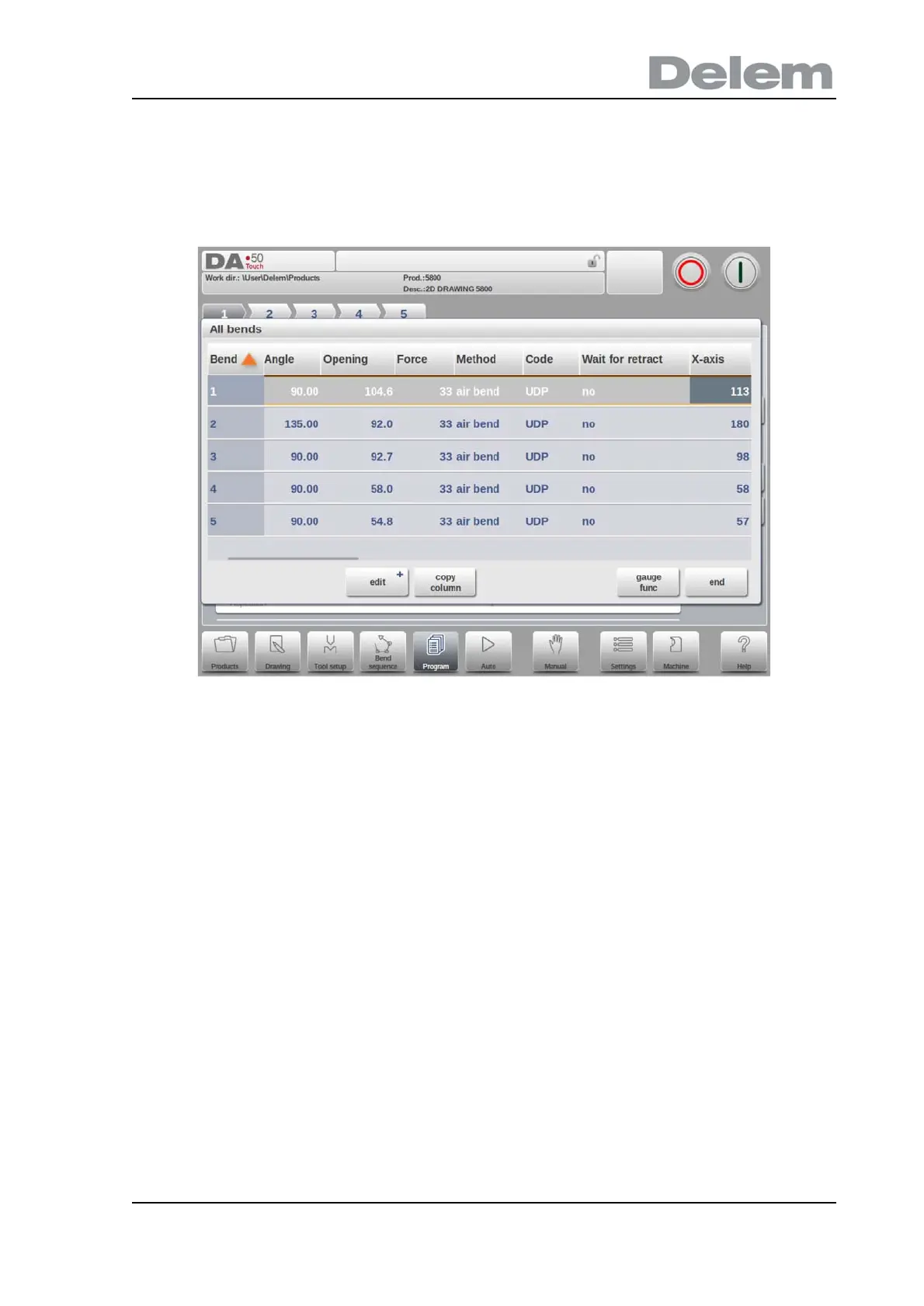
Bend parameters - All Bends
When the function All Bends has been pressed, a complete overview of the bends appears.
After pushing End the page from which this page was selected will be restored, with the cursor
on the parameter selected before.
Specific bend can be selected on the screen by putting the highlighted bar on that bend, then
selecting END.
From within this screen, the complete CNC program can be edited. All bend parameters can
be edited within the table and bends can be swapped, moved, added and deleted.
The available columns can be scrolled by finger movement / swipe.
Functions
Edit
Edit the program with one of the following commands:
• insert bend
• mark bend
• delete bend
When the function Edit has been pressed a new, temporary button bar appears with additional
functions:
+Insert Bend
To insert a new bend between one of the bends. When pressed, the current bend is copied
and added after the current bend.
+Mark Bend



 To Next Page