Expansion enclosure LEDs
LEDs on the front and back of the expansion enclosure provide status of the system and its components.
Front panel LEDs
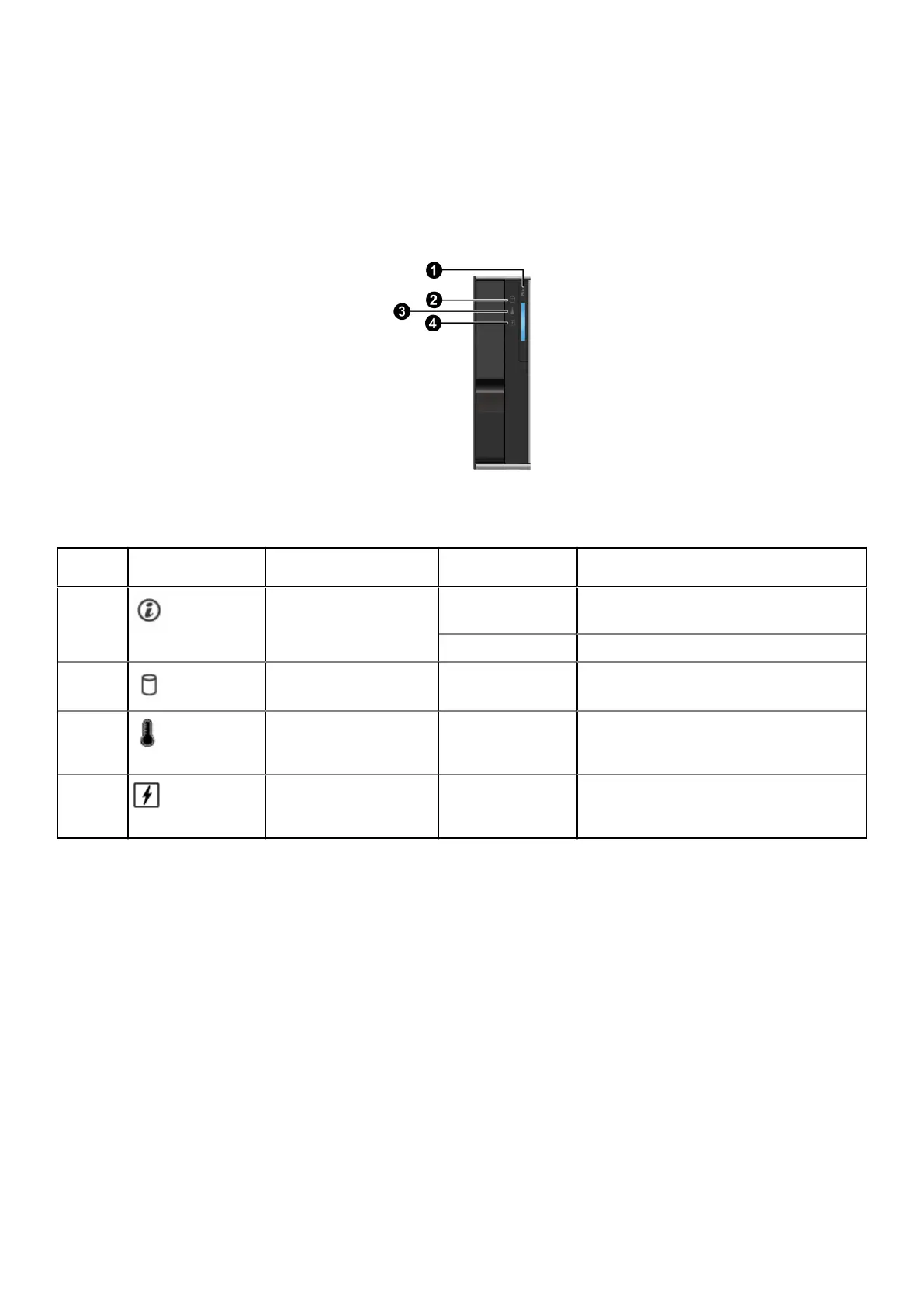
The front panel of the enclosure contains indicators that provide status information about the system.
Figure 9. Front panel LEDs
Table 7. States of the front panel LEDs
Index
No.
Indicator Description Color Status
1 System health Blue
● On solid: Normal operation
● Blinking (1 sec. on, 1 sec. off): Identify
Amber Blinking (2 sec. on, 1 sec. off): Fault
2 Drive fault Amber
● Off: Normal operation
● On: Failed drive in the enclosure
3 Temperature fault Amber
● Off: Normal operation
● On: Thermal fault such as temperature,
fan, and heat sink fault
4 Electrical fault Amber
● Off: Normal operation
● On: Electrical fault related to voltage or
PSU
Understand the PowerProtect Data Manager Appliance 19









 To Next Page